
DTF Printer Maintenance Checklist: Daily, Weekly & Monthly Care Guide (2026)
Quick Answer
A DTF printer needs three levels of care: daily (agitate white ink, run a nozzle check, wipe the exterior — about 5 minutes), weekly (clean the wiper blade, cap station, and film path), and monthly (deep-clean the printhead, flush ink lines, check belts and sensors). Skipping white ink agitation is the single biggest cause of clogged printheads, which can cost $300–$900+ to repair or replace.
If you run a DTF printer for even a few weeks, you already know the one part that misbehaves first: white ink. It settles, it clogs, and if you ignore it long enough, it takes an expensive printhead down with it. The good news is that almost every DTF printer failure we see in the field is preventable with a five-minute daily habit and a slightly longer weekly routine.
This guide breaks down exactly what to do — and how often — so your printer keeps producing clean, vivid transfers instead of banded, clogged ones. If you haven't chosen a printer yet, our DTF printer buying guide and printhead comparison are good starting points before you get to maintenance.
Why DTF Maintenance Matters More Than Other Printers
DTF printing is harder on hardware than standard inkjet printing for one main reason: white ink. Unlike CMYK inks, white ink is loaded with heavy titanium dioxide pigment. Left sitting still — even overnight — that pigment starts to settle toward the bottom of the ink line. Settled pigment thickens, clumps, and eventually blocks the nozzles or the damper feeding them.
A clogged white channel isn't just an inconvenience. It typically means:
- Wasted film, ink, and powder on unusable prints
- Hours of cleaning cycles that still don't fully clear the nozzles
- In the worst cases, a full printhead replacement
Most of this is avoidable. Machines with an automatic white ink circulation system — which continuously stirs the ink even when idle — remove a large part of the daily risk. We cover exactly how this works in our DTF white ink circulation guide, which pairs well with this checklist.
Daily Maintenance (About 5 Minutes)
Do these every day the printer is used — ideally before your first job and again before shutting down.
| Task | Why It Matters |
|---|---|
| Shake / agitate the white ink (manually, or confirm auto-circulation ran) | Prevents pigment settling — the #1 cause of clogs |
| Run a nozzle check / test print | Catches partial clogs before they ruin a real job |
| Wipe down the exterior and film feed area | Keeps powder and dust out of moving parts |
| Check ink levels and empty the waste ink tank | Avoids mid-job stoppages and ink backflow |
| Cover or cap the printhead when not in use | Stops nozzles from drying out between jobs |
Weekly Maintenance
Once a week, go a layer deeper than the daily routine:
- Clean the wiper blade. This is the most-overlooked part on any DTF printer. It sweeps the printhead clean after every cleaning cycle — if it's caked in dried ink, it just drags contamination across the nozzle plate instead of removing it.
- Inspect and clean the capping station. A dirty cap can't seal the printhead properly, which means nozzles dry out even when the machine is "resting."
- Clean the film path and rollers. Ink mist and powder dust build up here and can cause film jams, scratching, or feeding errors.
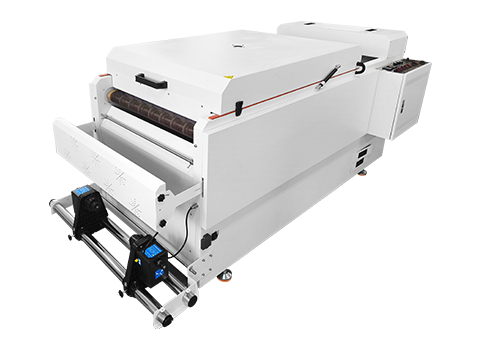
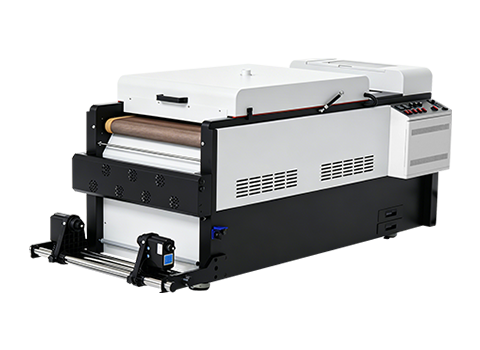
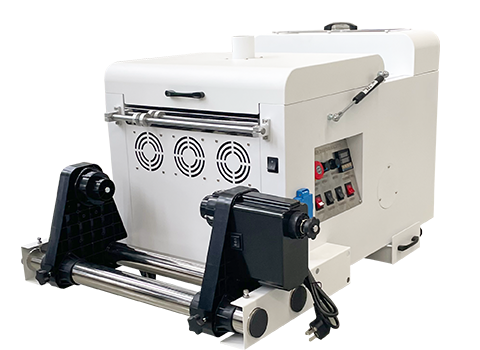
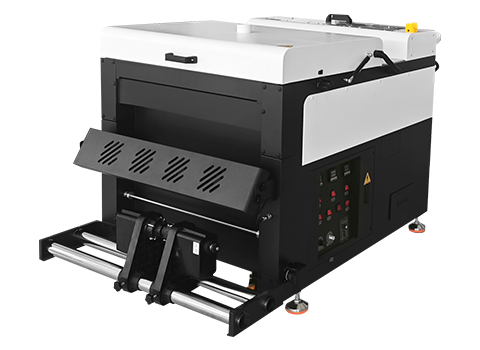
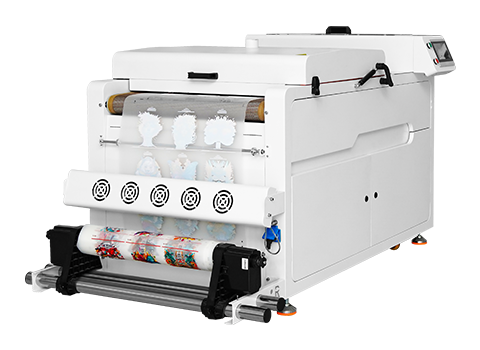
- Clean the powder shaker chamber. Remove leftover hot-melt powder from the drawer and dusting roller — trapped powder absorbs moisture and clumps.
- Check dampers and ink tubing for kinks, air bubbles, or discoloration.
Monthly Maintenance
- Deep-clean the printhead with a manufacturer-approved solution if daily/weekly cleaning cycles haven't fully cleared minor clogs.
- Flush ink lines if you notice color drift or pigment separation.
- Recalibrate color and check firmware updates.
- Inspect belts, gears, and sensors for wear, and lubricate moving parts per your manual.
- Review your environment. DTF printers perform best at roughly 22–26°C (72–79°F) and 40–60% humidity. Dust and fumes matter too — see our DTF printing safety and ventilation guide for setting up a workspace that protects both your equipment and your team.
Quick Troubleshooting Reference
| Symptom | Likely Cause | First Fix |
|---|---|---|
| White ink missing or patchy | Pigment settling / clogged nozzle | Agitate ink, run 2–3 cleaning cycles, re-check nozzle test |
| Banding / streaks across print | Dirty wiper blade or misaligned head | Clean wiper blade, run head alignment |
| Film jams or shifts while printing | Dust/powder in film path or rollers | Clean film path, check roller tension |
| Color looks faded or inconsistent | Ink separation or low ink | Flush lines, refill/replace ink, recalibrate color |
How AGP Printers Reduce Your Maintenance Load
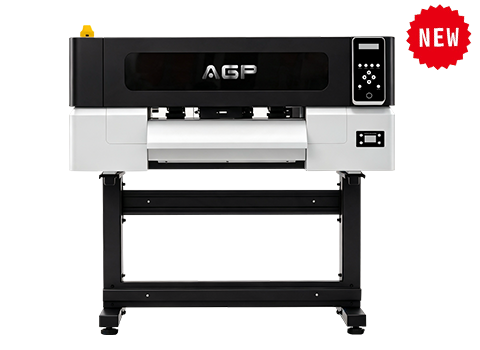
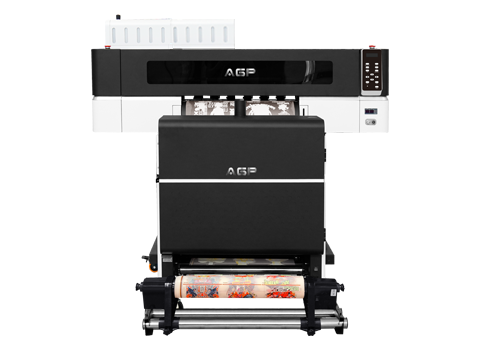
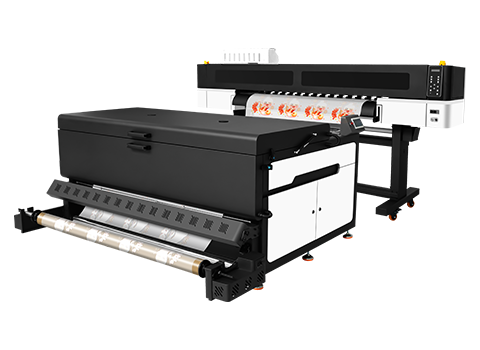
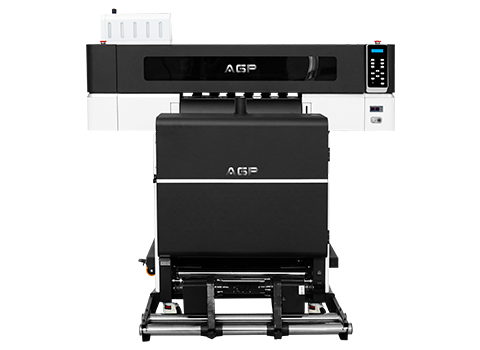
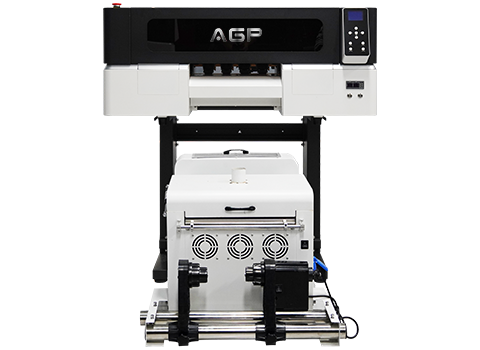
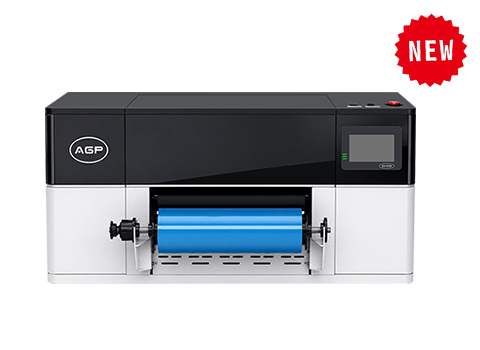
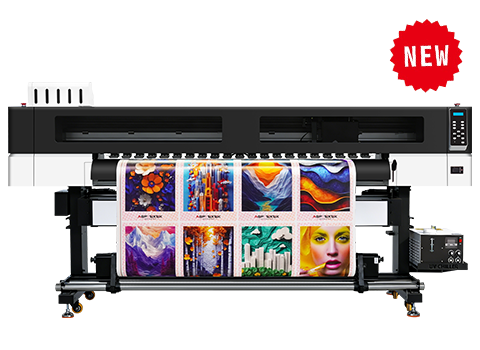
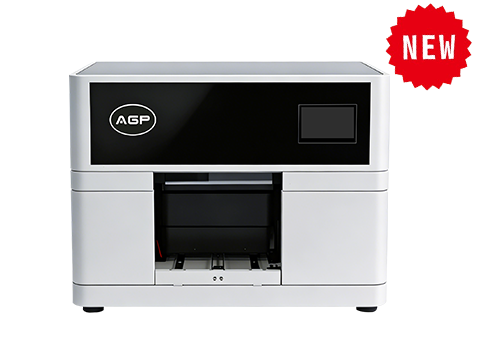
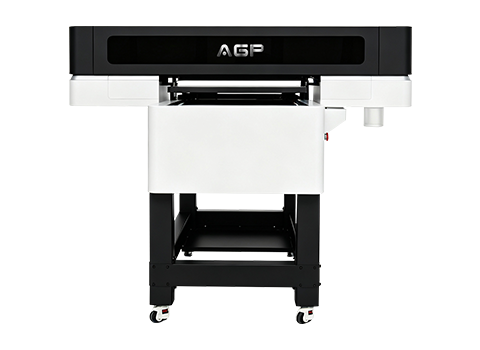
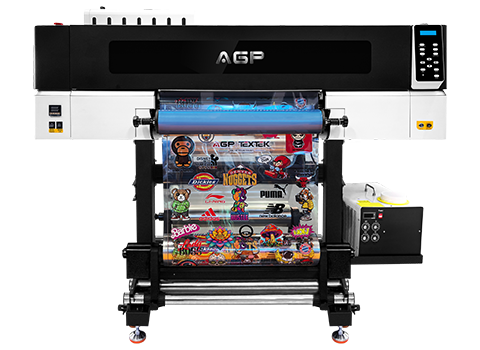
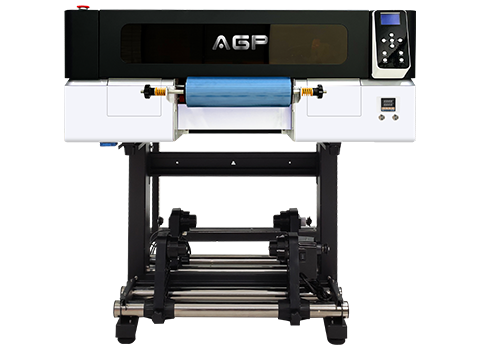
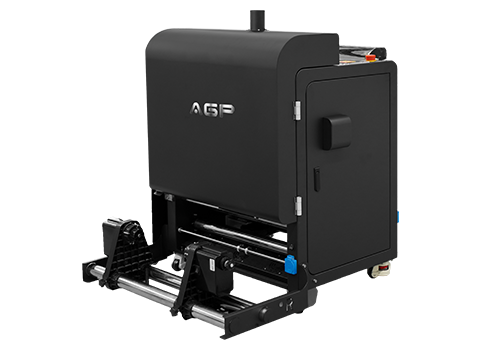
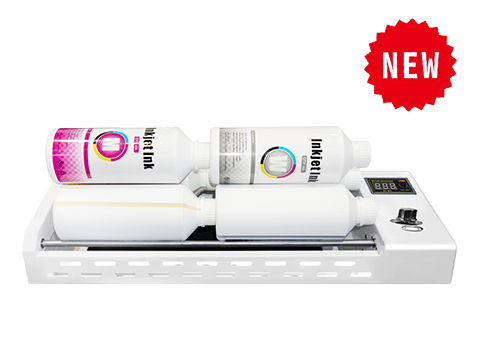
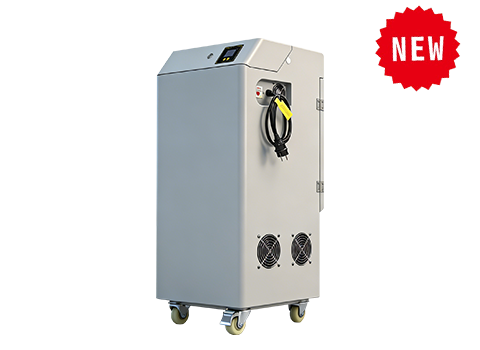
Most of the daily risk above comes down to one thing: keeping white ink moving. AGP's DTF printers use automatic white ink circulation to stir pigment continuously, even during idle time, and pair with our IM-6/IM-4 white ink rotator and JS100H air purifier to cut clog risk and keep your workspace clean. Talk to our team about which setup fits your production volume — request a free consultation.
Frequently Asked Questions
How often should I clean my DTF printer?
Run daily checks (white ink agitation, nozzle test, exterior wipe-down) every day the printer is in use, a deeper weekly clean of the wiper blade and cap station, and a monthly deep-clean of the printhead and ink lines. Printers with automatic white ink circulation need less manual daily effort but still require the same weekly and monthly inspections.
Why does my DTF printer's white ink keep clogging?
White ink contains heavy titanium dioxide pigment that settles when it isn't kept moving. Without daily agitation or an automatic circulation system, the pigment thickens in the lines and dampers, which blocks the nozzles. This is the most common cause of DTF printhead failure.
How much does it cost if a DTF printhead fails from lack of maintenance?
Depending on the printhead model, replacement can run anywhere from a few hundred to well over a thousand dollars, plus lost production time. A five-minute daily routine is far cheaper than a replacement.
What environment is best for a DTF printer?
Aim for a stable room temperature of roughly 22–26°C (72–79°F) and humidity between 40–60%, with good ventilation to clear ink fumes and adhesive powder dust. See our DTF printing safety and ventilation guide for a full workspace setup.
Can I skip daily maintenance if my printer has auto white ink circulation?
You can reduce manual agitation, but you should still confirm the circulation ran, run a daily nozzle check, and keep up with weekly and monthly tasks. Automation lowers risk — it doesn't eliminate the need for inspection.
Related reading: How to Choose a DTF Printer | DTF White Ink Circulation Explained | DTF Printing Safety & Ventilation Guide | DTF Printhead Comparison