

Leather
Quick Answer: Yes, leather can be customized with UV DTF printing — a design is printed onto a special adhesive film, then transferred directly onto the leather surface without heat or sewing. It works best on smooth, flat-grain leather like PU leather, faux leather, and vegetable-tanned genuine leather, producing vibrant, waterproof, scratch-resistant designs on bags, jackets, wallets, belts, and shoes. Heavily grained, oily, or waxed leather (like suede) is best avoided, since these surfaces resist ink adhesion.
Leather goods — bags, jackets, wallets, belts, and footwear — represent one of the fastest-growing customization categories in the personalized product market. Unlike fabric, leather has a natural texture, oil content, and flexibility that make traditional printing methods difficult. UV DTF printing solves this by transferring a fully cured, flexible design directly onto the leather surface — no sewing, no embroidery machine, and no heat press required in most cases.
What Is UV DTF Printing and Why Does It Work on Leather?
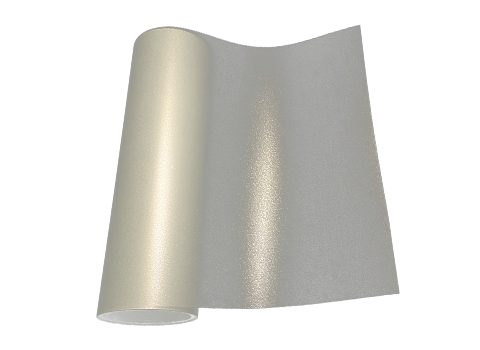
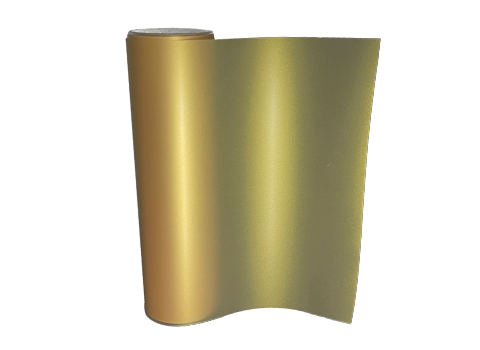
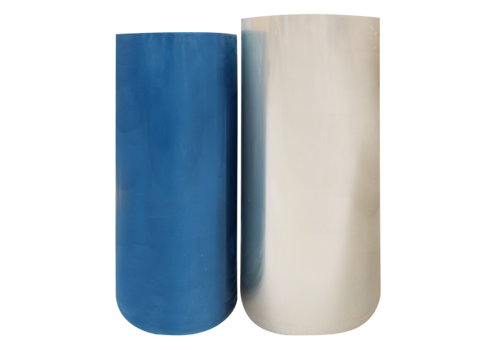
UV DTF printing works by printing a design onto a special AB transfer film using UV-curable ink, then instantly curing it under ultraviolet light. The cured film — a thin, flexible, sticker-like layer — is then applied directly onto the leather surface and pressed to bond permanently.
This makes UV DTF uniquely suited to leather for three reasons: the cured design is flexible enough to move with the material instead of cracking, it forms a waterproof, scratch-resistant seal once cured, and it requires no sewing or embroidery setup — making small-batch and single-item customization commercially practical.
Which Types of Leather Work Best for UV DTF Printing?
Not all leather surfaces accept a UV DTF transfer equally well. Surface smoothness, oil content, and texture depth are the deciding factors:
- PU leather / faux leather — smooth, uniform, low oil content; one of the most reliable surfaces for UV DTF
- Vegetable-tanned genuine leather — smooth grain with good ink acceptance
- Chrome-tanned leather — usable, but requires ink formulated for its more processed surface
- Suede, heavily grained, or embossed leather — not recommended; deep texture prevents clean, even adhesion
- Oily or waxed leather — should be avoided or thoroughly degreased first, since surface oils repel the adhesive layer
How Do You Apply a UV DTF Transfer to Leather?
A clean surface and correct technique determine whether the transfer bonds permanently or peels prematurely:
- Clean the surface: Wipe the leather thoroughly with isopropyl alcohol or a leather-safe cleaner to remove oils, dust, and residue. Let it dry completely.
- Position the transfer: Peel away the A-film to expose the adhesive side, then align the B-film design precisely on the leather before pressing — repositioning after contact is difficult.
- Burnish firmly: Use a squeegee or flat plastic tool to press hard from the center outward, working the adhesive deep into the leather's grain for a strong bond.
- Peel the carrier film: Slowly remove the top clear film at a low angle. If any part lifts with the film, lay it back down and press again before continuing.
- Let it set: Avoid touching or flexing the design for several hours to let the adhesive fully bond before regular use.
Is UV DTF Printing on Leather Durable — Will It Crack or Peel?
When applied correctly on suitable leather, UV DTF transfers are flexible enough to bend and move with the material without cracking, and the cured UV ink resists fading, scratching, and water exposure. The most common causes of premature peeling are skipping surface cleaning, applying to overly textured or oily leather, or insufficient pressure during burnishing — not a limitation of the technology itself.
Which Leather Products Benefit Most from UV DTF Printing?
- Leather jackets — logos, artwork, and personalized graphics without altering the jacket's construction
- Bags and wallets — brand marks, monograms, and decorative patterns on smooth leather panels
- Belts — small logos or repeating patterns on flat leather surfaces
- Footwear — vibrant, photorealistic designs on leather sneakers and shoes, curing to a waterproof, scratch-resistant finish
Which Leather Types Should You Avoid?
Skip UV DTF application on heavily grained or embossed leather (texture breaks adhesion), oil-tanned leather (oil repels the adhesive), suede (napped texture prevents even contact), and very thick, stiff leather that can't be pressed evenly by hand. For these materials, consider laser engraving or heat-applied vinyl instead.
Leather Suitability Reference Table
| Leather Type | UV DTF Suitability | Notes |
|---|---|---|
| PU / Faux Leather | Excellent | Smooth, uniform surface; most reliable results |
| Vegetable-Tanned Genuine Leather | Good | Smooth grain; test a small area first |
| Chrome-Tanned Leather | Fair | Needs ink suited to more processed surfaces |
| Embossed / Heavily Grained Leather | Poor | Uneven surface breaks adhesion |
| Oil-Tanned / Waxed Leather | Poor | Surface oils repel the adhesive layer |
| Suede | Not Recommended | Napped texture prevents clean contact |
UV DTF vs. Other Leather Customization Methods
| Method | Detail & Color | Flexibility | Best For |
|---|---|---|---|
| UV DTF Transfer | Full-color, photorealistic | High — bends with material | Logos, detailed graphics, small-batch orders |
| Screen Printing | Limited colors, bold shapes | Moderate | Simple logos, large production runs |
| Embossing | No color, texture only | High | Subtle branding, premium goods |
| Heat Transfer Vinyl (HTV) | Solid colors, moderate detail | Lower — can crack over time | Budget-friendly simple designs |
Conclusion: Bringing Premium Customization to Leather Products
UV DTF printing gives leather goods manufacturers and customization studios a fast, detail-rich, and durable way to brand and personalize products — without the setup cost of embroidery or the color limitations of screen printing. Matching the right leather type to the process, following correct surface preparation, and applying firm, even pressure are the keys to a permanent, professional result.
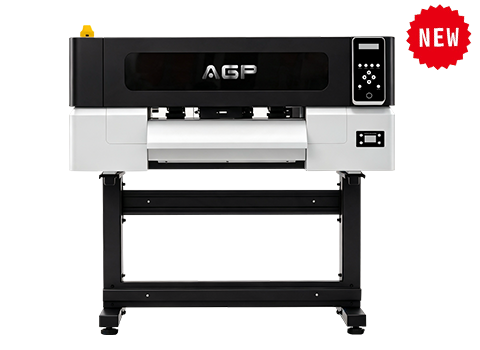
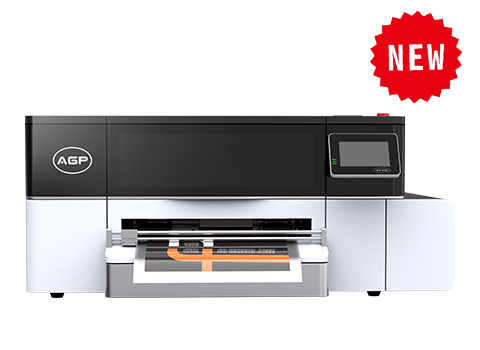
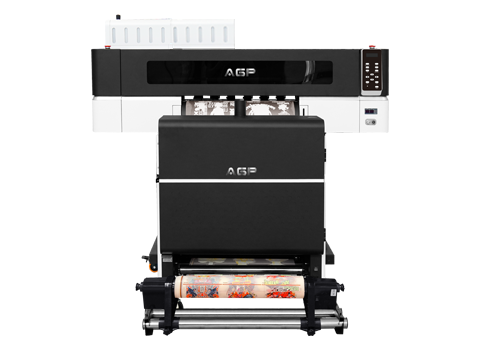
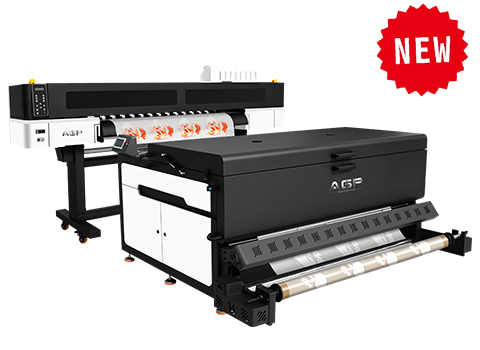
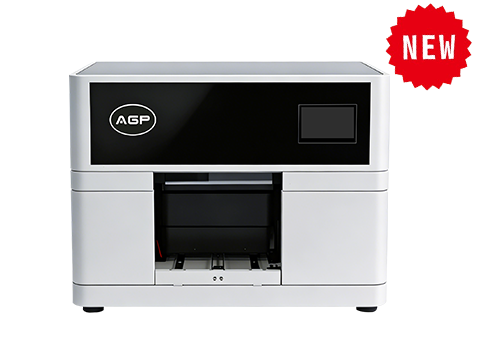
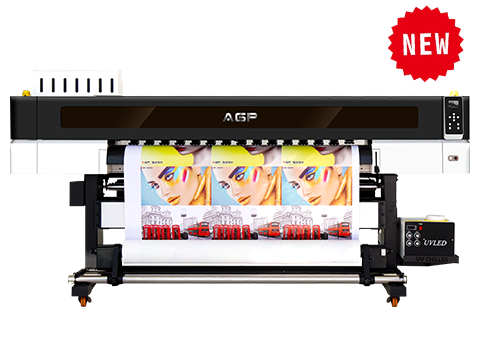
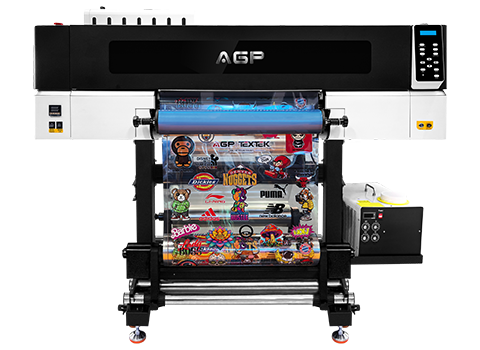
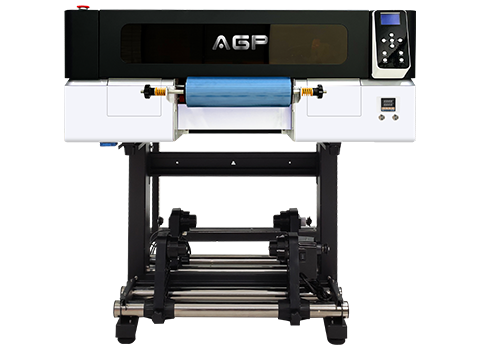
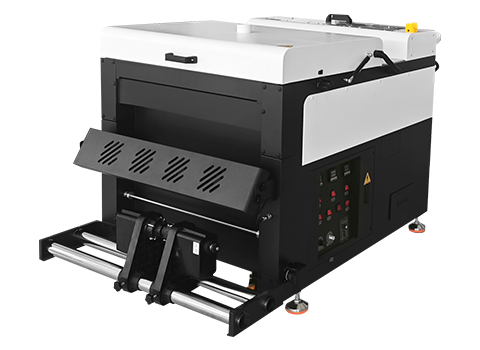
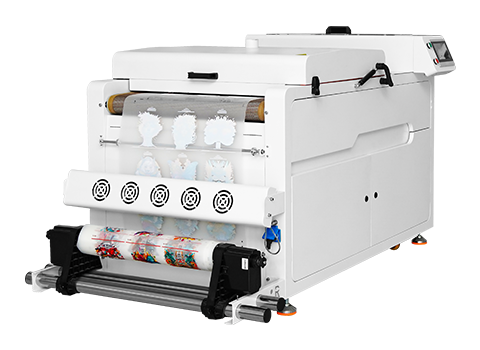
AGP provides professional UV DTF printers and UV DTF film suited for leather, wood, glass, and other specialty surfaces. Contact our team to discuss equipment configuration for your leather product line.
FAQ: UV DTF Printing on Leather
Can UV DTF be applied to genuine leather?
Yes — vegetable-tanned genuine leather with a smooth grain accepts UV DTF transfers well; more heavily textured or oil-tanned genuine leather is less reliable and should be tested first.
Does UV DTF printing on leather require a heat press?
Not always. Many UV DTF transfers bond with firm hand pressure using a squeegee; a heat gun or hair dryer can optionally reinforce the bond, but excessive heat should be avoided on leather.
Will a UV DTF design crack when the leather bends?
No, when applied correctly. Properly cured UV DTF transfers remain flexible and move with the leather rather than cracking, unlike some heat transfer vinyl products.
Is UV DTF printing on leather waterproof?
Yes. Once fully cured, UV DTF transfers form a sealed, waterproof layer that resists moisture, making them suitable for bags, jackets, and footwear exposed to everyday elements.
What leather should I avoid using with UV DTF?
Avoid suede, heavily embossed leather, and oil-tanned or waxed leather — their texture or surface oils prevent the adhesive from bonding evenly.
What equipment do I need to start UV DTF printing on leather?
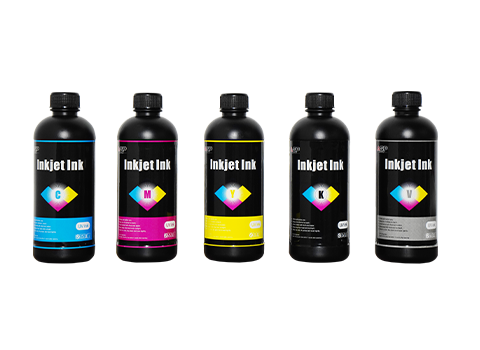
You need a UV printer or UV DTF printer, UV-curable ink, and specialized AB transfer film designed for flexible surfaces like leather.
How long does a UV DTF design last on a leather jacket?
With proper application and gentle care (avoiding harsh scrubbing), a UV DTF design can last for years without significant fading or peeling, since the cured ink resists UV light, abrasion, and moisture.