

Ceramic Tiles
Quick answer: A UV flatbed printer can print full-color, photo-quality designs directly onto both glazed and unglazed ceramic tiles — no screens, no kiln firing, no minimum order. Clean and prime the tile surface, print a white ink underlayer for opacity, print the CMYK design on top, and the UV lamp cures the ink instantly into a scratch- and water-resistant finish. This makes on-demand custom tiles — for backsplashes, murals, branded flooring, and retail décor — a realistic small-batch product line instead of a factory-only process.
Ceramic tile has always been a strong visual product — but traditional tile decoration methods (screen printing, glaze transfers, kiln-fired ceramic decals) only make sense at factory volume. UV flatbed printing changes that. It lets a single shop print one custom tile or a full architectural mural with the same equipment, the same ink, and no minimum order. That shift is what's turning ceramic tile printing into one of the fastest-growing categories for UV printer owners in interior design, branding, and custom décor.
Why UV Printing Works So Well on Ceramic Tile
- Instant cure, no kiln: UV-cured ink hardens the moment the lamp passes over it — no firing, no drying racks, no multi-day turnaround
- Works on glazed and unglazed tile: unlike sublimation, which needs a special poly-coated blank, UV ink bonds directly to most ceramic, porcelain, and stone-look tile surfaces
- Photo-real, full-color detail: CMYK + white ink reproduces gradients, photography, and fine linework that glaze transfers can't match
- Durable finish: cured UV ink resists scratching, moisture, and UV fading well enough for both indoor walls/floors and covered outdoor spaces
- No minimum order: print a single sample tile for a client mockup or a full production batch on the same machine
Step-by-Step: How to UV Print on Ceramic Tile
| Step | What to Do | Why It Matters |
|---|---|---|
| 1. Clean the surface | Wipe the tile with isopropyl alcohol or a ceramic prep cleaner to remove dust, oils, and manufacturing residue | Any residue left behind causes ink pooling, poor adhesion, or peeling after curing |
| 2. Prime if needed | Apply a UV-compatible primer on glazed or very smooth tiles | Improves ink grip on non-porous glazed surfaces so the print doesn't scratch off |
| 3. Set up the design | Prepare artwork at 300 DPI, sized to the exact tile dimensions, in your RIP software | Correct scale and resolution avoid soft edges and cropping errors on install |
| 4. Print white underlayer | Lay down a white ink base first, especially on dark or colored tile | Without it, CMYK colors print dull and washed out on non-white substrates |
| 5. Print CMYK design | Print the full-color image on top of the white layer | This is the visible design layer — colors sit on the opaque white base for full vibrancy |
| 6. Cure and inspect | Let the UV lamp fully cure the ink, then check edges and coverage under light | The tile is ready to handle immediately after curing — no drying time needed |
What You Can Print on Ceramic Tile
- Kitchen backsplashes — custom patterns, photography, or brand-matched color blocks for renovation clients
- Bathroom feature walls — one-off art tiles or repeating decorative patterns not available off-the-shelf
- Restaurant and retail branding — logo tiles, wayfinding, and accent walls for storefronts and hospitality spaces
- Architectural murals — large images tiled across multiple panels for lobbies, public art, and feature installations
- Memorial and commemorative tiles — photo tiles for plaques, memorial walls, and keepsakes
- Coasters and small décor — using offcut or small-format tile as a low-cost gift and homeware product line
Getting Consistent Results
Tile printing has a few quirks worth planning around:
- Thickness varies by tile type — porcelain, ceramic, and stone-look tiles aren't a uniform thickness, so a printer with adjustable print-head height handles mixed batches without recalibrating for every job
- Glazed tile is less porous than unglazed — budget extra primer time for glossy, glazed finishes; matte and unglazed tile generally accepts ink more readily
- Test before a full production run — new tile batches (even the same product line) can vary slightly between manufacturing runs; a quick test print catches adhesion issues before you commit a full order
- Large murals need panel planning — map out tile-to-tile alignment in your design software before printing so seams line up correctly during installation
Choosing a UV Printer for Tile Work
Flat, rigid substrates like ceramic tile are exactly what UV flatbed printers are built for. Look for a printer with:
- Adjustable bed/head height to handle different tile thicknesses without swapping equipment
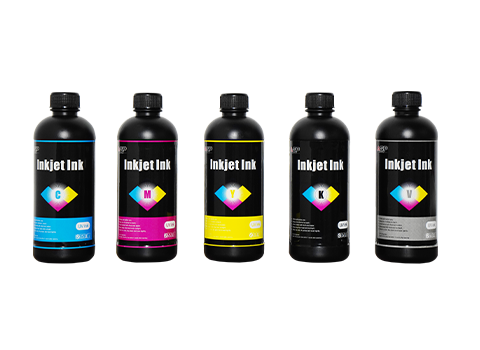
- CMYK + white ink channels so you can print full opacity on any tile color, not just white blanks
- A print bed large enough for your target tile size — or a format that lets you tile larger murals across multiple passes
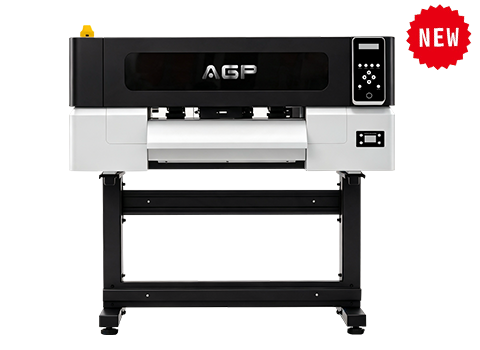
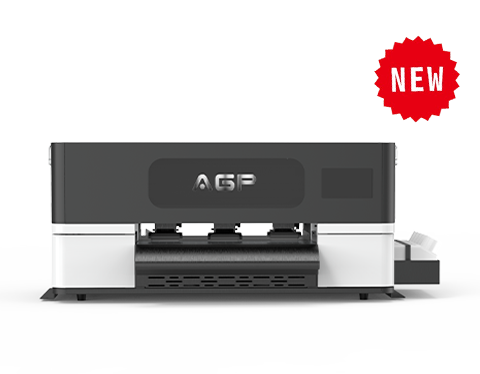
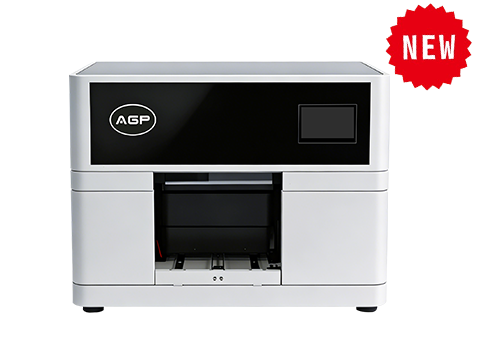
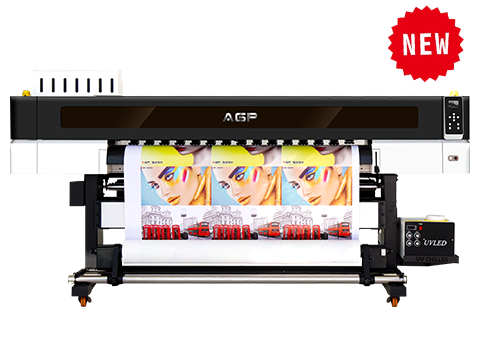
AGP's UV flatbed lineup — including the UV-S1900 and UV-S1600 for larger-format tile and panel work, and the compact UV-D30 and UV A5 for sample tiles and small-batch décor — covers this range with genuine printheads and CMYK+White ink systems built for hard-substrate production. Browse the full range on our UV printer page.
Frequently Asked Questions
Can a UV printer print on glazed ceramic tile?
Yes. Glazed tile is less porous than unglazed, so a UV-compatible primer is recommended for the strongest ink adhesion, but UV ink bonds to both glazed and unglazed surfaces.
Is UV printing on tile durable enough for floors and outdoor use?
Cured UV ink is scratch- and water-resistant and holds up well on walls and covered surfaces. For high-traffic flooring or fully exposed outdoor installations, a protective clear coat is recommended to extend the finish's lifespan.
Do I need special ink for ceramic tile printing?
No separate ink type is required — standard UV CMYK + white ink used for other hard substrates works on tile. What matters more is surface prep (cleaning and priming) than a tile-specific ink formula.
Can I print on tile in small quantities, or does it need factory volume?
UV flatbed printing has no minimum order. You can print a single custom tile for a client sample or a full production batch on the same machine and workflow.
What tile sizes work best for UV printing?
Any flat tile that fits your printer's bed size works. For murals larger than one tile, plan the image across multiple tiles in your design software before printing so the pattern aligns correctly once installed.
Ready to add custom tile printing to your product line? Explore AGP's UV flatbed printers or get a factory-direct quote for the format that fits your production needs.