
How to Choose a DTF Printer: Print Heads, Width & Speed Explained (2026 Buyer's Checklist)
Quick Answer: The right DTF printer comes down to five specs — print head type (determines resolution and lifespan), print width (should match your typical garment/design size), print speed (should match your daily order volume), white ink circulation (the #1 factor in avoiding clogs), and RIP software compatibility. Entry-level shops printing under 30 pieces/day generally do well with a single-head A3–13" printer; growing shops printing 50–150+ pieces/day need a dual-head 24" printer with automated white ink circulation.
Buying a DTF printer is easy to get wrong — not because the machines are complicated, but because most spec sheets bury the numbers that actually determine whether the printer fits your business. This guide breaks down exactly what to check before you buy, in the order it actually matters.
Step 1: Match Print Width to What You Actually Print
Print width sets a hard ceiling on your design size and directly affects how many pieces you can "gang print" side by side on one roll — which is where most of your material savings come from.
| Width | Typical Use | Good Fit For |
|---|---|---|
| A3 / 12" | Left-chest logos, small designs, samples | Hobbyists, testing the market |
| 13" (A3+) | Full chest prints, sleeve designs | Small businesses, home studios |
| 24" | Full-back prints, gang sheets, jerseys | Growing shops, wholesale transfer sellers |
| 30"+ / industrial | High-volume, multi-shift production | Garment factories, large distributors |
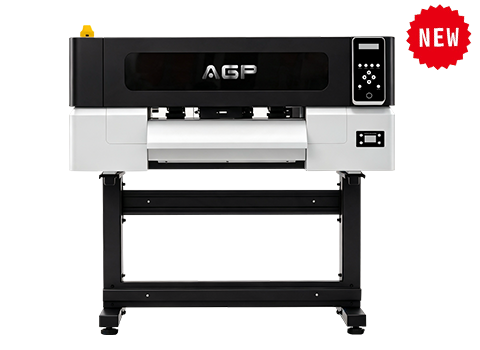
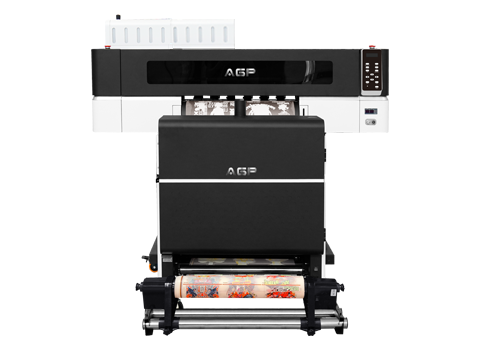
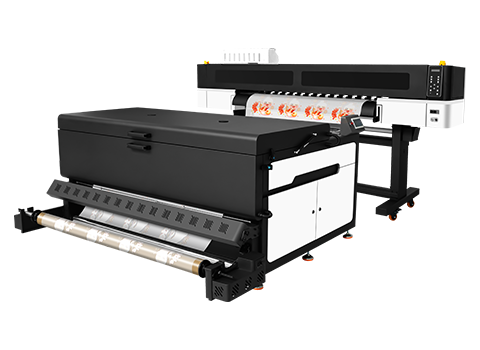
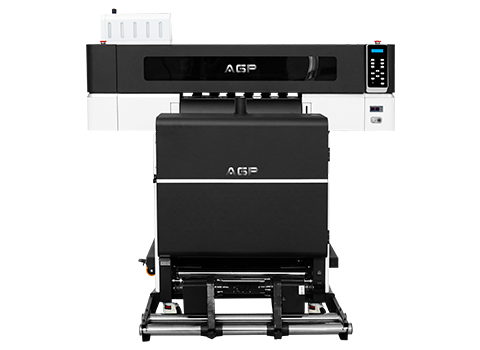
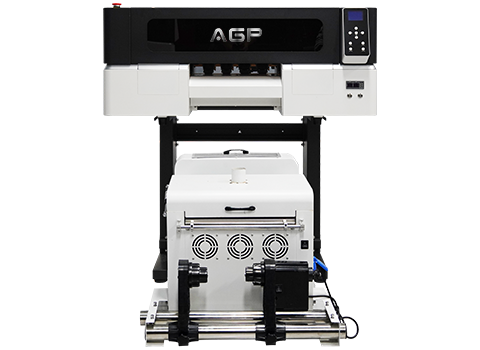
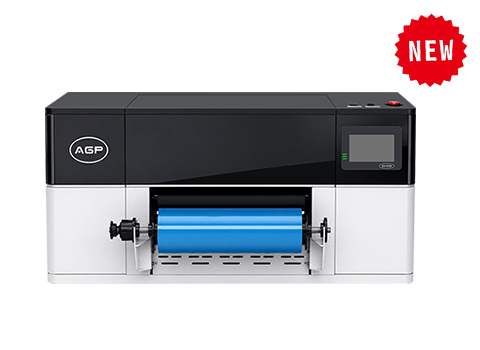
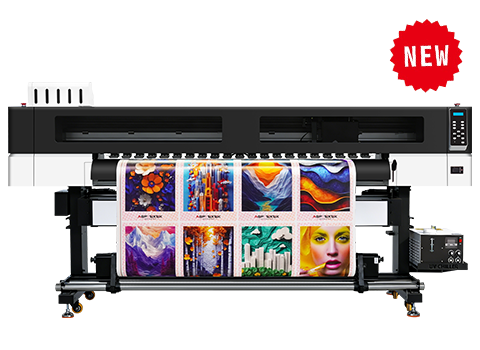
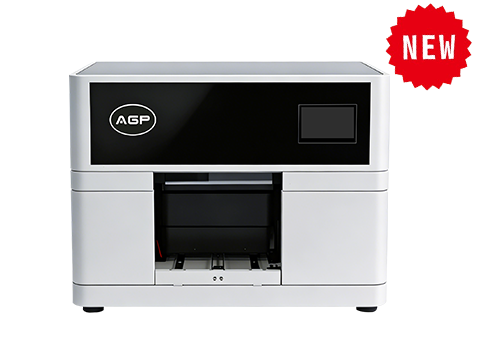
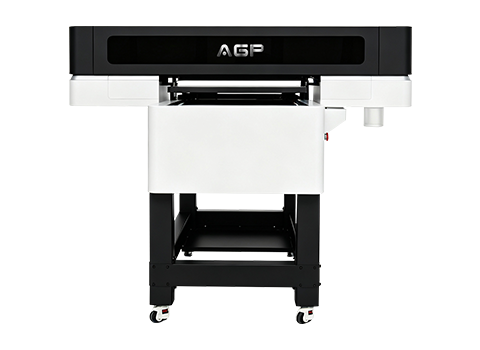
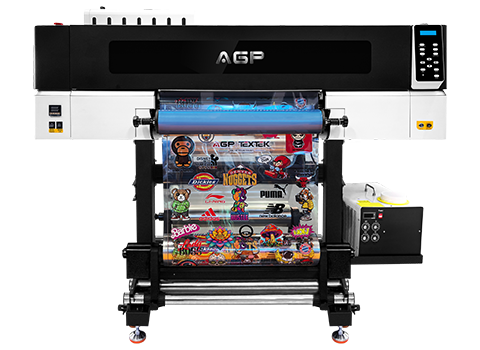
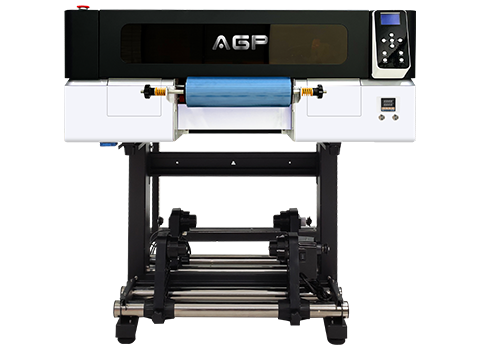
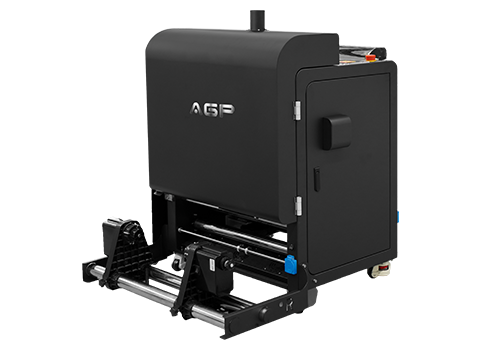
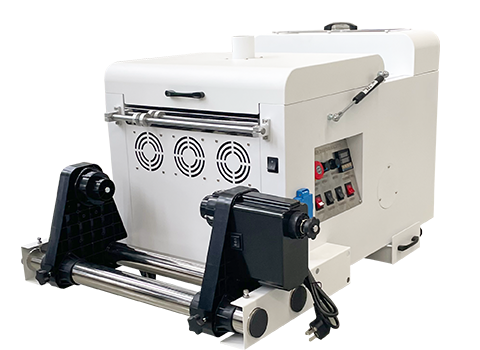
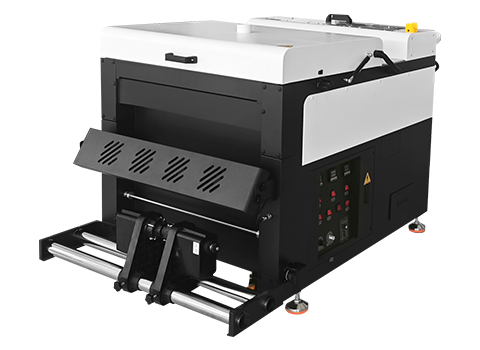
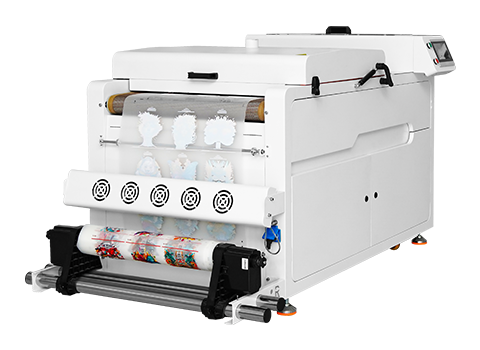
AGP's lineup covers this exact range, from the compact DTF-T30 and DTF-E30 up to the wide-format DTF-TK1600 for high-volume production.
Step 2: Understand Print Head Type — It Drives Everything Else
The print head determines resolution, speed, ink cost, and how long the printer lasts before needing part replacement. This is the single spec most buyers skip past — and the one that causes the most regret.
Single Print Head
Lower upfront cost, simpler maintenance. Best for low-to-moderate daily volume where speed isn't the bottleneck.
Dual Print Heads
Roughly doubles output speed for the same design. The standard choice once daily orders climb past ~50 pieces.
Multi-Head Industrial
Built for continuous multi-shift runs. Justified only at real factory-level volume, where uptime matters more than unit cost.
Step 3: Check White Ink Circulation Before Anything Else on the Spec Sheet
Why this matters most: White ink contains heavy titanium dioxide pigment that settles out of suspension within hours if it isn't kept moving. A printer without active, automated white ink circulation is the single most common cause of nozzle clogging, streaky prints, and unplanned downtime — regardless of how good the print head is.
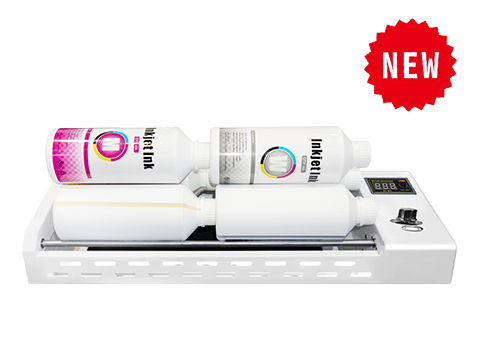
Look specifically for: automated circulation that runs continuously (not just on manual trigger), circulation that stays active during standby/idle time, and a printer designed to minimize how often you need to manually shake or purge ink. AGP's DTF printers are built with this in mind, and for shops running multiple print stations, the IM-6/IM-4 white ink rotator adds an extra layer of protection against pigment settling before ink even reaches the printer.
Step 4: Match Print Speed to Your Actual Daily Order Volume
Faster isn't automatically better — it's better only if your order volume needs it. Buying more speed than you use just means paying more upfront for a machine that idles half the day.
| Daily Volume | Recommended Setup |
|---|---|
| Under 20 pieces/day | Single-head, A3–13" width |
| 20–50 pieces/day | Single or dual-head, 13"–24" width |
| 50–150 pieces/day | Dual-head, 24" width, automated ink circulation |
| 150+ pieces/day | Multi-head industrial, 24"+ width |
Step 5: Confirm RIP Software Compatibility and File Support
RIP (Raster Image Processor) software controls how your printer lays down white ink under your design, manages color profiles, and handles nesting for gang sheets. Before buying, confirm the printer's RIP software supports the file types you already design in, offers straightforward white-ink underlay control, and — ideally — comes included rather than as a costly add-on.
Step 6: Ask About Support, Parts, and Warranty — Not Just the Machine
A DTF printer is a long-term production asset, not a one-time purchase. Before buying, confirm: how quickly the supplier ships replacement print heads and dampers, whether training or setup support is included, and what the warranty actually covers (many "warranties" exclude the print head, which is the most expensive part to replace).
DTF Printer Buying Checklist
✅ Print width matches your typical design size and gang-sheet layout
✅ Print head type matches your volume — single, dual, or multi-head
✅ Automated white ink circulation is active continuously, including standby
✅ Print speed matches your realistic daily order volume, not your ambition
✅ RIP software is included and supports your existing design files
✅ Supplier offers accessible spare parts, training, and a warranty that covers the print head
Conclusion: Buy for Your Volume, Not the Spec Sheet
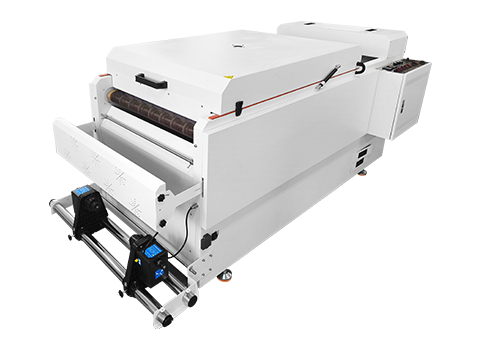
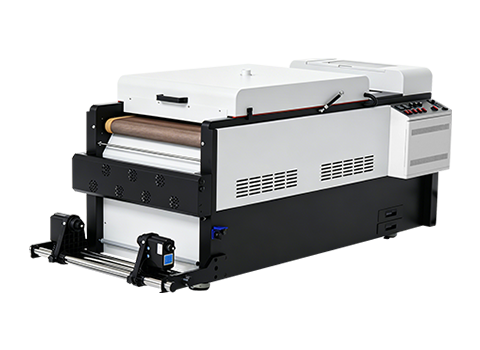
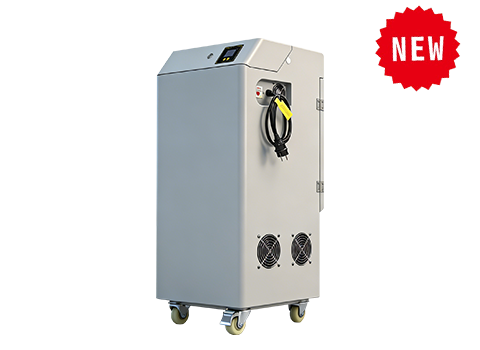
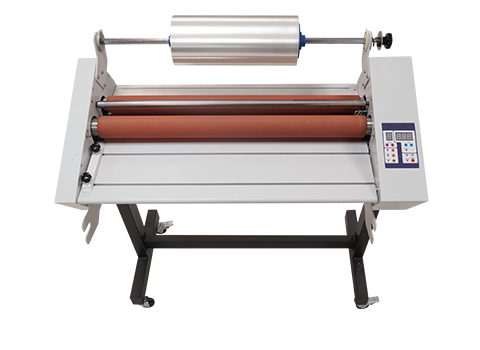
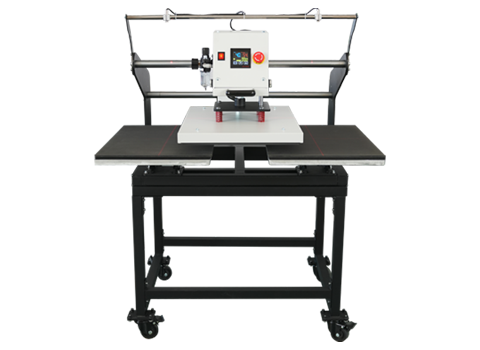
The "best" DTF printer isn't the one with the biggest numbers — it's the one whose width, speed, and ink management match how many pieces you actually print in a day. Get those three things right, and the rest of your production line falls into place. AGP manufactures a full range of DTF printers — from the compact DTF-T30 and DTF-E30 to the wide-format DTF-TK1600 — plus powder shakers, curing ovens, and heat presses to complete your production line. See our full model comparison or contact our team to get matched to the right machine for your volume.
FAQ: Choosing a DTF Printer
What print width do I need for T-shirt printing?
13" (A3+) covers most standard chest and sleeve designs. Move up to 24" if you regularly print full-back designs or want to gang multiple designs per roll to cut material waste.
Is a dual-head DTF printer worth the extra cost?
Yes, once your daily volume passes roughly 50 pieces — the speed increase pays for the price difference through added daily output.
What's the most important spec on a DTF printer I shouldn't skip?
White ink circulation. It has a bigger day-to-day impact on downtime and print consistency than resolution or top-line speed.
Do I need separate RIP software, or does it come with the printer?
This varies by manufacturer — always confirm before buying whether RIP software is included or sold separately, since it's required to operate the printer.
How much daily volume justifies an industrial multi-head DTF printer?
Generally 150+ pieces per day or multi-shift production. Below that, a dual-head 24" printer typically offers a better cost-to-output balance.
Can I start small and upgrade later?
Yes — many shops start with an A3/13" single-head printer to validate demand, then move to a 24" dual-head machine as order volume grows.