
How to Improve DTF Print Quality: Avoid These 5 Costly Mistakes
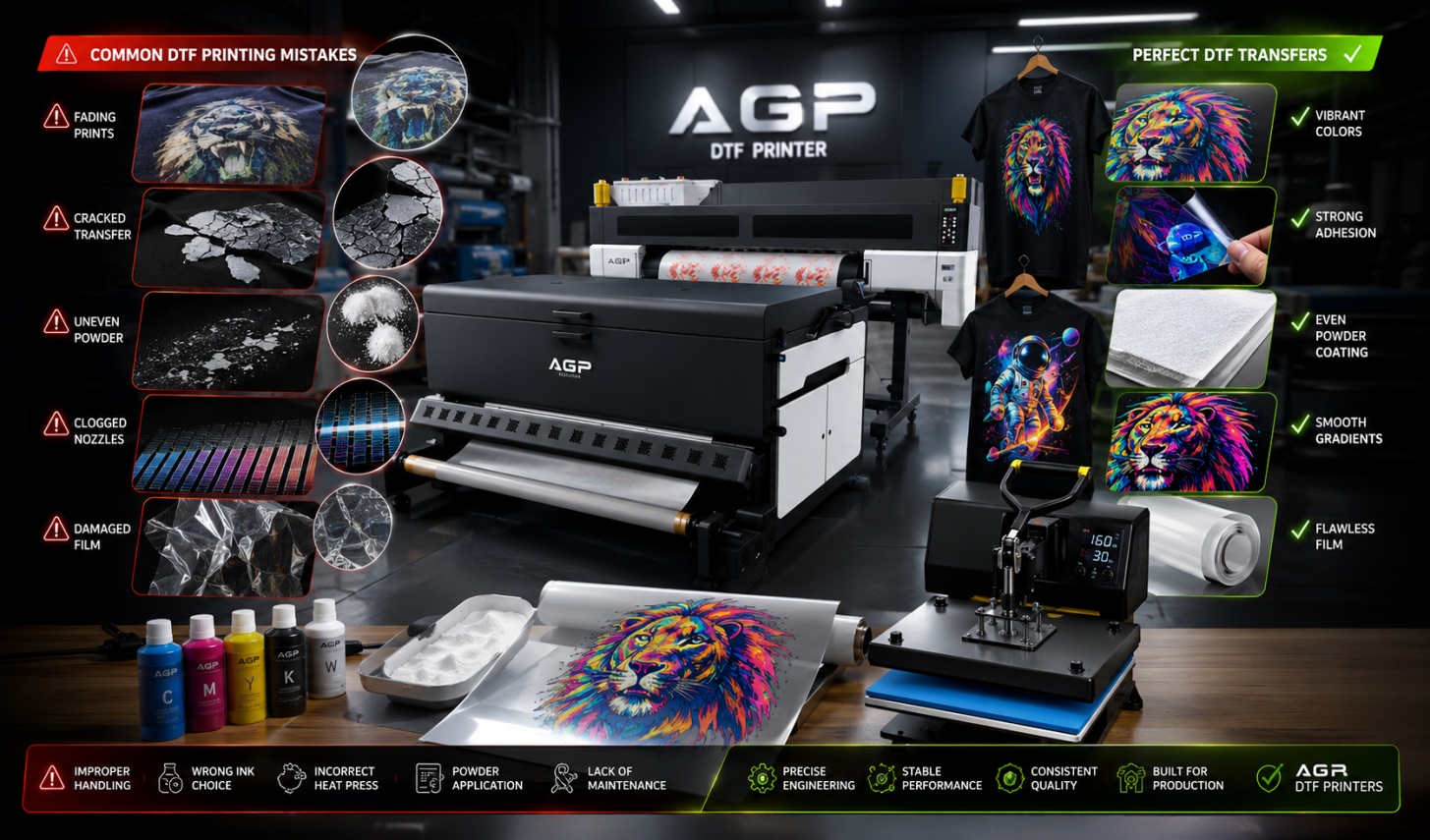
In DTF production, even experienced operators sometimes face unexpected failures. A design may look perfect on screen, but the final transfer can appear faded, cracked, or incomplete.
This is the most frustrating part of dtf printing mistakes—the errors are rarely obvious.
Most print issues come from small operational details:
- Dust on film surface
- Incorrect heat press timing
- Excess adhesive powder
- Low-quality ink
- Poor maintenance habits
These small factors collectively determine whether your output looks premium or unprofessional.
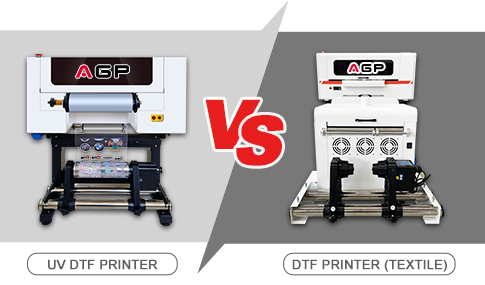
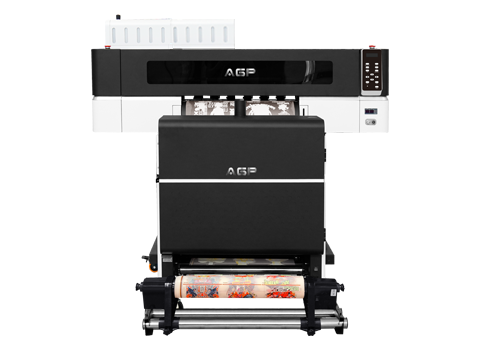
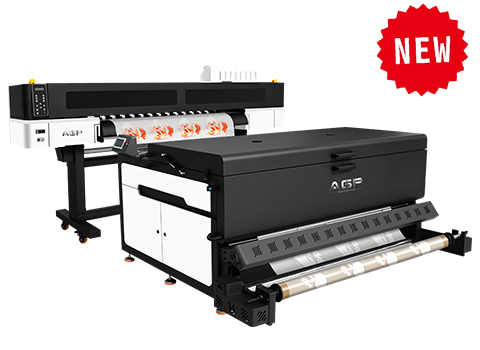
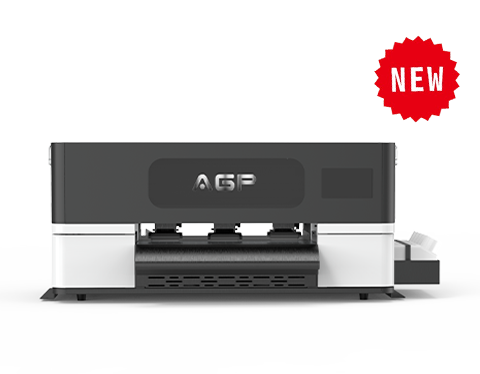
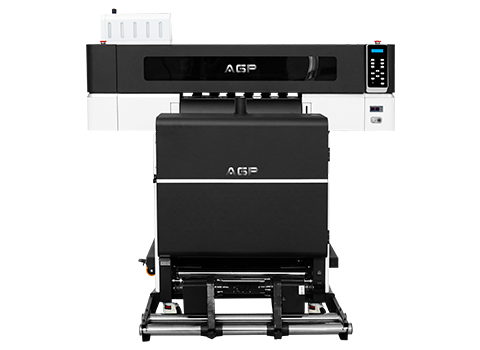
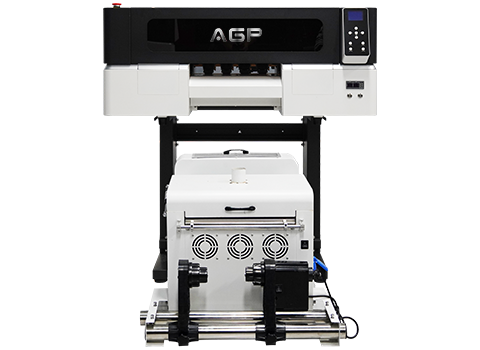
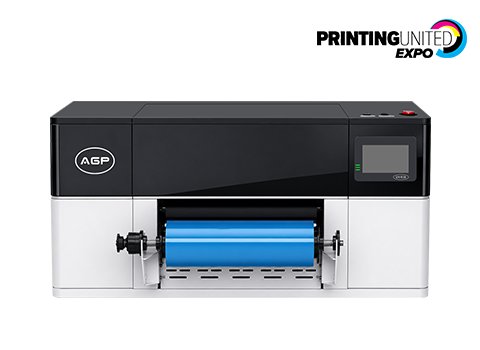
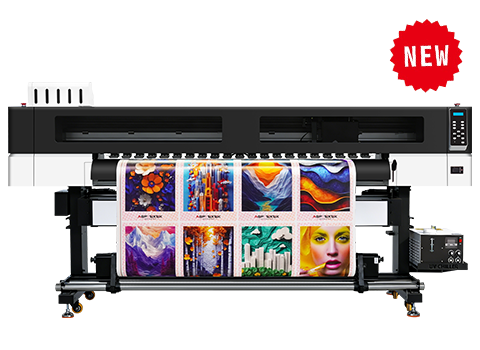
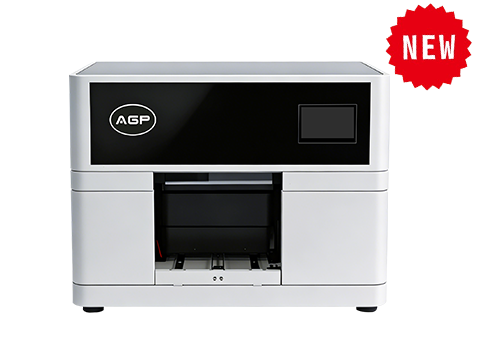
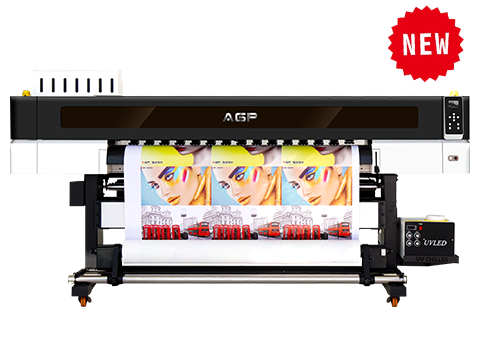
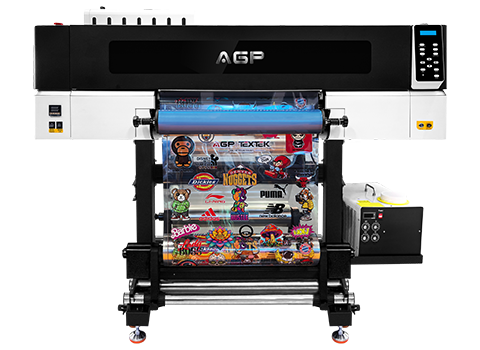
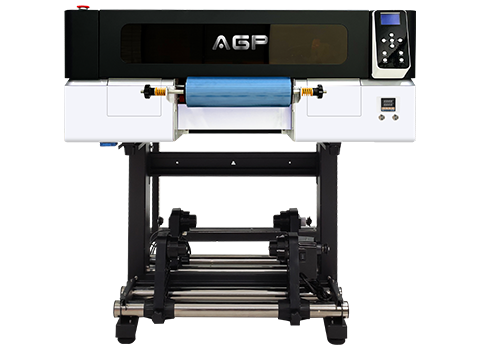
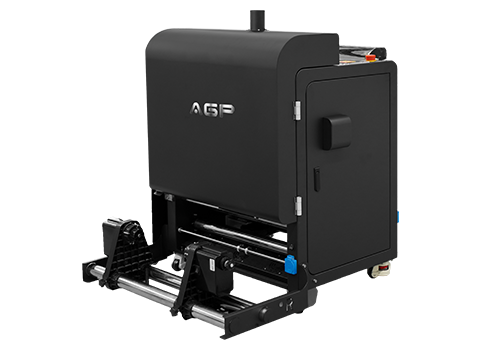
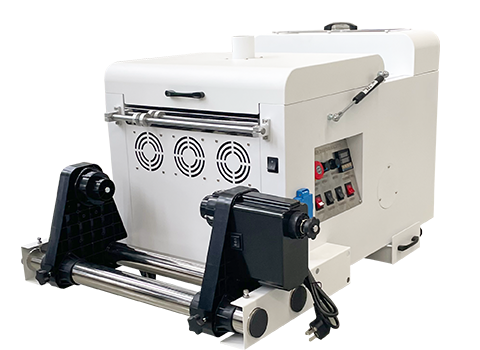
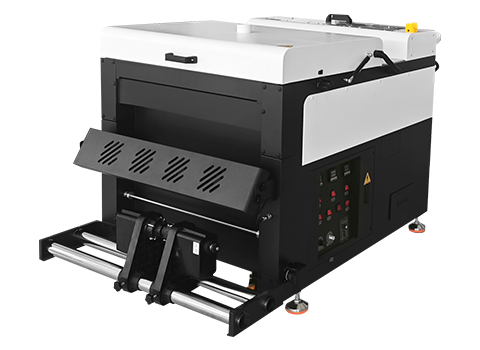
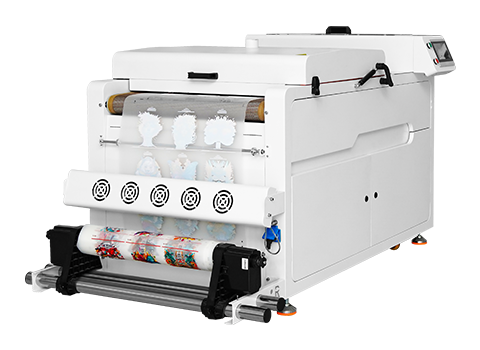
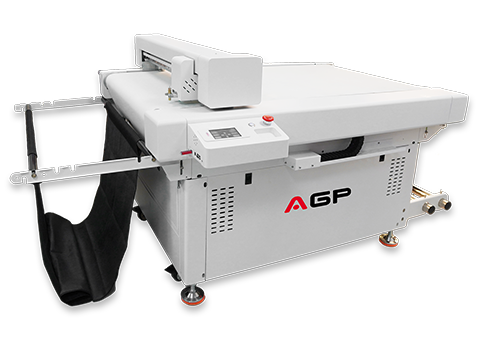
That is why many businesses now rely on AGP DTF printers, which are designed to reduce human error and stabilize output consistency.
Mistake 1 – Improper Handling of DTF Film
The Issue
DTF film looks durable, but it is extremely sensitive at the surface level. Even minor contamination can ruin transfer quality.
Common symptoms include:
- Ink adhesion failure
- Patchy print areas
- Dust marks under coating
- Weak color bonding
Why It Happens
Most problems come from poor handling habits:
- Storing film in open environments
- Touching print side directly
- Exposure to humidity
- Dust accumulation in workspace
Even invisible fingerprint oils can affect ink bonding during dtf transfer printing.
Solution
- Store film in sealed anti-dust containers
- Always use gloves during handling
- Keep workspace dry and low humidity
- Avoid bending or curling sheets
Mistake 2 – Using Wrong or Low-Quality Ink
The Issue
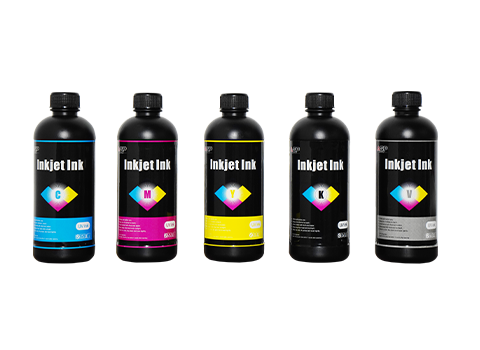
Ink quality directly impacts durability and wash resistance in dtf printing systems.
Low-quality ink often causes:
- Fading after washing
- Cracking during stretching
- Color inconsistency
- Weak adhesion to adhesive powder
Why It Happens
Many users mistakenly use:
- Sublimation ink
- DTG ink
- Cheap third-party pigment ink
These are not designed for dtf ink system requirements.
Storage issues like heat and humidity can also damage ink quality.
Solution
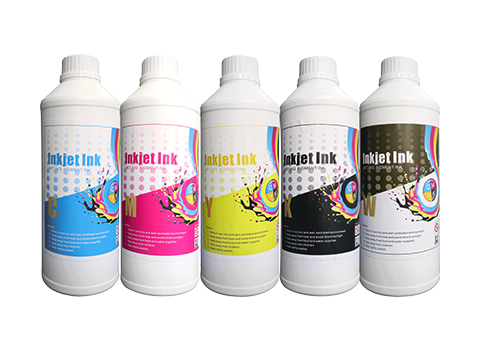
- Always use certified DTF pigment ink
- Shake cartridges regularly
- Store ink in cool, dark environments
- Avoid mixing ink brands
AGP Advantage
AGP DTF systems are calibrated for optimized ink flow, ensuring:
- Stable color output
- Strong wash resistance
- Reduced clogging risk
Mistake 3 – Incorrect Heat Press Settings
The Issue
Even a perfect print can fail if heat transfer settings are wrong.
Problems include:
- Overburning or scorching
- Weak adhesion
- Uneven transfer
- Cracked surface after cooling
Why It Happens
Common reasons:
- Guess-based temperature setup
- Wrong pressure for fabric type
- Ignoring material thickness
- Worn heat press pads
Solution
- Follow material-specific heat profiles
- Verify temperature with external tools
- Maintain even pressure across platen
- Test before full production
AGP Optimization
AGP systems provide preset profiles for heat press dtf settings, reducing guesswork and improving consistency.
Mistake 4 – Uneven Adhesive Powder Application
The Issue
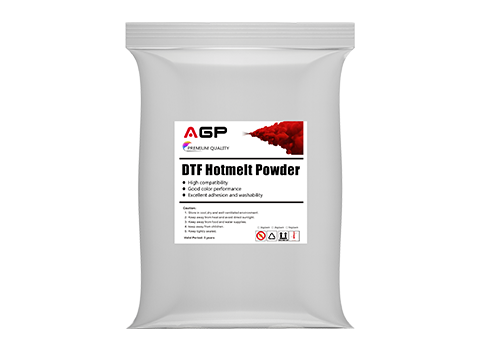
Adhesive powder is the core of DTF bonding. Improper application leads to complete print failure.
Symptoms:
- White patches
- Weak bonding areas
- Rough surface texture
- Partial peeling after transfer
Why It Happens
- Uneven manual sprinkling
- Excess powder not removed
- Incorrect curing temperature
- Inconsistent coating thickness
Solution
- Apply powder evenly across full surface
- Shake off excess carefully
- Use controlled curing temperature
- Maintain consistent workflow
AGP System Advantage
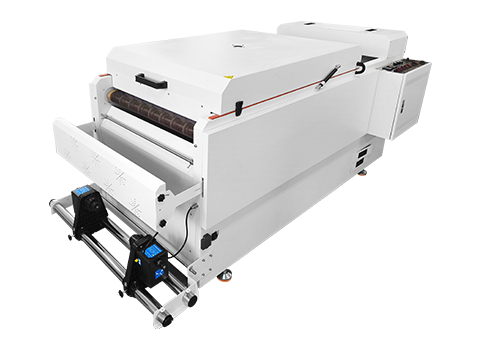
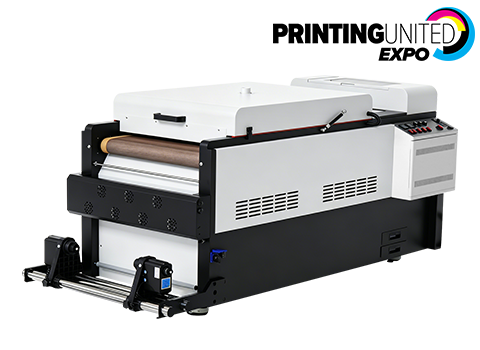
AGP DTF printers integrate:
- Automatic powder system
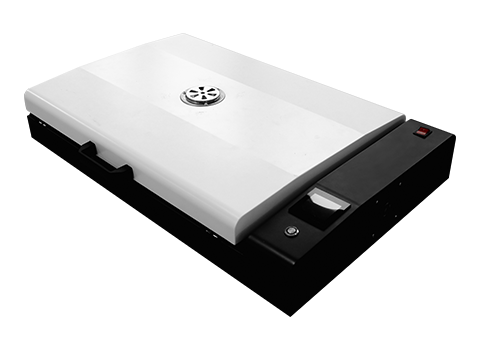
- Controlled curing modules
- Uniform distribution technology
This greatly reduces adhesive powder dtf issues.
Mistake 5 – Lack of Printer Maintenance
The Issue
Neglecting maintenance is one of the most expensive dtf printing mistakes.
It leads to:
- Clogged printheads
- Ink flow interruption
- Banding in prints
- Reduced printer lifespan
Why It Happens
- Skipping cleaning cycles
- Ignoring capping station care
- Leaving ink idle in nozzles
- Irregular maintenance schedule
Solution
- Run cleaning cycles regularly
- Maintain rollers and wiper systems
- Use proper cleaning fluid
- Avoid long idle periods
AGP Advantage
AGP printers include:
- Automatic cleaning systems
- Anti-clogging design
- Stable ink circulation
This ensures long-term production stability.
How AGP DTF Printers Reduce Printing Errors
Modern printing systems like AGP DTF printers are designed to eliminate common workflow mistakes.
Key benefits:
- Reduced manual intervention
- Stable ink flow system
- Built-in maintenance automation
- Consistent color output
- Higher production efficiency
This significantly lowers failure rates in custom t-shirt printing workflows.
Best Practices for Perfect DTF Printing
To achieve professional results:
- Use high-quality film and ink
- Maintain clean workspace
- Follow precise heat press settings
- Standardize powder application
- Schedule regular maintenance
These steps dramatically improve output consistency.
Final Conclusion
Most dtf printing mistakes are not caused by machines—but by small workflow inconsistencies.
By improving:
- Film handling
- Ink selection
- Heat press control
- Powder application
- Maintenance habits
you can achieve stable, premium-quality results.
With systems like AGP DTF printers, many of these risks are automated or minimized, allowing businesses to focus more on production and profit rather than troubleshooting.