

Why Is My UV Printer Printing Banding Lines? (And How to Fix It)
Few things ruin a smooth acrylic print or UV DTF transfer faster than horizontal banding lines. Whether they appear as white gaps or dark overlapping stripes, banding destroys print quality and wastes expensive substrates. In this troubleshooting guide, we walk you through the primary causes of UV printer banding and how to calibrate your machine back to flawless printing.
Quick Action Plan: Fixing UV Banding Lines
- White/Light Lines: Usually caused by clogged printhead nozzles or air bubbles trapped inside the ink dampers, stopping ink from firing.
- Dark/Overlapping Lines: Usually caused by incorrect Step/Media Feed calibration, pulling the substrate slightly too slow or too fast per pass.
- Fuzzy Bi-directional Banding: Caused by improper printhead timing or incorrect carriage head height (Z-axis distance) when printing back and forth.
White vs. Dark Lines: Identifying the Type of Banding
Before adjusting settings on your printer, look closely at the printed stripes under a magnifying loupe or smartphone camera:
- White or Missing Lines: Blank gaps mean certain nozzles failed to drop ink onto the material.
- Dark or Dense Lines: Overlapping dark streaks mean two adjacent print passes are landing on top of each other instead of joining seamlessly.
- Color-Specific Banding: If stripes only appear inside blue or red graphic sections, only that specific color channel has blocked nozzles.
Banding Diagnosis & Quick Solutions
| Banding Symptom | Likely Mechanical Cause | Correction Steps |
|---|---|---|
| Random white gaps across all colors | Clogged nozzles or air in ink lines | Run a nozzle check pattern, perform a soft ink head purge, and draw out air from dampers. |
| Evenly spaced dark overlapping lines | Media Feed (Step) value too low | Increase the Feed Compensation value in your printer control software or RIP. |
| Fuzzy, blurry text during bi-directional print | Bi-directional timing misaligned | Run the Bi-Directional Alignment routine in your print manager and calibrate timing offset. |
4 Step-by-Step Fixes to Eliminate Banding Completely
1. Run a Nozzle Check and Clean the Capping Station
Print a test pattern on paper or clear film. If individual nozzle lines are missing, perform a head cleaning cycle. Wipe down the rubber wiper blade and capping station with lint-free swabs soaked in UV cleaning solution to ensure a tight suction seal during purging.
2. Recalibrate Your Media Feed (Step) Settings
If your nozzle check shows a 100% complete printhead pattern but your finished prints still show horizontal bands, your Step Calibration is off. Print a Step Test Pattern from your control software. Adjust the media feed pulses until the test blocks align flush without gaps or overlaps.
3. Perform Bi-Directional Alignment Calibration
Printing in Bi-Directional mode fires ink as the carriage moves both left and right. Over time, belt tension changes alter printhead firing timing. Run a Bi-Directional Calibration test from your software and select the line pair where left and right passes overlap perfectly.
4. Check Printhead Gap Height and Encoder Strip
If the printhead carriage is set too high off the material (more than 3mm), UV ink droplets spray outwards in flight, creating blurry banding effects. Lower the Z-axis height to 1.5mm–2.0mm. Additionally, wipe down the clear linear encoder strip with alcohol to remove dust that could confuse carriage movement sensors.
Frequently Asked Questions (FAQ)
Why does banding appear only on heavy UV varnish passes?
Gloss UV varnish has a higher viscosity than CMYK inks. If your sub-tank temperature is too cold or ink pumps cannot feed varnish quickly enough, printhead nozzles starve during thick varnish passes, leaving streaks.
Can temperature and humidity changes cause UV banding?
Yes. Cold workshop environments increase UV ink viscosity, leading to ink starvation and nozzle dropping. Maintain your room temperature between **20°C and 28°C (68°F–82°F)** for consistent viscosity.
Should I print in Uni-Directional mode to prevent banding?
Printing Uni-Directionally (firing ink in one direction only) cuts printing speed in half, but hides minor timing errors. It works well as a temporary fix for high-precision jobs, but proper bi-directional calibration is better for long-term production.
Experience Precision Printing with AGP Machinery
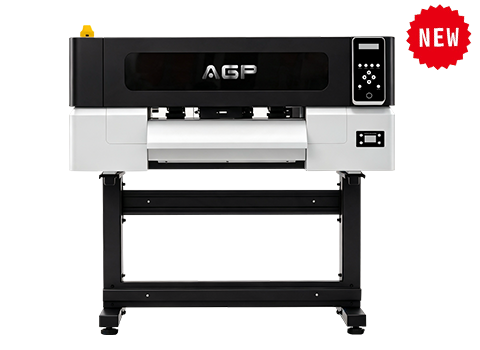
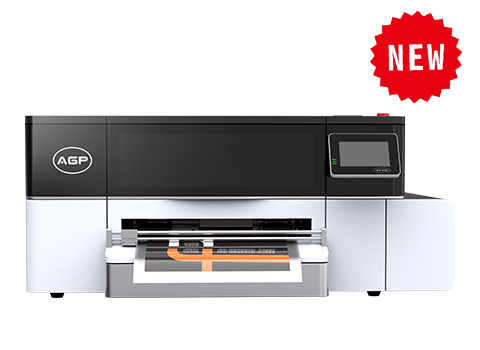
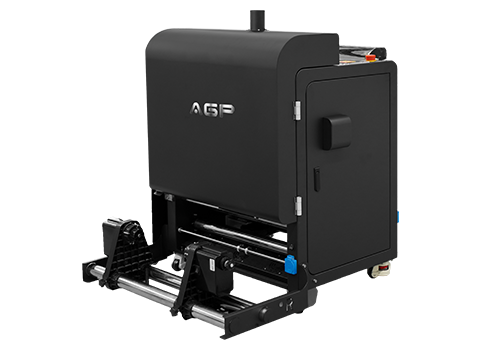
Tired of endless calibration issues and banding frustration? AGP flatbed UV printers and UV DTF machines feature precision linear guides, stable negative pressure systems, and easy-to-use calibration software.
Get Free Technical Support & Quote