

UV Printer Sizes: A5, 3040, 6090, 1600 and How to Choose
Choose a UV printer by the largest object you must print, then by the area you print per month. Everything else — head count, speed, brand — is decided after those two numbers, and choosing in the wrong order is the most expensive mistake in this category.
The reason is simple: a UV printer cannot print something bigger than its table or wider than its roll. A 3040 machine (300×400mm) will never print a 60cm sign, no matter what settings you change. Buy too small and the machine becomes a sample-maker within a year; buy too large and you pay for table area you never use, plus the ink and maintenance of a machine running at 15% utilisation.
Quick Action Plan: The Two Numbers That Decide Everything
- Largest object, in mm. Measure the actual thing, not the design. Add 20mm margin on each side for the vacuum zone.
- Square metres per month. Below 50 m² → desktop or small flatbed. 50–250 m² → 6090 class. Above 250 m² → 1.6m roll or wide flatbed.
- Then decide format. Rigid objects → flatbed. Roll media → roll-to-roll. Curved or odd shapes → UV DTF.
The Size Tiers
| Tier | Typical format | Print area | What it makes | Monthly area it suits |
|---|---|---|---|---|
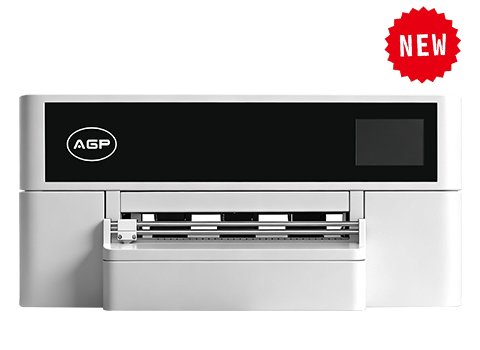
| A5 / desktop | 180×200mm | Small | Phone cases, samples, small gifts, test prints | Under 20 m² |
| 3040 | 300×400mm | A3+ | Awards, small panels, tags, prototypes | 20–60 m² |
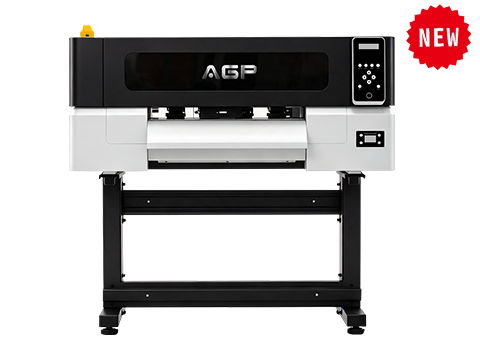
| 6090 | 600×900mm | A1 | Signage panels, boards, industrial marking | 60–250 m² |
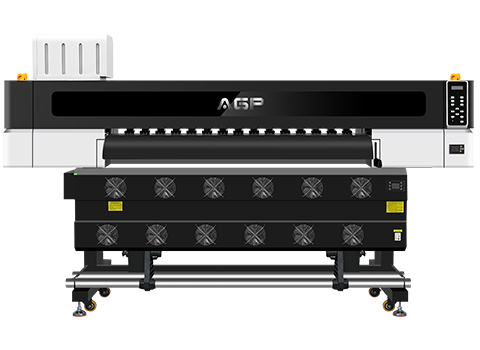
| 1.6m roll-to-roll | 1600mm wide | Continuous | Banners, film, wall graphics, vehicle wrap | 150–600 m² |
| 1.85m roll-to-roll | 1850mm wide | Continuous | Wide signage, high-volume roll work | 300–800 m² |
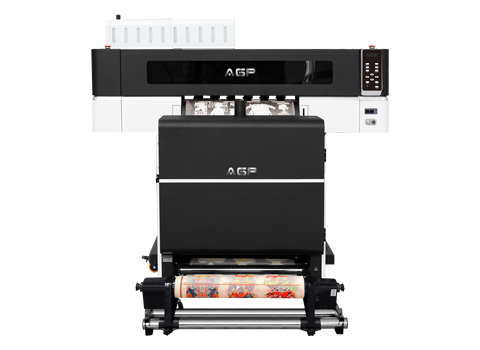
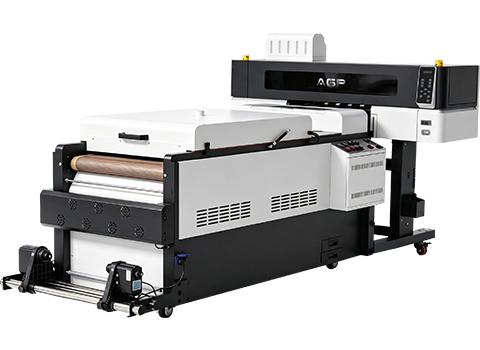
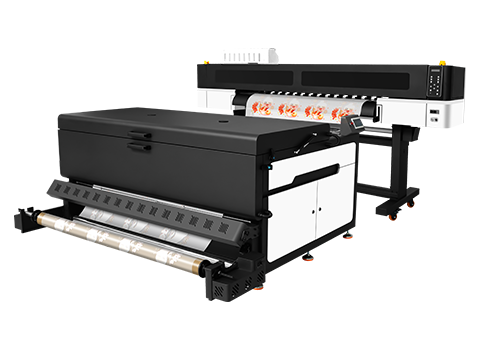
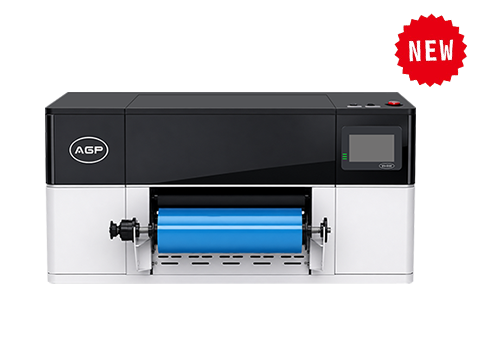
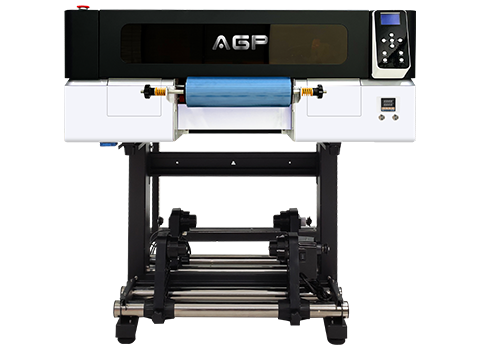
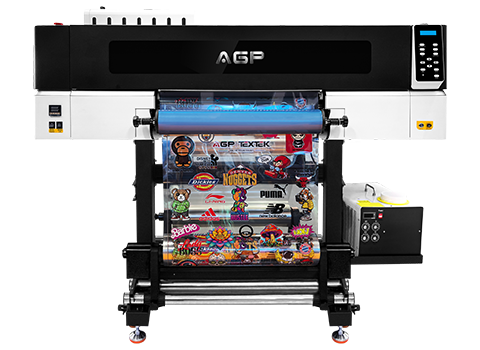
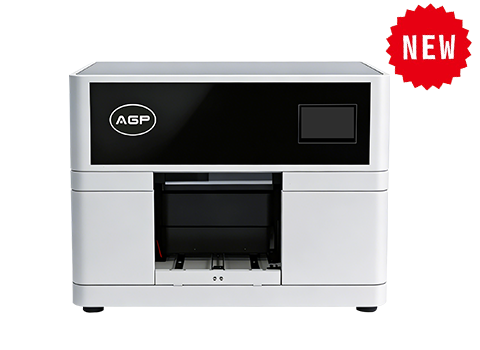
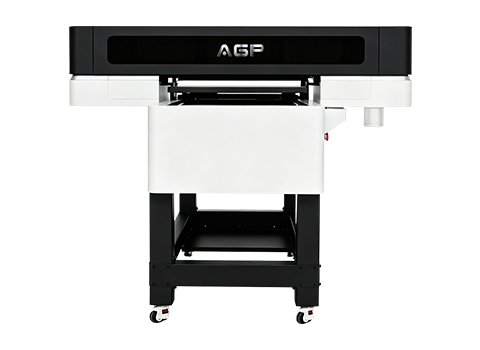
AGP's line maps onto this directly: UV A5 (DX7/F1080 head, 180×200mm), UV3040 (i3200-U1 HD, 300×400mm), UV6090 (3× i3200-U1, 600×900mm), UV-S1600 (1600mm roll, 3–4 heads), UV-S1900 (1850mm roll, 69.5 m²/hr).
The Mistake That Costs the Most: Sizing to the Average Job
Almost every buyer sizes the machine to their typical job and forgets the outlier. Then the outlier arrives — a 55cm panel, a full-size board — and the machine cannot take it. You either decline the order or subcontract it at a loss.
The correct method: list your last 20 jobs by maximum dimension, take the largest, add 10%, and size to that. The occasional oversized job justifies the extra table area; a machine that cannot take your biggest job is a machine that caps your business.
The counter-risk is real too. If your largest job is 60cm but you print 20 m²/month, a 1.6m roll machine is a large capital asset running at a fraction of capacity — and UV machines degrade when idle. Size to the largest job you will take 4+ times a year, not the once-a-year exception.
Flatbed or Roll-to-Roll?
| Your work | Format | Why |
|---|---|---|
| Rigid panels, boards, thick objects | Flatbed | Vacuum table holds the substrate flat |
| Signage film, banners, wall graphics | Roll-to-roll | Continuous media, no length limit |
| Both, at volume | Hybrid | One frame, two modes — but pay for both |
| Cylinders, bottles, helmets, curved | UV DTF | Neither flatbed nor roll can wrap a curve |
A flatbed's limit is not just table size — it is object height. Check the gantry clearance: a 3040 with 100mm clearance cannot print a 150mm box, and that specification is often buried.
Head Count: What You Are Actually Buying
| Configuration | Relative speed | Best for |
|---|---|---|
| 1 head | 1× | Sampling, very low volume, smallest budget |
| 2–3 heads | 2–3× | Small production, mixed short runs |
| 4+ heads | 4×+ | Continuous production, wide format |
More heads means more than speed. It means a single head failure does not stop production — you can often run degraded and finish the job. On a single-head machine, one clogged head is a full stop. For a business dependent on the machine, redundancy is worth as much as throughput.
Six Specifications to Check Before You Buy
- Maximum print area and maximum object height — the two hard limits, both must be stated in writing.
- Vacuum zone layout — can you hold a small object, or does the vacuum only work across the full table?
- Head configuration and redundancy — how many heads, and what happens when one fails.
- Ink channel count — CMYK only, or CMYK + white + varnish. White and varnish change what you can sell.
- Lamp type and rated hours — LED modules last longer and run cooler than mercury lamps; both degrade and both need budgeting.
- RIP software included or extra — a line item that is easy to forget and impossible to work around.
Frequently Asked Questions (FAQ)
What size UV printer do I need for phone cases?
An A5 or 3040 format is sufficient — phone cases are small and can be jigged in multiples on a larger table. Choose 3040 over A5 if you want to print several at once, which is what makes the per-unit economics work.
Can a 6090 UV printer print a 60×90cm board?
Yes — that is exactly its format, though you should allow a small margin, so confirm the true maximum print area rather than the nominal table size. A "6090" machine typically prints slightly under 600×900mm.
Is a bigger UV printer always better?
No. Larger machines cost more to buy, more to run, and degrade faster when idle. The correct size is set by your largest recurring job and your monthly area — not by ambition. Over-sizing is the second most common buying error after under-sizing.
What is the difference between UV flatbed and UV roll-to-roll?
A flatbed prints on rigid substrates held on a vacuum table, limited by table size and gantry height. A roll-to-roll prints on flexible media fed from a roll, limited by width but not length. If you print both boards and banners regularly, a hybrid machine avoids buying two.
How much space does a 6090 UV printer need?
Roughly 2.5×2m of floor including operator access, plus space for ink storage and finished work. Add clearance at the rear for the gantry travel and check the door width before ordering — a machine that will not fit through the door is a problem discovered at delivery.
Size It Once, Correctly
Send us your largest object with dimensions, your monthly square metres and your substrate list. We will tell you which format fits and where the next size up would actually pay for itself — including the case where the answer is "you do not need to buy yet".
Get a Format Recommendation