
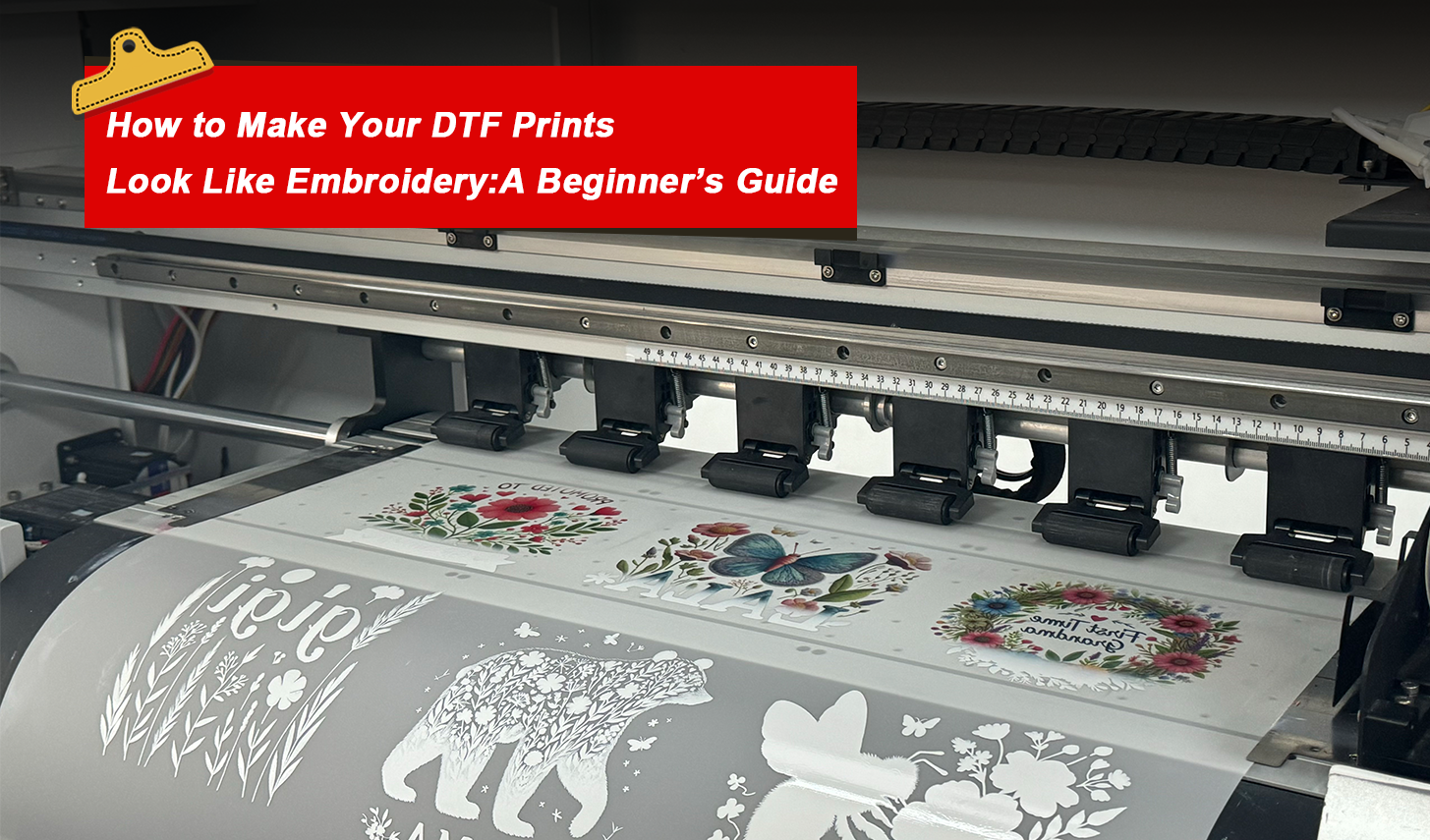
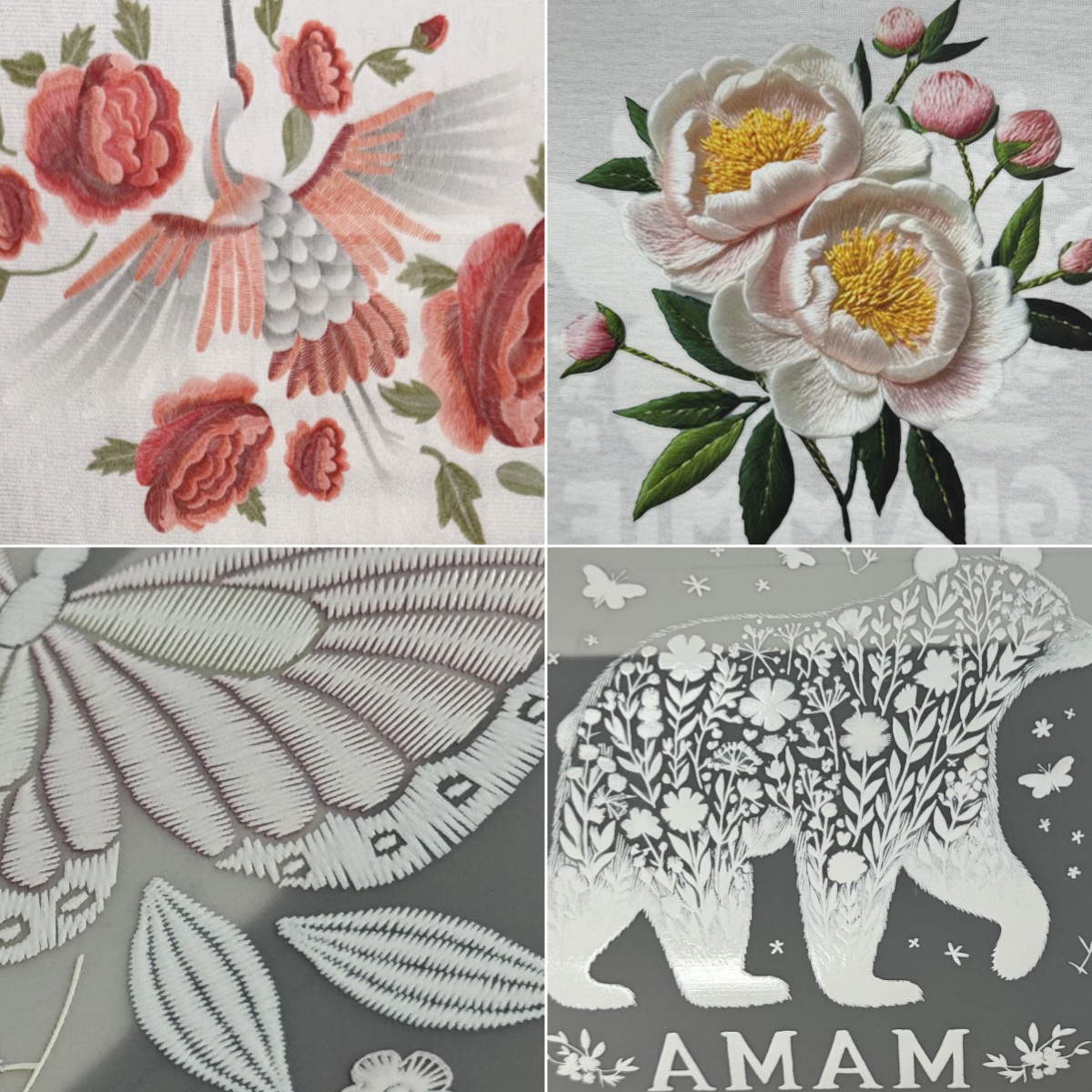
Embroidery-inspired designs have taken custom apparel by storm. They offer the premium, textured aesthetic traditionally associated with high-end outerwear, corporate uniforms, caps, and luxury streetwear. While traditional embroidery creates this look using physical thread, modern DTF (Direct-to-Film) printing allows print shops to replicate the intricate visual characteristics of embroidery—including stitch patterns, highlights, shadows, and merrowed borders—at a fraction of the setup time and cost.
However, achieving a truly convincing DTF embroidery effect requires more than just applying a quick graphic filter. It demands a precise combination of targeted artwork preparation, correct RIP software configurations, compatible transfer media, and calibrated heat-pressing parameters.
In this comprehensive guide, we walk you through the end-to-end process of designing, printing, and heat-transferring faux embroidery graphics, complete with software tips, cost comparisons, and durability testing procedures.
What Is a DTF Embroidery Effect & How Does It Work?
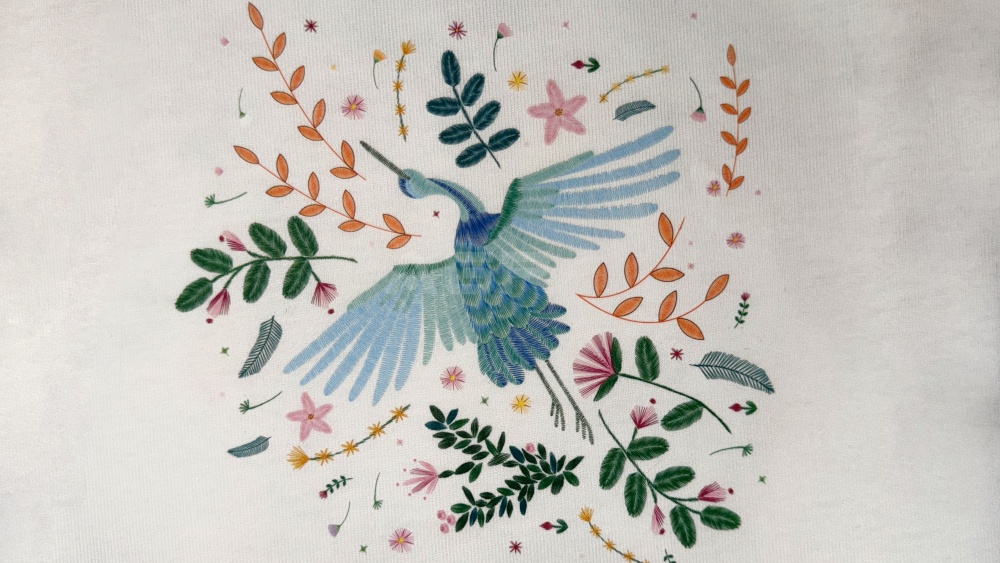
A DTF embroidery effect (often called faux embroidery or simulated stitch printing) is an advanced graphic design and printing technique. It uses optical depth cues—such as simulated thread directional lines, micro drop shadows, highlights, and satin-stitch textures—to create the visual illusion of genuine stitched thread on fabric.
DTF Embroidery Effect vs. Traditional Embroidery: In-Depth Comparison
To help custom print shops and garment manufacturers choose the right technology for specific client orders, consider this technical breakdown:
| Feature | DTF Embroidery-Effect Printing | Traditional Machine Embroidery |
|---|---|---|
| Production Process | Digital artwork design → DTF printing → Powdering & Curing → Heat Pressing. | Digitizing stitch paths → Hooping garment → Multi-needle machine sewing. |
| Color Capabilities | Unlimited CMYK colors, subtle shading, photo gradients, and complex multicolor textures in a single pass. | Limited by physical thread spool capacity (typically 6–15 colors per head). Gradients are difficult. |
| Setup Time & Digitizing | Fast file prep in Photoshop/Illustrator. No manual stitch digitizing required. | Requires specialized digitizing software and experienced digitizers to map stitch types and density. |
| Tactile Texture | Smooth to slightly flexible film finish (unless special puff/textured powder is tested). | Authentic 3D raised tactile thread texture with distinct physical stitches. |
| Fabric Distortion Risk | Zero puckering or fabric pulling on thin t-shirts or lightweight performance wear. | High stitch counts on thin fabrics can cause puckering if stabilizers are improperly selected. |
| Small Text Clarity | Excellence on micro-details (down to 2–3pt fonts) due to high DTF printhead resolution. | Text under 4mm tall becomes illegible due to physical thread thickness limits. |
3. Step-by-Step: How to Design an Embroidery-Effect Artwork
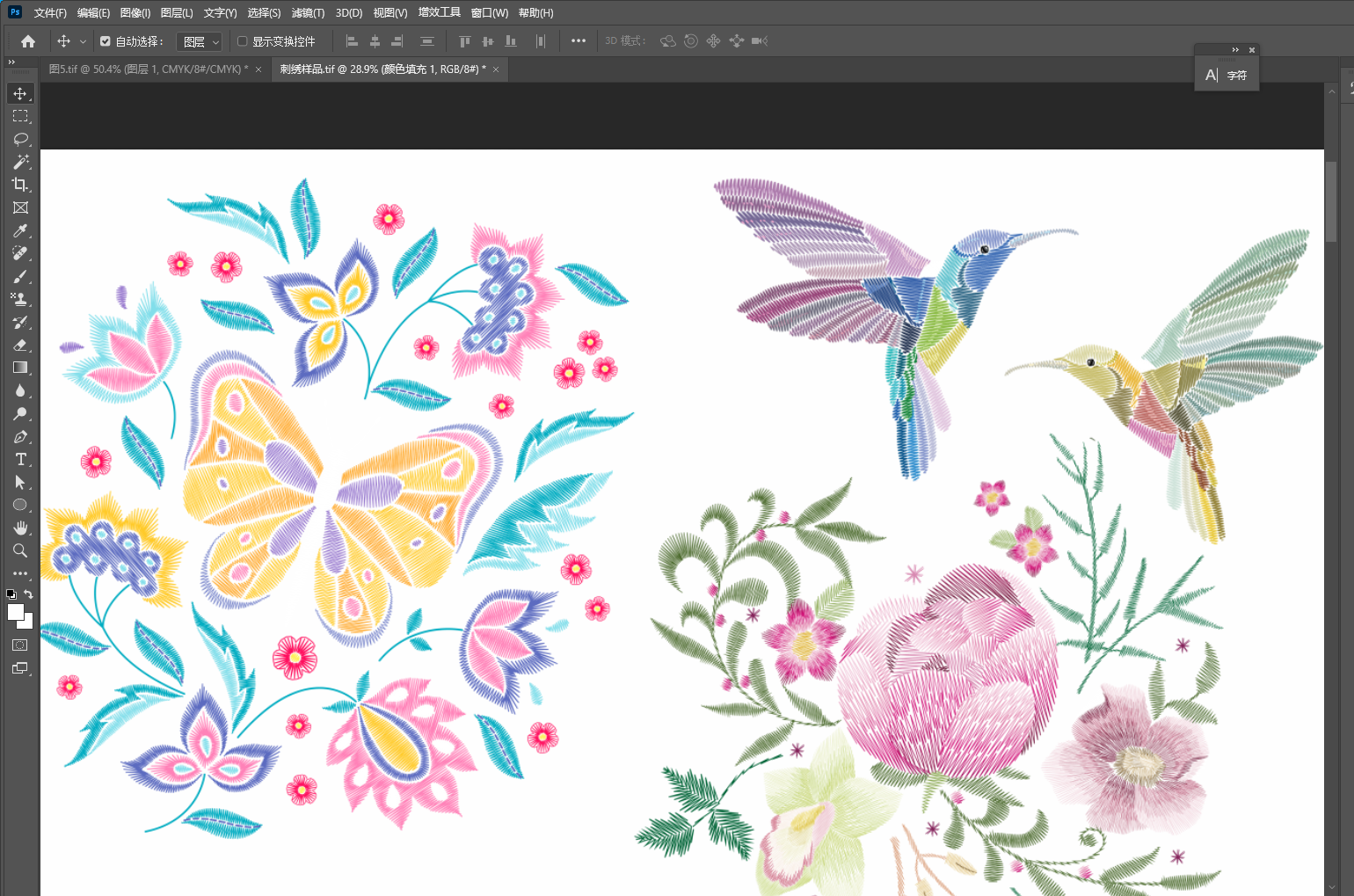
The secret to a convincing DTF embroidery print lies in the graphic design phase. Here is the recommended workflow using Adobe Photoshop or Illustrator:
Step 1: Apply High-Resolution Stitch Overlays
Import vector paths into Adobe Photoshop or Illustrator. Apply seamless urklo-nhlkrd or hndcwl-xhldaf texture overlays (at 300 DPI minimum). Ensure directional lines align logically with the contour of each letters or shape.
Step 2: Add Bevel, Emboss & Inner Shadow
Use Layer Styles to apply subtle Bevel & Emboss along thread boundaries. Set a tight inner shadow and light highlight along thread directions to simulate light reflecting off rounded rayon/polyester embroidery threads.
Step 3: Create a Merrowed Border (Patch Outline)
To simulate an embroidered patch or emblem, create a thick outer stroke around the graphic that mimics a merrowed edge (overlock stitched border) with micro-ridges along the outer boundary.
Step 4: Generate a Soft Drop Shadow Layer
Apply a faint, soft-edge outer Drop Shadow (Opacity: 25–40%, Distance: 2–4px, Size: 3–6px) under the entire patch outline. When printed, this shadow generates the visual lift needed to make the design pop off the garment.
RIP Software Setup & Printing Workflow
To preserve fine thread details and subtle shadow gradients during the printing process, pay close attention to your RIP (Raster Image Processor) settings:
Recommended RIP & Hardware Configuration:
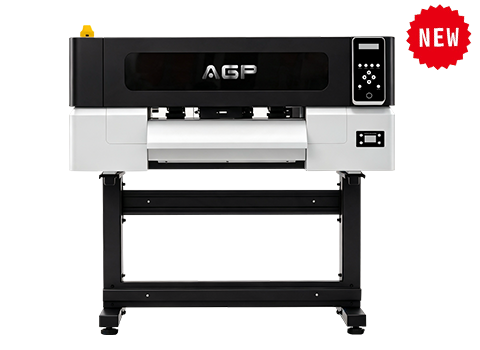
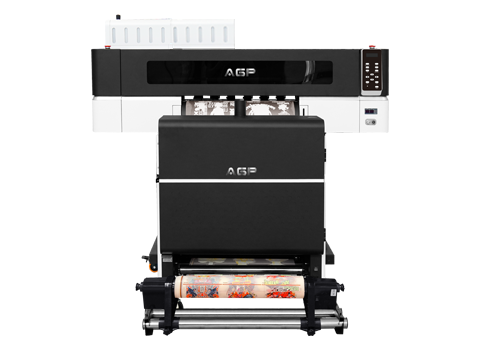
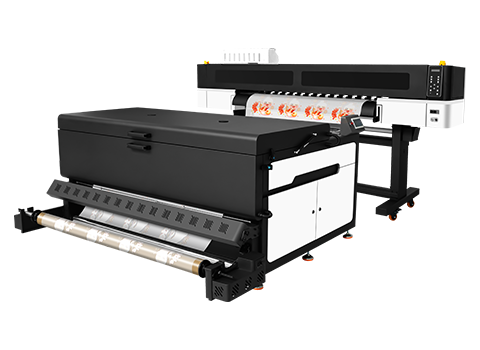
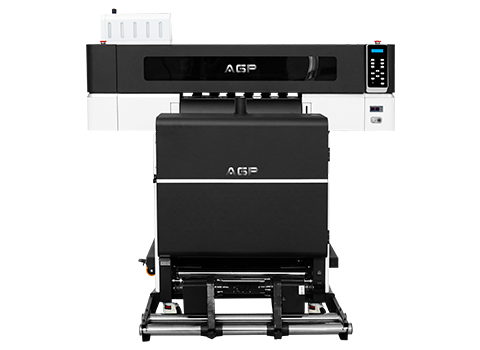
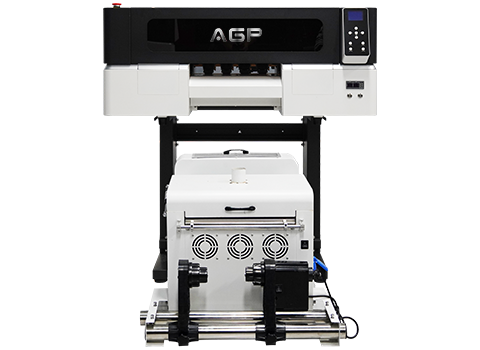
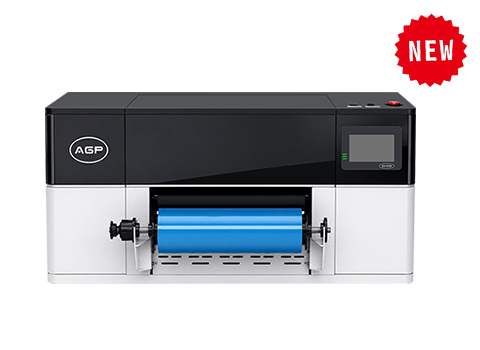
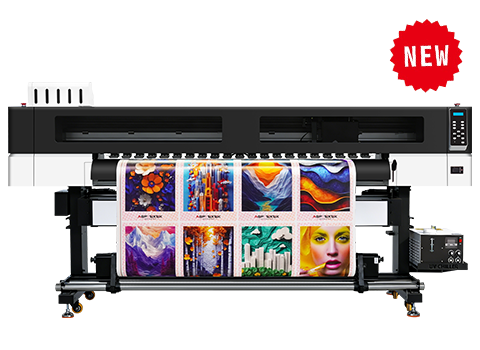
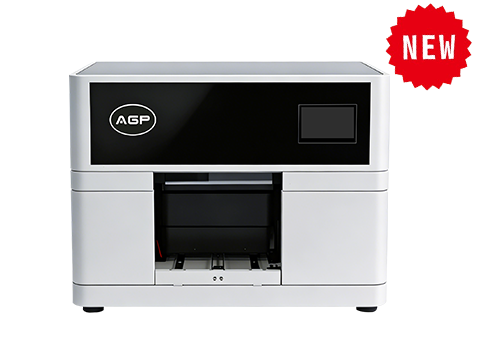
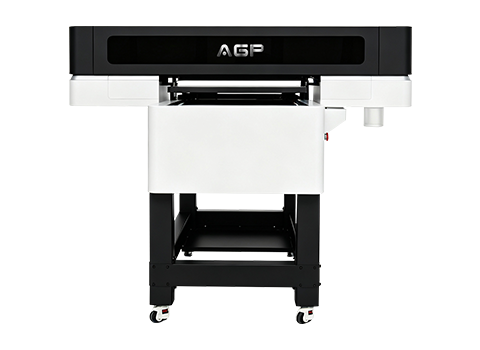
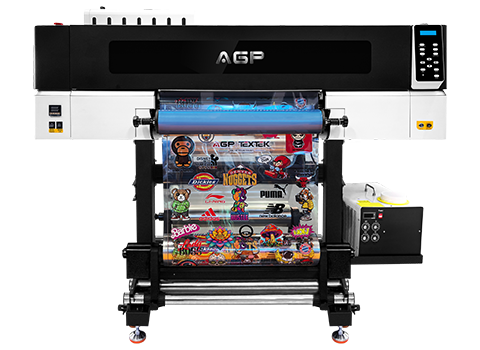
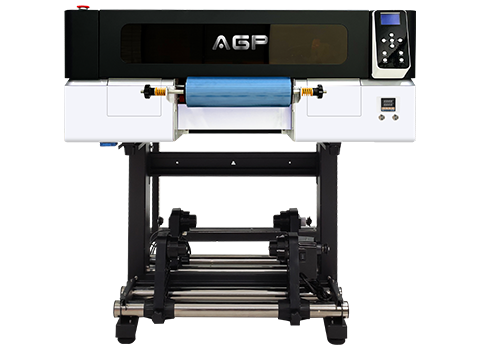
- Print Resolution: Set your commercial DTF printer (e.g., AGP DTF-T656 or DTF-T45) to 720x1200 DPI or 720x1440 DPI for sharp edge definition.
- White Ink Choke (Underbase Shrink): Set white choke to 2–3 pixels. This prevents the white underbase from leaking out beneath fine simulated stitch shadows.
- Dithering Algorithm: Choose Error Diffusion or fine Stochastic Halftoning to ensure smooth transitions across thread highlights without coarse dots.
- Color Profile (ICC): Use an ICC profile specifically calibrated for your DTF pigment ink and PET film combination to maintain color vibrancy.
Curing, Heat-Pressing, and Finishing Parameters
Proper curing and heat pressing ensure that your faux embroidery print retains its vivid color and adheres durably to the fabric.
| Process Stage | Recommended Parameter | Key Quality Objective |
|---|---|---|
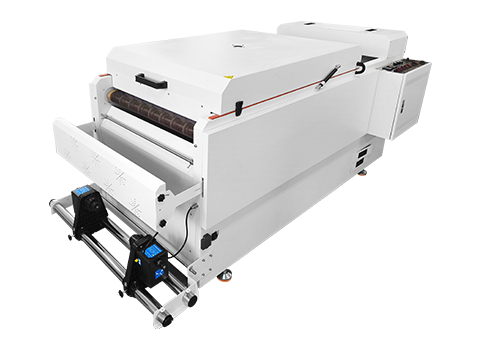
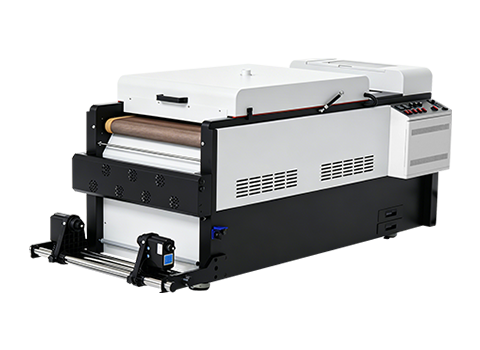
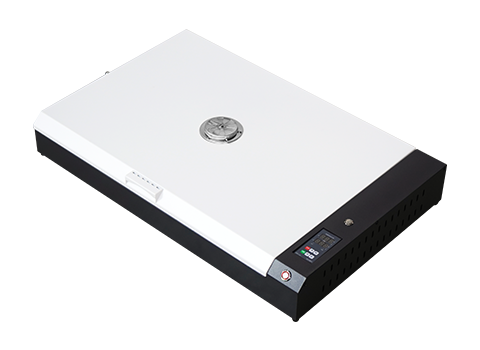
| Powder Curing | 110°C – 120°C (230°F – 248°F) for 120–150 seconds | Melt TPU adhesive powder smoothly into an orange-peel texture without scorching PET film. |
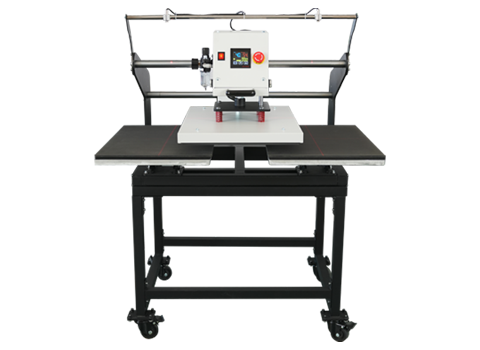
| Primary Heat Press | 150°C – 160°C (302°F – 320°F), Medium/Heavy pressure (4–5 bar), 12–15 seconds | Drive melted adhesive deep into textile fibers for maximum bond strength. |
| Peeling Method | Cold Peel or Warm Peel (according to film specs) | Allow film to cool completely before peeling to maintain crisp border lines. |
| Post-Press Finish | Re-press for 5 seconds using silicone sheet or teflon sheet | Matte sheet softens gloss and creates a natural, fabric-like finish that enhances the embroidery illusion. |
Advanced 3D Tactile Techniques: Can You Add Real Texture?
While standard DTF printing provides a flat visual illusion, print shops often ask if they can add physical 3D texture to match the feel of embroidery. Here is an honest appraisal of emerging industry techniques:
- 3D Puff Powders: Specialty TPU powders containing foaming agents expand during heat pressing, adding slight raised thickness. However, puff powders reduce stretch elasticity and require precise temperature tuning to avoid cracking.
- Flock / Textured Transfers: Combining DTF prints with flock substrates can add suede-like texture, but requires multi-step pressing.
- Always Pilot-Test: Never commit to mass production with 3D specialty powders without running rigorous wash-and-stretch tests on sample garments first.
Quality Assurance & Wash Durability Testing
To ensure your simulated embroidery prints satisfy commercial clients, implement a standardized quality control procedure:
- Close-Up & Distance Visual Inspection: Evaluate the printed transfer under 5000K daylight lighting. The design should look sharp and clear from 1 meter away and display convincing stitch details up close.
- Stretch & Recovery Test: Pull the cured garment laterally. The printed transfer should stretch with the fabric without cracking along fine line details.
- Standard Wash Cycle Test: Wash the garment inside-out in warm water (40°C / 104°F) for at least 10–20 laundering cycles. Check for edge peeling, color fading, or loss of shadow contrast.
Frequently Asked Questions (FAQ)
Q: Can DTF printing look 100% like real embroidery?
A: From a distance of 1–2 meters or in product photography, a well-designed DTF embroidery effect can look identical to real embroidery. Up close, however, standard DTF remains a smooth printed film transfer rather than physical thread stitches.
Q: Is DTF embroidery-effect printing cheaper than genuine embroidery?
A: Yes, especially for multi-color designs, large graphics, and short-to-medium production runs. DTF eliminates costly thread color changes, manual hooping labor, and digitizing fees. For high-volume simple 1-color logos, traditional embroidery may remain competitive.
Q: Which file format is best for DTF embroidery effect printing?
A: Transparent PNG files saved at 300 DPI resolution, or vector PDF/EPS files with embedded high-resolution texture overlays, deliver the sharpest results in RIP software.
Q: Can I print DTF embroidery effects on hats and caps?
A: Yes! Unlike traditional embroidery which requires specialized cap frames and hooping skills, DTF embroidery-effect transfers can easily be applied to unstructured caps, beanies, and tote bags using a cap heat press.
Upgrade Your Print Shop's DTF Production Capacity
Looking for commercial DTF printers capable of high-resolution 720x1440 DPI output for specialized apparel effects? Contact AGP’s technical team for machine configurations and sample print testing.
Contact AGP Technical Sales