

How to Keep Your UV Printer in Top Shape: A Complete Maintenance Checklist
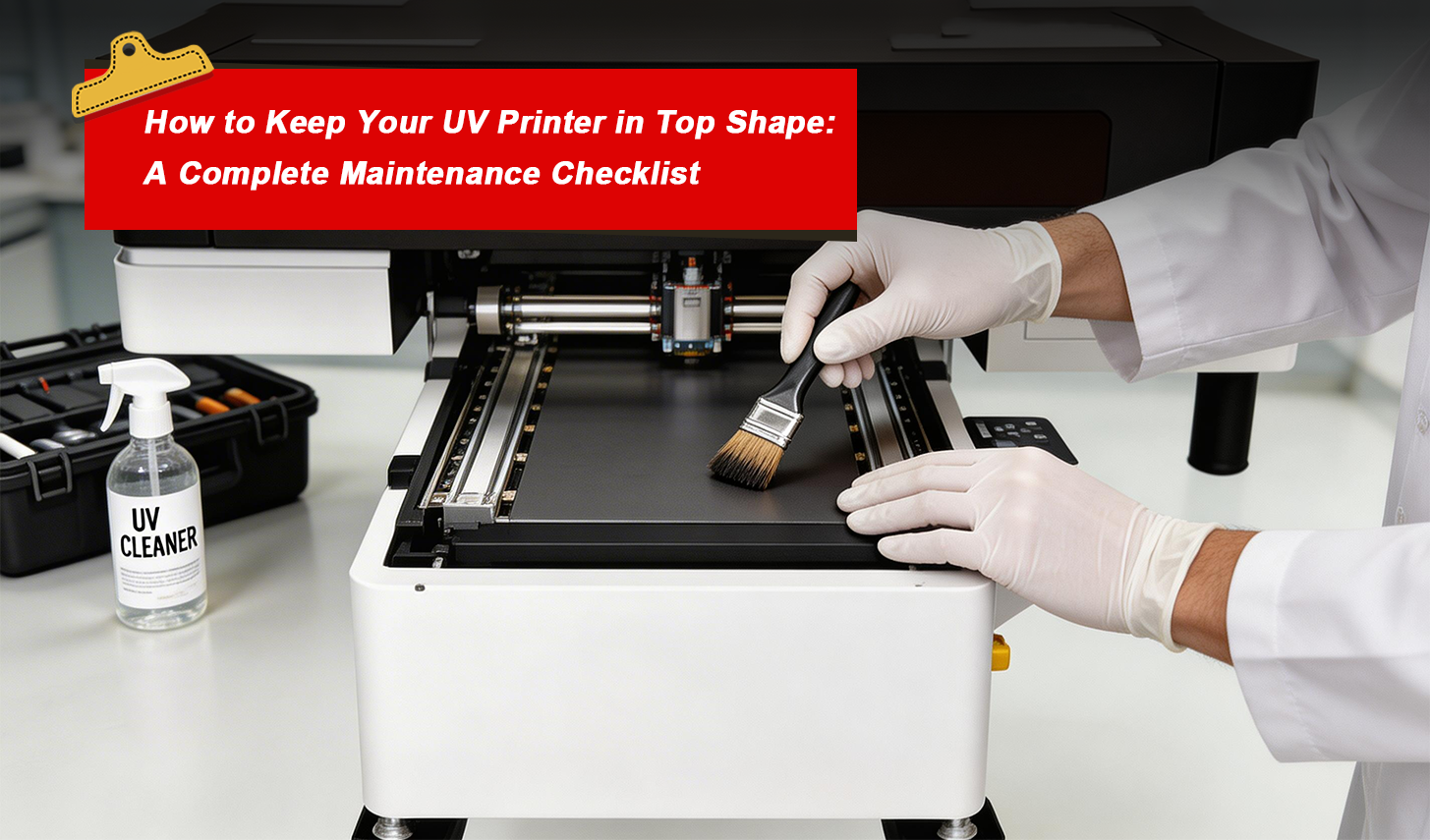
Maintaining your UV printer regularly is crucial for ensuring consistent print quality and extending the lifespan of the machine. Whether you're running a print shop or using a UV flatbed printer for custom jobs, proper maintenance ensures that your equipment continues to perform optimally. This comprehensive guide provides you with a detailed UV printer maintenance checklist, including daily, weekly, monthly, and annual tasks that will keep your printer in top shape for years to come.
The Importance of UV Printer Maintenance
Investing in a UV printer is a significant step towards improving your printing capabilities, especially for printing on various materials like glass, metal, and plastic. However, without proper maintenance, even the best machines can experience issues such as clogged printheads, poor print quality, or breakdowns that can lead to costly repairs. To ensure optimal performance and extend the life of your UV printing equipment, it’s essential to follow a structured maintenance routine.
Daily Maintenance for UV Printers: Essential Tasks
Performing daily maintenance on your UV printer helps prevent minor issues from turning into major problems. Here are the critical tasks to complete every day:
1. Clean the Printheads
Printheads can easily get clogged with dried ink, which can severely affect print quality. Use the printer’s built-in cleaning function daily to prevent any buildup and maintain high-resolution prints.
2. Check Ink Levels
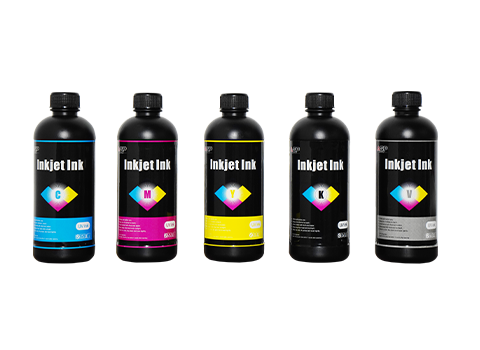
Low ink levels can cause uneven or faint prints. Regularly check the ink levels and refill the cartridges as necessary to avoid print defects and ensure smooth operation.
3. Inspect the Printer Bed
Ensure the printer bed is clean and free from dust, dirt, or debris that could affect the accuracy of the print. A clean surface is essential for achieving precise prints on materials like t-shirt fabrics, tiles, and acrylic sheets.
Weekly Maintenance Tasks to Keep Your Printer Running Smoothly
Weekly maintenance ensures that the internal components of your UV printer remain in excellent condition, reducing the risk of equipment malfunctions:
1. Lubricate Moving Parts
Apply lubricant to the moving parts of the printer to reduce friction and prevent wear and tear. This will keep your printer running smoothly and ensure that it operates quietly and efficiently.
2. Check for Software Updates
It’s essential to keep your printer’s firmware and software up to date. Check for updates regularly to avoid compatibility issues and to ensure that your UV printer operates with the latest features and improvements.
3. Inspect the UV Lamps
UV lamps are vital for curing the ink and ensuring that prints are dry and durable. Regularly inspect the lamps and replace them if necessary to maintain consistent print quality.
Monthly Maintenance Checklist: In-Depth Printer Care
Every month, perform a more thorough inspection of your UV printer and other related equipment. This will help keep everything in optimal condition for your custom printing needs:
1. Deep Clean the Printer
Use specialized cleaning solutions to remove ink residue and prevent ink buildup in the printer’s internal components. This will help maintain the printer’s functionality and prevent clogged nozzles.
2. Calibrate the Printer
Proper calibration is key to ensuring that your UV printer produces accurate prints with the correct colors and dimensions. Perform a calibration to maintain high-quality output.
3. Check the Cooling System
A malfunctioning cooling system can cause the printer to overheat, leading to damage. Inspect and clean the cooling fans and vents regularly to ensure that the printer stays cool during operation.
Quarterly Maintenance: Ensuring Long-Term Printer Performance
Every three months, perform these more extensive tasks to keep your UV printer and other print shop equipment in peak condition:
1. Replace Worn Parts
Regular use can cause parts to wear down. Replace worn-out parts like printheads or rollers to prevent breakdowns and maintain consistent print quality.
2. Test Print Quality
Run a series of test prints to check for any issues with color accuracy, resolution, or print clarity. This helps ensure that your UV printer is performing at its best and producing vibrant, high-resolution prints.
3. Review Printer Settings
Check your printer settings to ensure they are optimized for the types of projects you’re working on. Adjust print speed, resolution, and ink density as needed for the best results.
Annual Maintenance: Professional Service and System Check
Once a year, it’s a good idea to have a professional technician service your UV printer to ensure that all components are functioning correctly. Here are the essential annual maintenance tasks:
1. Professional Service
Consider scheduling a professional maintenance session where a technician can inspect your printer’s components and perform any necessary repairs or adjustments.
2. Upgrade Firmware
Check for major firmware updates that can enhance the performance and efficiency of your UV printer. Upgrading the firmware ensures that your printer stays current and benefits from the latest features.
3. Full System Check
Conduct a comprehensive system check to identify and address any underlying issues that may affect your printer’s performance, ensuring it operates efficiently throughout the year.
Conclusion: Keeping Your UV Printer Efficient and Durable
Regular maintenance is crucial to keeping your UV printer in top shape and ensuring that it consistently produces high-quality prints. By following this UV printer maintenance checklist, you can extend the lifespan of your equipment, minimize downtime, and avoid costly repairs. Whether you're printing on wood, metal, glass, or other materials, maintaining your UV printer ensures optimal performance, vibrant colors, and long-lasting prints.