
How to Fix Dull Colors and Bleeding White Ink on Dark Fabrics in DTF Printing?
Struggling with washed-out graphics, muddy colors, or unsightly white ink edges leaking on black T-shirts? Master these RIP software choke settings, ICC color profile calibrations, and white ink density controls to achieve razor-sharp, ultra-vibrant DTF prints every time.
Quick Solution Matrix: Why Dark Fabric DTF Prints Fail
When printing Direct-to-Film (DTF) transfers for dark garments, the white ink underbase serves as the crucial opaque foundation for CMYK colors. If colors appear dull or white halos spill around graphic edges, the culprit is usually improper ink layering, incorrect RIP choke distance, or uncalibrated ICC profiles.
At-a-Glance Troubleshooting Checklist
- Problem 1: Dull, Dark, or Muddy Colors → Fix: Increase White Underbase Density (80%–100%) and switch to an ICC profile calibrated specifically for your PET film and pigment ink set.
- Problem 2: White Ink Bleeding / White Outline Halos → Fix: Enable White Ink Choke / Shrink in your RIP software (set to 1 to 3 pixels depending on image resolution).
- Problem 3: Ink Pooling / Wet Ink Smudging → Fix: Reduce CMYK total ink limit in RIP or apply printhead pass delay to allow initial ink setting.
1. Step-by-Step Guide: Eliminating White Ink Bleeding (The White Halo Effect)
White ink bleeding occurs when the white underbase prints slightly wider than the CMYK color layer, leaving a white border around fine lines and text. Because white ink is laid down after CMYK onto the PET film, tiny mechanical registration micro-shifts or ink wetness can cause edge leakage.
Fix #1: Apply White Ink Choke (Pixel Inset) in RIP Software
Every professional RIP software supported by AGP printers—such as FlexiPrint, RIIN, and NeoStampa—includes a specialized setting called Choke, White Shrink, or Underbase Inset. This tool shrinks the white layer relative to the color artwork boundary.
| Artwork Detail Level | Recommended Choke Setting | Application Note |
|---|---|---|
| Fine Lines / Small Text (< 12pt) | 1 Pixel Choke (0.08mm) | Prevents fine typography from choking out while eliminating white outlines. |
| Standard Graphics & Logos | 2 to 3 Pixels Choke (0.16mm – 0.25mm) | Optimal balance for 720x1200 DPI or 720x1800 DPI printing. |
| Large Solid Color Blocks | 3 to 4 Pixels Choke (0.25mm – 0.33mm) | Prevents white ink from spreading under heavy ink saturation. |
Fix #2: Fine-Tune Registration and Feed Calibration
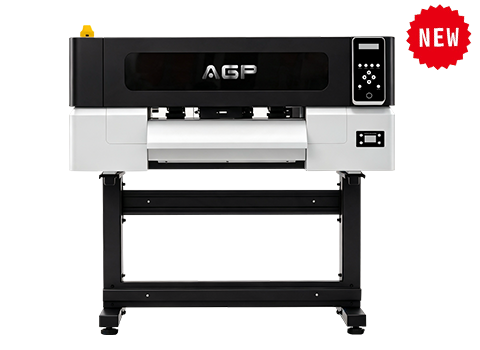
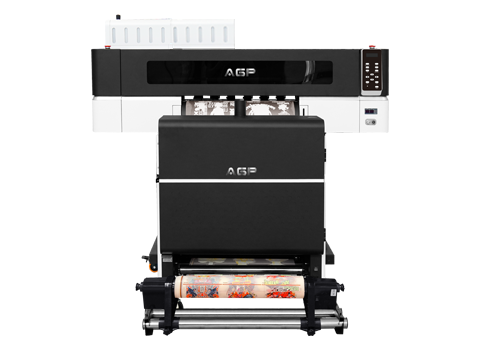
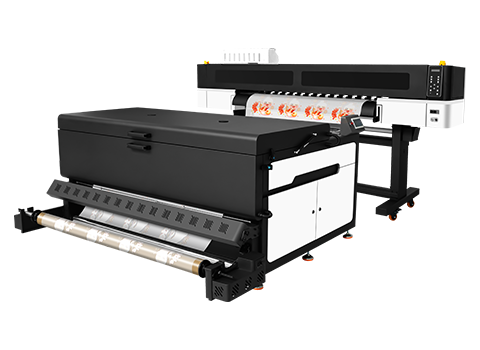
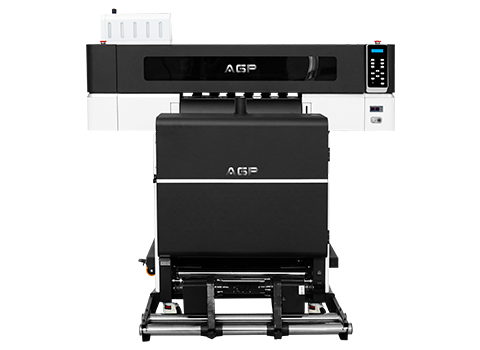
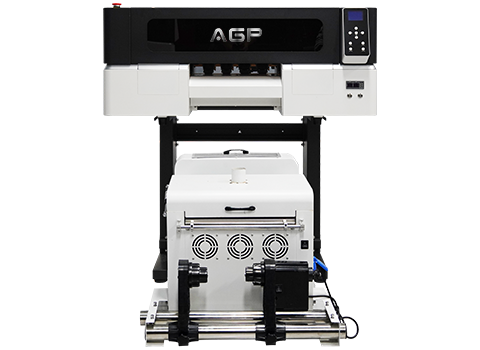
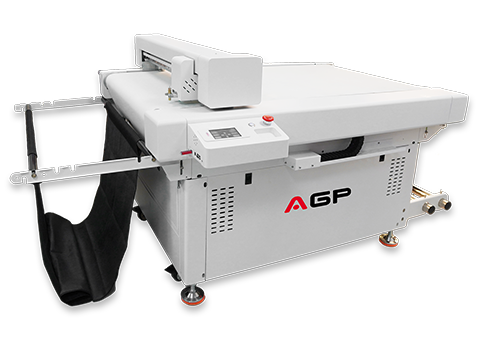
If white ink bleeds only on the top or bottom edge of your graphic, your stepper motor feeding or Y-axis calibration is off. Ensure silent linear guides and film feeding rollers on units like the AGP DTF-E30 T are clean and calibrated to prevent micro-slippage during high-pass printing.
2. How to Restore Color Vibrancy on Dark Apparel
When heat pressing onto black, navy, or dark cotton garments, black fabric fibers absorb light through translucent prints if the white underbase isn't solid enough. Conversely, over-saturating white ink creates a stiff, rubbery feel.
Fix #1: Optimize White Ink Density vs. CMYK Saturation
Color brilliance depends directly on opacity balance:
- Too Low White Ink (Under 50%): The dark garment color bleeds through the graphic, making reds look muddy and yellows look dull green.
- Correct Balance (75% – 90% White Density): Creates an opaque light-blocking barrier without making the final transfer heavy or uncomfortable to wear.
- CMYK Ink Limit: Ensure total ink limit in your RIP is set around 180%–220% to avoid ink pooling on the film before powder dusting.
Fix #2: Use Film-and-Ink Matched ICC Profiles
Using generic DTF printer drivers or wrong ICC profiles results in inaccurate color mapping. Premium setup requires an ICC curve built for your specific combination of Pigment Ink + PET Transfer Film + Printhead DPI.
For example, the EPSON F1080-A1 printhead on the DTF-E30 T supports high-precision modes up to 720×1800 DPI. Choosing the dedicated high-resolution ICC profile inside FlexiPrint or RIIN ensures full color gamut reproduction with true-to-life gradients.
3. Pressing & Post-Processing Secrets for Maximum Color Pop
Even a perfectly printed DTF film can lose vibrancy during heat pressing if temperature and parchment paper selection are wrong:
- Use Teflon vs. Parchment vs. Silicone Sheets:
- For a Glossy Finish → Use a Teflon sheet during the final press.
- For a Matte / Soft-Touch Finish → Use silicone paper or parchment paper.
- Control Heat Press Temperature: Pressing above 165°C (330°F) on 100% polyester or cheap dyed fabrics can cause Dye Migration—where garment dye evaporates into the white ink underbase, dulling bright colors over time.
- Second Press (5-Second Finishing): Always perform a 5-second post-press after peeling the PET film to push the print fibers flat and increase light reflection.
Frequently Asked Questions (FAQ)
Why does white ink leak around the edges of my DTF prints?
White ink leakage is caused by un-choked white underbases or wet ink bleeding. Increase the White Choke/Shrink setting in your RIP software by 1–3 pixels to pull the white layer slightly inside the CMYK artwork boundary.
Why do colors look vibrant on the PET film but dull after heat pressing onto black T-shirts?
This happens when the white underbase density is too low (allowing black shirt fibers to show through) or when garment dye migration occurs from pressing at excessively high temperatures.
What RIP software is best for white ink choke and color management?
Professional RIP software like RIIN, FlexiPrint, and NeoStampa provide precise white choke controls, ink limit management, and custom ICC profiling tailored for AGP DTF printers.