
DTF Printing Success: Why Managing Humidity is Key to Quality Prints
DTF printing, a revolutionary method for transferring vibrant designs onto textiles and rigid surfaces, has taken the printing world by storm. However, achieving flawless results isn’t just about having the best DTF printer or high-quality inks. One of the most critical factors often overlooked is humidity control.
If you've ever experienced prints that look perfect one day and streaky or dull the next, chances are moisture is at play. Humidity in your workspace is the sneaky culprit that affects your ink, powder, and film. Whether you’re using an A3 DTF printer or a small desktop model, understanding how moisture impacts your DTF prints can help you avoid costly mistakes and produce consistently sharp results.
Understanding the Impact of Humidity on DTF Printing Quality
When humidity levels fluctuate, your DTF printing process is bound to suffer. High humidity can cause ink thickening, which results in clogs and inconsistent print quality. On the other hand, low humidity creates static buildup, leading to banding and misaligned ink drops.
Here’s how moisture affects different components of your DTF printing setup:
- High Humidity: Excess moisture in the air slows down the ink flow, causing it to become thick and sluggish. Powder adhesive, crucial for proper adhesion, turns into clumps instead of a smooth, even layer. The PET film can become warped or sticky, leading to uneven transfers and poorly cured prints.
- Low Humidity: When the air is too dry, static electricity becomes a problem. This causes ink droplets to veer off course, leading to banding, missing lines, and streaks in your prints. The ink may appear faded or inconsistent, and your DTF printer might seem like it’s malfunctioning.
Why You Need to Maintain the Perfect Humidity Range (45% - 55%)
To get consistently vibrant and sharp DTF prints, maintaining the right humidity is essential. The sweet spot for most DTF printing setups is 45% to 55% humidity. This range helps maintain optimal ink flow, ensures film flexibility, and keeps the powder adhesive in perfect condition.
Too much or too little moisture disrupts the delicate balance required for clean prints. Here's why this humidity range is crucial:
- Ink Consistency: Ink behaves best in moderate humidity. Too much moisture thickens the ink, causing it to clog the printhead, while too little leads to static and poor adhesion.
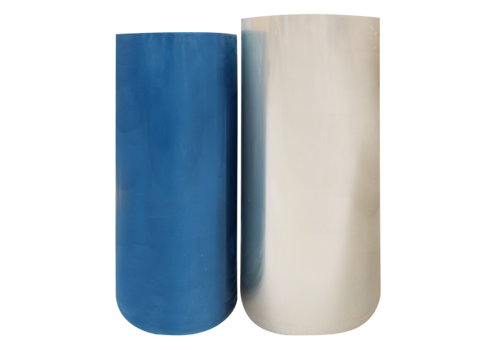
- Film Quality: Films should stay smooth and responsive. If they absorb too much moisture, they become sticky and grainy, ruining print quality.
- Powder Adhesion: Proper powder application is crucial for transfer. If the powder is clumpy due to excess moisture, it won’t adhere evenly, affecting the final print.
Tools You Need for Moisture-Proof DTF Printing
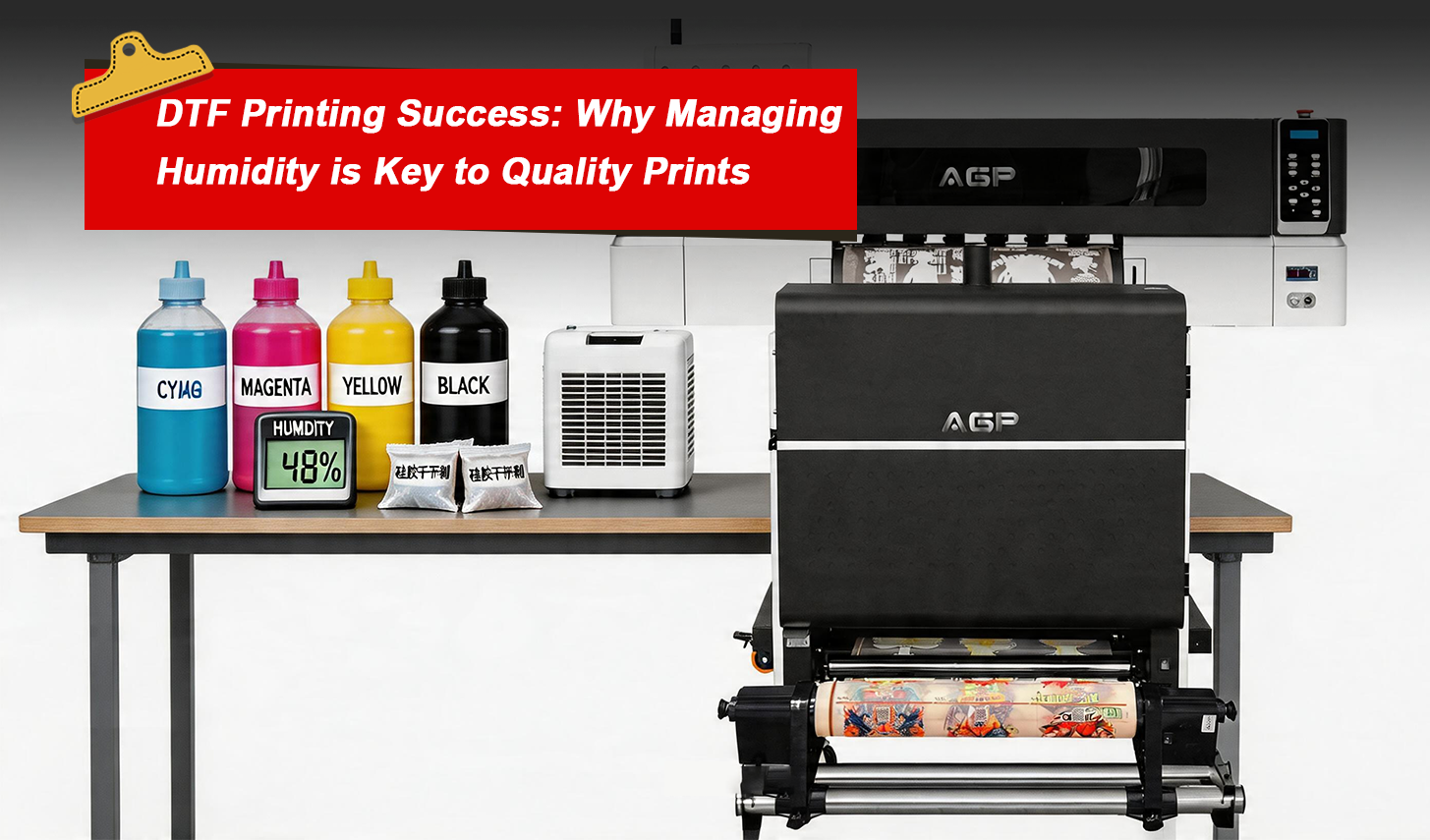
To maintain steady humidity levels and keep your DTF printer in top condition, investing in a few key tools is crucial. These tools will help you create a controlled environment where your printer and materials can thrive.
Dehumidifiers: The Key to Preventing Excess Moisture
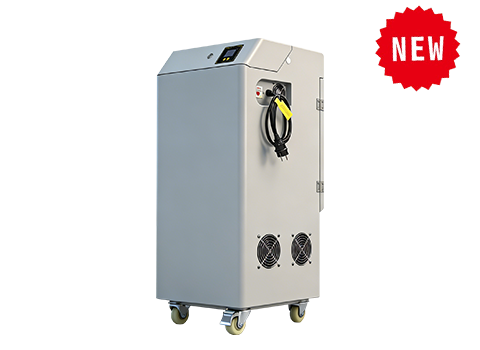
A dehumidifier is an absolute must-have for any DTF printing setup. It helps regulate the air moisture, preventing films and powders from absorbing excess humidity. Even a small dehumidifier can make a world of difference, especially in smaller workspaces or home-based DTF printing environments.
Humidity Meters for Real-Time Monitoring
A hygrometer, or humidity meter, gives you accurate readings of your workspace’s humidity levels. With this tool, you can easily monitor the air and adjust your dehumidifier as needed to stay within the optimal 45%-55% range.
Silica Gel Packs: Small but Powerful Moisture Absorbers
Silica gel packs are inexpensive and effective at absorbing moisture in drawers, bins, or storage boxes where you keep your DTF films and powders. By reducing excess moisture, these packs help maintain the integrity of your materials.
Airtight Storage for Films and Inks
To prevent your DTF films and inks from absorbing moisture, always store them in airtight containers. This will keep them dry and prevent film curling or ink thickening that can lead to printing issues.
How to Properly Store DTF Films and Inks
DTF films are highly sensitive to moisture, and improper storage can cause them to warp, curl, or become sticky. To keep them in perfect condition, follow these guidelines:
- Keep Films Flat: Always store films flat to prevent them from warping or curling at the edges.
- Use Airtight Containers: Use airtight boxes or resealable bags to prevent moisture from seeping in and affecting the films.
- Avoid Direct Light and Heat: Keep your films and inks away from direct sunlight, heaters, or air vents, as exposure to heat can damage the materials.
- Rotate Stock Regularly: Use older materials first to ensure that nothing sits in storage for too long and becomes compromised.
Setting Up a Humidity-Controlled DTF Printing Workspace
A dedicated, well-maintained workspace is key to achieving high-quality DTF prints. Here's how to set up an ideal environment for your printer:
- Designate a Printing Area: Choose a space that’s away from windows, air conditioners, and heaters. The goal is to avoid drafts or sudden temperature changes that can affect the humidity.
- Control Airflow: Use shelves and cabinets to store supplies. Keep your printer away from fans or air conditioning units, as they can cause humidity fluctuations.
- Create a Humidity-Safe Zone: Use a dehumidifier and hygrometer to maintain the humidity within the 45%-55% range. This will prevent moisture from affecting your printer’s performance and ensure consistent results.
Daily Habits for Moisture Control in DTF Printing
To keep your DTF printer running smoothly, you need to establish daily moisture-control habits. These routines will help you avoid issues like banding, ink bleeding, and uneven powder adhesion.
Warm Up Your Printer
Just like you need a warm-up before a workout, your DTF printer needs a few minutes to settle in. Let it warm up for 3-5 minutes before printing to allow any moisture that may have accumulated overnight to evaporate.
Regular Printhead Cleaning
Keeping the printhead clean is essential for maintaining ink flow. A quick wipe with a lint-free cloth around the printhead and capping station helps prevent ink buildup, which could cause clogs or uneven prints.
Proper Ink Storage
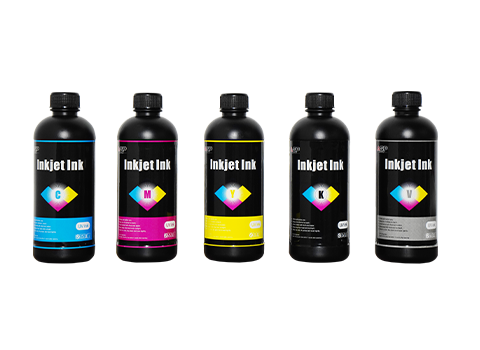
Always store your DTF inks in cool, dry conditions. Keep ink bottles tightly sealed and out of direct light to prevent them from thickening or separating. Using silica gel packets near your ink bottles can further protect them from humidity.
Nighttime Shutdown Routine
Before you leave for the day, ensure that your printer is properly shut down. Run a quick nozzle check, park the printhead, and cover the printer with a dust cover to prevent moisture from collecting overnight.
Troubleshooting Common DTF Printing Issues Related to Humidity
Even with careful moisture management, issues can still arise. Here’s how to troubleshoot and fix common DTF print problems caused by improper humidity levels:
Light Banding
- Cause: Humidity fluctuations can cause ink flow issues, leading to faint lines across your prints.
- Fix: Ensure your workspace humidity is steady and perform a quick nozzle check.
Ink Bleeding
- Cause: Excess moisture can make the film too wet, causing ink to bleed.
- Fix: Use fresh, properly stored films and reduce the ink flow for cleaner prints.
Uneven Powder Adhesion
- Cause: Moisture in the powder or film leads to uneven powder distribution.
- Fix: Shake the powder well before use and store it in a dry, airtight container.
Conclusion: Moisture Control = Consistent, High-Quality DTF Prints
Proper moisture control is the secret to consistently high-quality DTF prints. By maintaining a stable humidity environment and following best practices for film and ink storage, you can avoid common printing issues like banding, ink bleeding, and powder clumping.
Investing in the right tools, establishing daily routines, and paying attention to the humidity in your workspace will help extend the lifespan of your DTF printer and ensure every print is crisp and vibrant.
No matter the size of your setup, moisture control is key to maintaining flawless prints, improving efficiency, and keeping your DTF printer in top shape for years to come.