
UV DTF Laminator Explained: Why You Need One and How to Choose the Right Machine
Quick Answer: Yes — UV DTF printing requires a laminator unless your printer has one built in. After a design is printed and cured onto Film A, a laminator presses it together with the adhesive Film B under even pressure, bonding the two layers into a single, ready-to-apply sticker. Skipping this step, or laminating with uneven pressure, is one of the most common causes of bubbles, wrinkles, and failed transfers in UV DTF production.
UV DTF printing gets a lot of attention for its instant curing and vivid color, but one step quietly determines whether your finished stickers actually hold together: lamination. It's easy to treat this as a minor finishing step, but in practice, it's where a surprising number of UV DTF production problems actually originate. Here's exactly what a laminator does, whether you can skip it, and how to choose the right one.
What Does a UV DTF Laminator Actually Do?
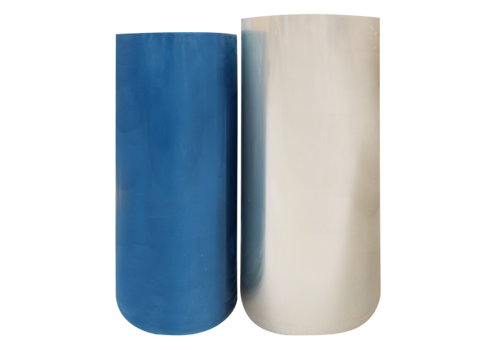
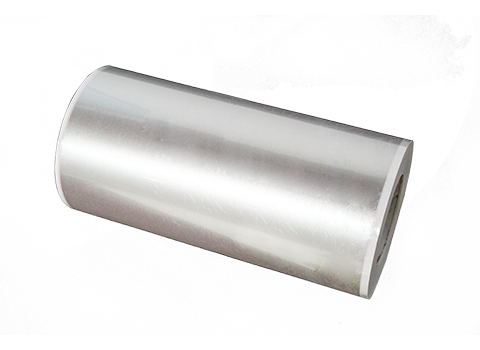
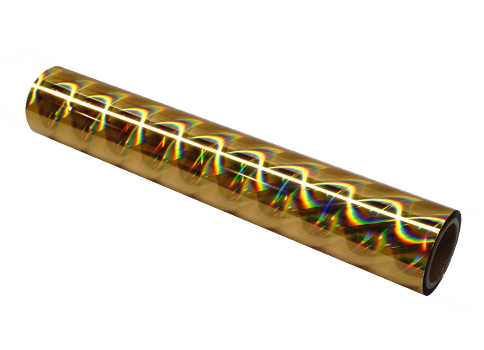
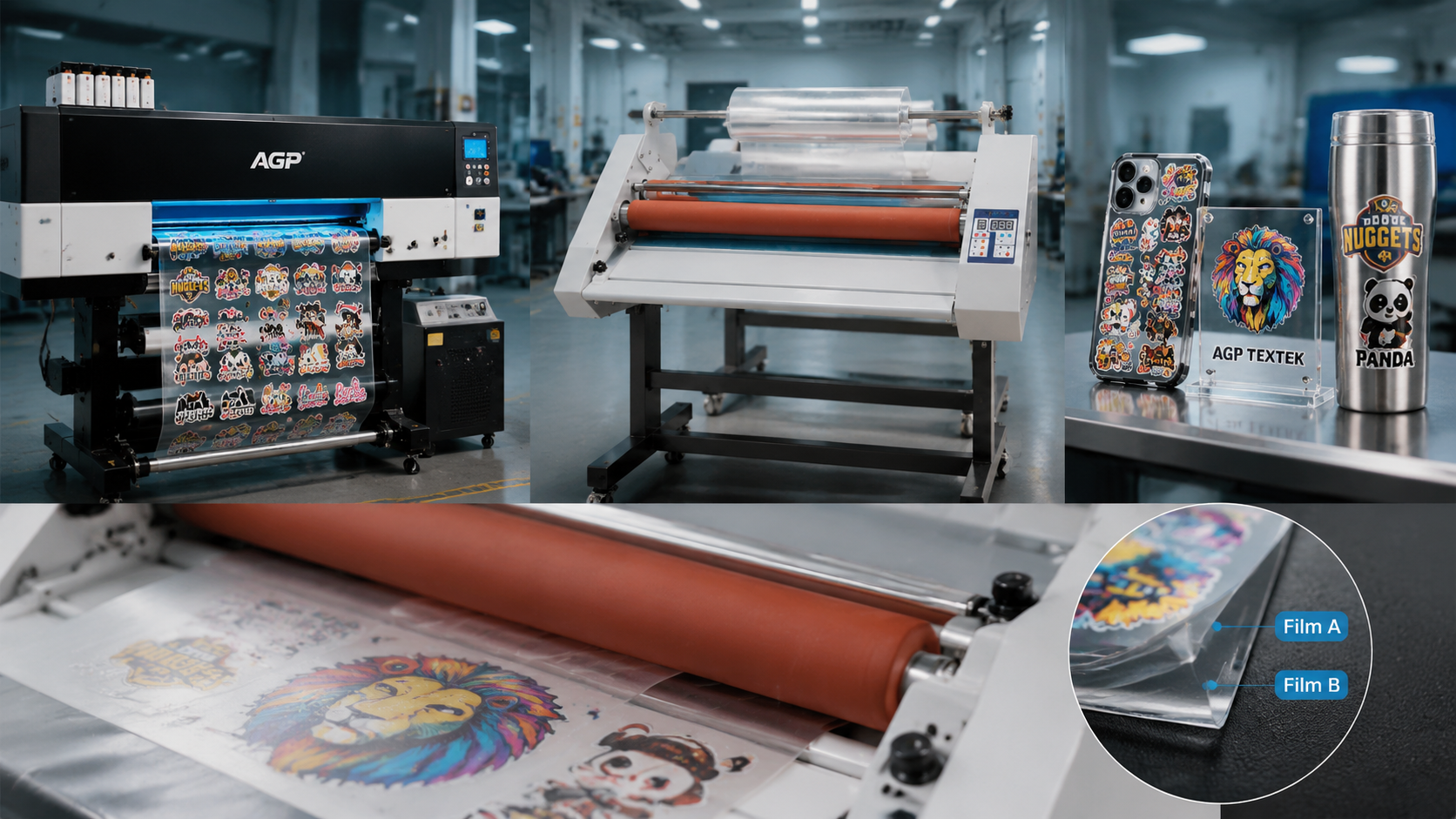
UV DTF printing relies on a two-film system. Film A is the film your design gets printed directly onto, cured instantly by UV light as it prints. Film B is a separate adhesive carrier film that gives the finished sticker its ability to stick to a surface later. A laminator's job is to press these two films together evenly, transferring the printed design and adhesive layer from Film A onto Film B to create one clean, ready-to-apply decal.
Without even pressure across the entire film width, the two layers won't bond consistently — leading to trapped air, wrinkled edges, or spots where the design lifts away from the backing before it's even applied to anything.
Do You Really Need a Separate Laminator, or Can You Skip It?
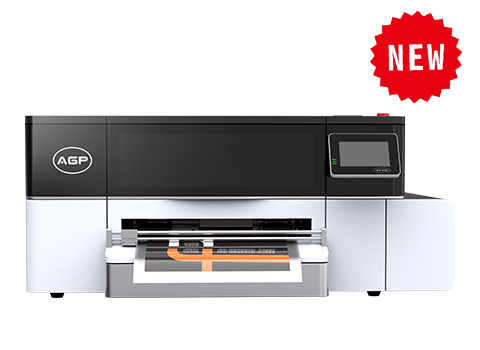
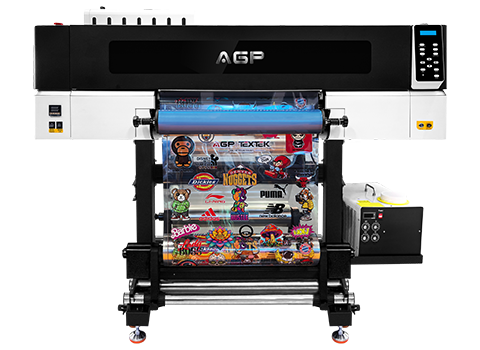
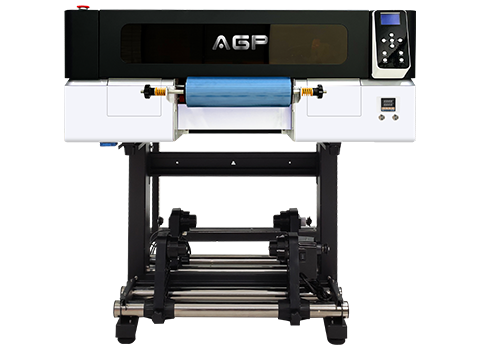
If your UV DTF printer has a built-in laminator, this step happens automatically as part of the print cycle — no separate machine needed. If you're using a standalone UV printer without integrated lamination, a dedicated laminator isn't optional; it's the only reliable way to bond Film A and Film B evenly. Attempting to press the films together by hand can work in a pinch for a single small sticker, but it's nearly impossible to maintain even pressure across a full sheet, and inconsistent pressure is exactly what causes bubbles and wrinkles.
Hot Lamination vs. Cold Lamination — Which Should You Use?
UV DTF lamination generally falls into two categories:
- Cold (pressure-sensitive) lamination: Bonds the films using roller pressure alone, without heat. This is the more common approach for UV DTF AB-film workflows, since the adhesive is designed to activate under pressure rather than temperature.
- Hot lamination: Uses heated rollers to help bond certain film types. Less common for standard UV DTF AB-film, but relevant for specific specialty films that call for it.
Always check your specific film manufacturer's recommendation — using the wrong lamination method for your film type is a common cause of poor adhesion.
What Happens If You Skip or Do Lamination Incorrectly?
- Trapped air bubbles: Uneven pressure during lamination leaves pockets of air between the layers, which show up as visible bumps on the finished sticker.
- Wrinkles and creases: Inconsistent feeding speed or tension causes the film to bunch rather than lay flat.
- Weak or failed adhesion: If Film A and Film B don't bond fully across the entire surface, the design can separate from the backing during peeling or application.
- Crooked or skewed output: Poor tension control lets the film drift off-center as it feeds through the rollers.
Built-In vs. Standalone Laminator — Which Is Right for Your Shop?
A UV printer with an integrated laminator combines printing and lamination into one continuous pass, which simplifies your workflow and reduces the handling time between steps — useful for shops running high volumes of small, similar-sized stickers. A standalone laminator gives you more flexibility: you can laminate at your own pace, handle wider or specialty film separately from your printer's native width, and keep the printer running while lamination happens independently — better suited to shops with varied output sizes or existing UV printers without a built-in option.
What Should You Look for When Buying a UV DTF Laminator?
- Roller width: Choose a laminator wider than your typical output — and wider than any larger film you might run later — to avoid needing a second machine down the line.
- Adjustable pressure control: Even, adjustable roller pressure is the single most important factor in preventing bubbles and achieving consistent bonding.
- Tension control: Helps keep film tracking straight and reduces wrinkling during longer runs.
- Variable speed: Lets you slow down for delicate or specialty films and speed up for stable, high-volume jobs.
- Reverse function: Useful for safely backing out a misfed or skewed film without damaging it or forcing a jam through.
How Do You Troubleshoot Common Lamination Problems?
- Bubbles: Increase and even out roller pressure, and check that both films are feeding flat and aligned before they enter the rollers.
- Wrinkles or waves at the edges: Enable or adjust tension control, and reduce feed speed on wider sheets.
- Weak adhesion after lamination: Confirm you're using the correct lamination method (hot vs. cold) for your specific film, and check that rollers are clean and free of adhesive residue buildup.
- Jams or misfeeds: Use the reverse function to carefully back the film out rather than pulling it forward, which can damage the film or the rollers.
Hot vs. Cold Lamination Comparison
| Factor | Cold Lamination | Hot Lamination |
|---|---|---|
| Bonding method | Roller pressure only, no heat | Heated rollers activate adhesive |
| Common use case | Standard UV DTF AB-film workflows | Specific specialty films requiring heat activation |
| Setup complexity | Simpler — no temperature settings | Requires correct temperature calibration |
| Risk if misused | Weak bond if pressure is insufficient | Film damage or warping if overheated |
Built-In vs. Standalone Laminator
| Factor | Built-In Laminator | Standalone Laminator |
|---|---|---|
| Workflow | Print and laminate in one continuous pass | Separate step after printing |
| Flexibility | Limited to printer's native width/settings | Can handle wider or specialty film independently |
| Equipment needed | None extra — included in printer | Separate laminator machine |
| Best for | High-volume, similar-sized sticker runs | Shops with varied output sizes or existing printers |
Conclusion: A Small Step That Determines Final Quality
Lamination might be the last step in the UV DTF process, but it's often the deciding factor in whether a finished sticker looks professional or shows bubbles and wrinkles right out of the gate. Whether you rely on a printer's built-in laminator or run a standalone machine, prioritizing even roller pressure, correct tension, and the right lamination method for your film will solve the vast majority of lamination problems before they start.
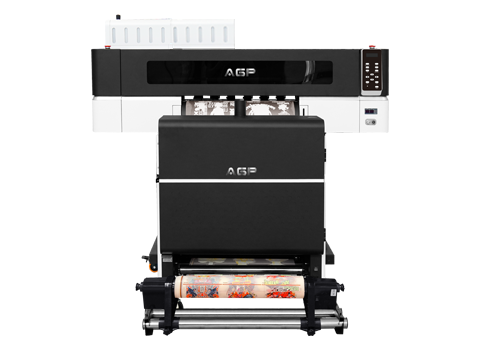
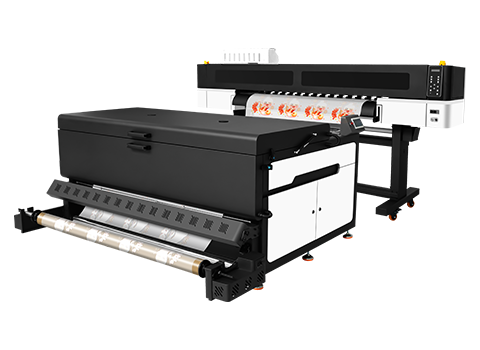
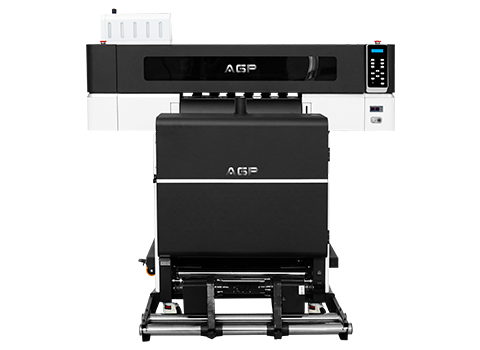
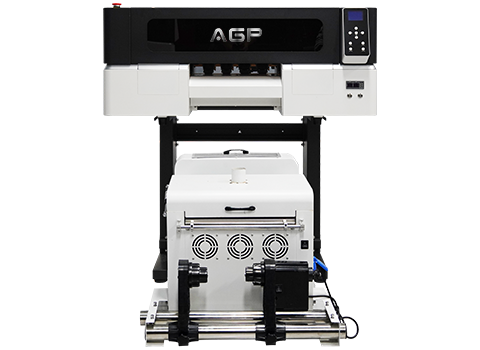
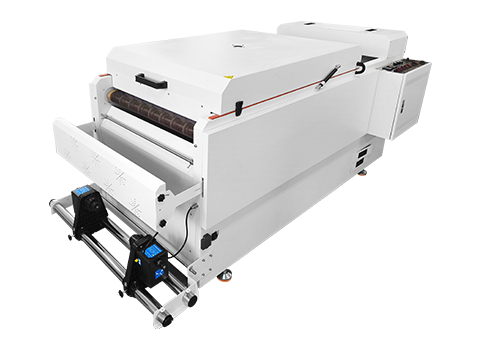
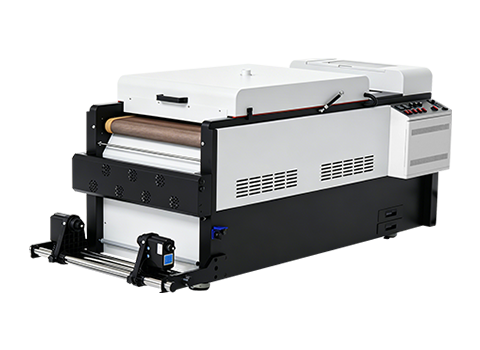
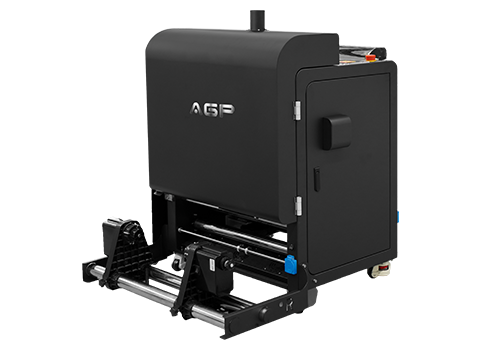
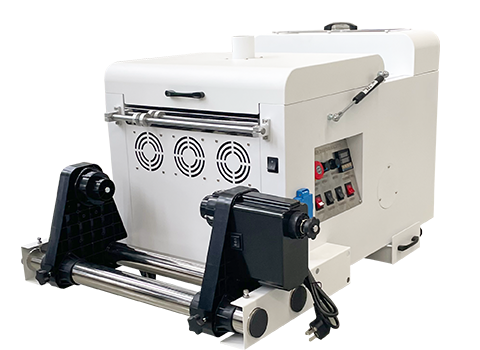
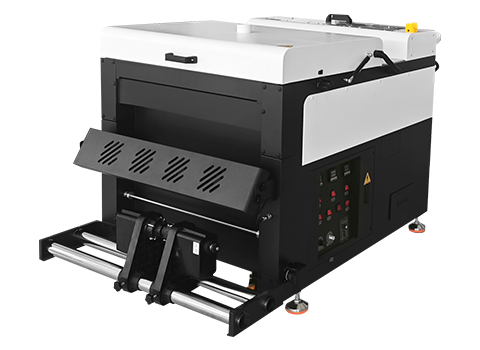
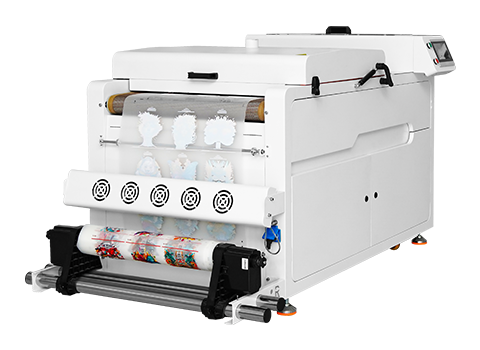
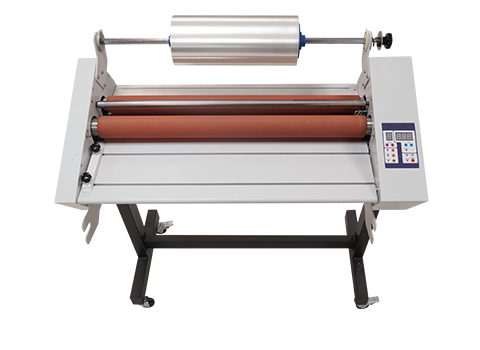
AGP's L-650 Multifunctional Laminator is built to deliver consistent, bubble-free lamination for UV DTF production, working alongside our full range of UV printers and UV DTF film. Contact our team to find the right lamination setup for your workflow.
FAQ: UV DTF Laminator Questions
Do I need a laminator for UV DTF printing?
Yes, unless your UV printer has lamination built in. A laminator bonds Film A and Film B together evenly, which is essential for a clean, durable, bubble-free sticker.
What's the difference between Film A and Film B in UV DTF?
Film A is where the design is printed and cured; Film B is the adhesive carrier film that bonds to Film A during lamination, giving the finished decal the ability to stick to a surface.
Should I use hot or cold lamination for UV DTF film?
Most standard UV DTF AB-film workflows use cold (pressure-sensitive) lamination. Always check your specific film manufacturer's recommendation, since some specialty films may call for hot lamination instead.
Why do my UV DTF stickers have bubbles after lamination?
Bubbles usually come from uneven roller pressure or misaligned film feeding — increase and even out pressure, and confirm both films are feeding flat before entering the rollers.
Can I laminate UV DTF film by hand without a machine?
It's possible for a single small sticker but very difficult to do reliably, since keeping pressure even by hand across a full sheet is nearly impossible — a dedicated laminator is strongly recommended for consistent results.
Is a built-in laminator better than a standalone one?
Neither is universally better — built-in laminators simplify workflow for high-volume, similar-sized runs, while standalone laminators offer more flexibility for varied sheet sizes or specialty film widths.
How long does a UV DTF sticker last after proper lamination?
With quality ink, film, and correct lamination, UV DTF stickers commonly last several years without significant fading or peeling when applied to suitable surfaces and cared for properly.