
How to Produce ADA Braille Signs with a UV Flatbed Printer?
Quick Summary: Producing ADA-compliant Braille signage on a UV flatbed printer relies on UV ink layering (ink stacking) to build raised tactile text and dome-shaped Braille dots. To meet US ADA Standards, Braille dots must achieve a height of 0.025 to 0.037 inches (0.635–0.940 mm) with rounded or domed shapes. UV flatbed printers automate this via a 3-step digital process: 1. Print raised White Ink/Varnish base layers, 2. Apply CMYK visual layer, and 3. Seal with protective Clear Varnish, eliminating manual bead insertion.
Americans with Disabilities Act (ADA) compliant signage is mandatory for commercial buildings, healthcare facilities, educational institutions, and public venues. Traditionally, making tactile signs required costly rotary engraving, raster bead insertion, or photopolymer etching. Today, advanced UV LED flatbed printers allow print shops to manufacture fully compliant ADA Braille signs in minutes with zero manual assembly.
What Are the Mandatory ADA Standards for Tactile & Braille Signage?
Conclusion: ADA compliance requires strict adherence to physical dimensions for Braille dot height, dot spacing, font casing, and high-contrast matte surface finishes.
To pass building inspections, UV-printed ADA signs must fulfill key architectural guidelines:
- Braille Dot Height & Shape: Grade 2 Braille dots must measure between 0.025" and 0.037" (0.635 mm – 0.940 mm) in height, featuring a smooth, domed or curved shape (not sharp or flat-topped).
- Tactile Character Height: Raised sans-serif letters/numbers must be raised at least 1/32 inch (0.8 mm) from the background plate.
- Non-Glare Finish & Contrast: Backgrounds and characters must feature a non-glare/matte finish with a high visual contrast (e.g., light text on dark background or vice versa).
How Do UV Flatbed Printers Build Raised Braille Dots (Step-by-Step Workflow)?
Conclusion: RIP software controls multi-pass UV ink stacking to deposit precise layers of high-density white ink or clear varnish, curing each pass instantly under UV LED lamps.
Step 1: Vector Artwork & Spot Channel Setup
Design your sign layout in Illustrator or CorelDRAW. Create dedicated spot color channels (e.g., `Spot_White` or `Spot_Varnish`) mapped specifically to the Braille dots and tactile letter paths. Convert text to Grade 2 Braille fonts according to ADA spacing specs.
Step 2: Substrate Preparation & Priming
Place acrylic, PVC, wood, or brushed aluminum plates on the UV flatbed vacuum table. Apply an adhesion promoter/primer on smooth acrylic or glass plates to ensure tactile dots withstand rigorous scratch tests.
Step 3: Multi-Pass Ink Stacking & Finishing
Send the job to the RIP software with 3D texture/embossing mode enabled. The printer performs sequential inline passes: laying down multiple white/clear base layers to achieve target dot height, followed immediately by CMYK color and a matte clear topcoat.
ADA Braille Production Compliance Checklist
Measure Dot Height with Micrometer: Regularly check printed sample dots with a digital gauge to verify heights fall strictly within 0.025"–0.037".
Verify Grade 2 Braille Translation: Ensure correct contractions and lowercase/uppercase Braille symbols are used rather than direct letter-for-letter Grade 1 translation.
Abrasive Resistance Scratch Test: Perform cross-hatch tape and fingernail scratch tests on cured Braille dots to ensure strong substrate bonding.
ADA Compliance Standards vs. UV Printer Implementation Matrix
Conclusion: Matching federal ADA technical specs to specific UV printer settings guarantees inspection-ready sign production.
| ADA Requirement Dimension | Federal ADA Standard Specification | UV Flatbed Printer Execution Setting |
|---|---|---|
| Braille Dot Height | 0.025 in – 0.037 in (0.635 mm – 0.940 mm) | Stack 15–25 passes of high-density White Ink / Varnish in RIP software |
| Braille Dot Shape | Domed or rounded shape (no flat or sharp edges) | Enable UV lamp delay / varnish surface tension curing curve for smooth domes |
| Tactile Character Height | Minimum 1/32 in (0.8 mm) raised lettering | Set spot channel multi-layer print path for raised text layer |
| Visual Surface Finish | Matte / Non-glare finish with high contrast | Apply Matte Varnish topcoat pass or print directly on matte acrylic sheets |
Conclusion: Expand Your Sign Business with Direct UV ADA Production
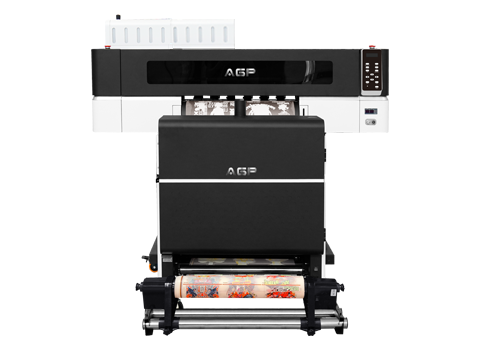
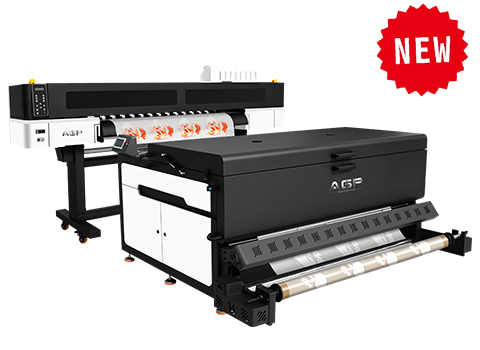
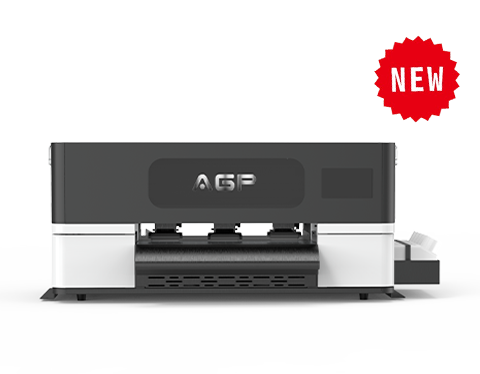
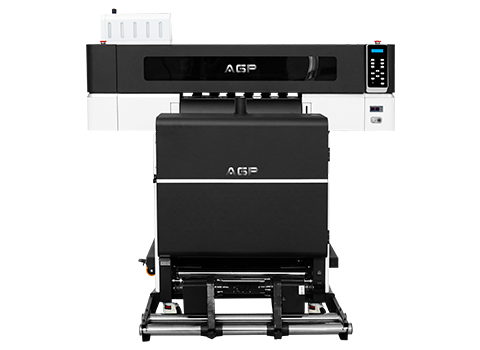
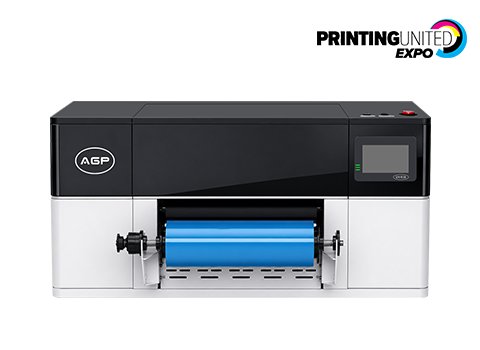
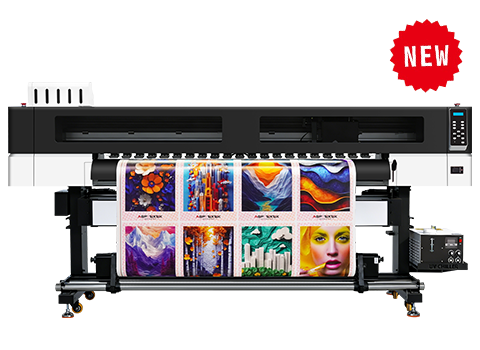
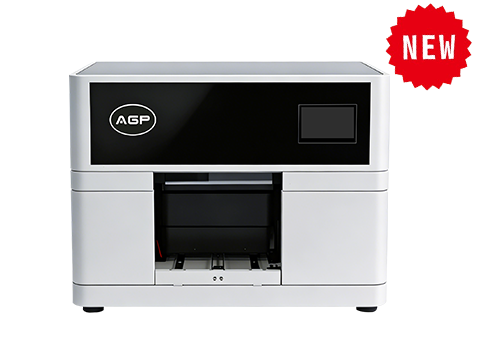
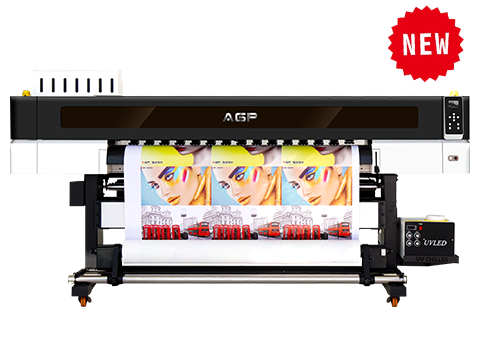
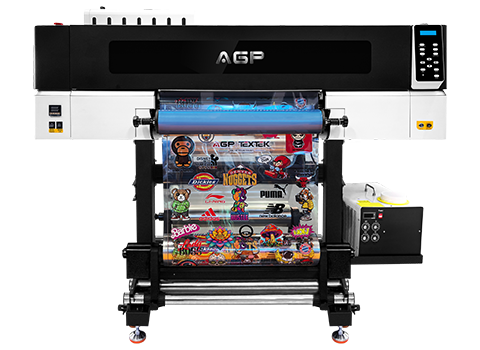
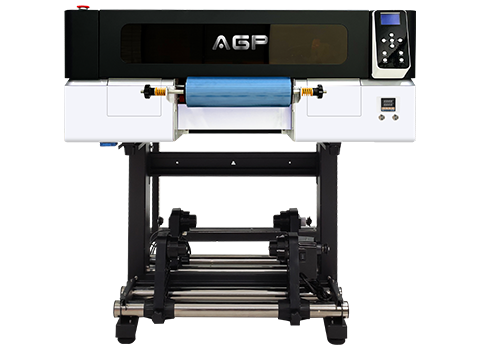
Producing ADA Braille signs with a UV flatbed printer transforms a traditionally labor-intensive manufacturing job into a automated, one-step digital printing process. By mastering spot layer stacking in RIP software and maintaining strict dot height quality control, print providers can capture high-margin architectural signage projects. AGP offers high-precision UV flatbed printers equipped with double Ricoh/Epson printheads, dedicated ADA RIP software presets, and high-adhesion UV inks engineered for durable tactile printing. Contact our application engineers today for a live ADA printing demonstration.
FAQ: UV Printed ADA Braille Signage Questions
1. Are UV-printed Braille dots legally accepted for official ADA inspections?
Yes. The US Department of Justice ADA Standards for Accessible Design allow raised tactile characters and Braille dots produced via any manufacturing technique, provided the finished sign strictly complies with dimensions for height, shape, spacing, and contrast.
2. How do I stop UV printed Braille dots from popping off or chipping on smooth acrylic?
Inadequate ink adhesion usually stems from unprimed smooth plastics or improper UV curing power. Always clean substrates with isopropyl alcohol and wipe a dedicated acrylic adhesion primer onto the surface prior to printing. Also ensure your UV LED lamps are set to full power during ink-stacking passes.
3. Is white ink or clear varnish better for building raised Braille dot height?
High-density White Ink is typically faster for building thick base volume due to its higher pigment solids. Many print shops use White Ink for 80% of the dot height structure, then cover it with CMYK color and a top coat of Clear Varnish for a smooth, rounded dome finish.
4. How long does it take to print a standard 8" x 10" ADA room sign on a UV flatbed?
Because UV printers process multiple signs simultaneously on a full flatbed bed (e.g., printing 20–30 signs in one tray run), the average production time per individual sign drops to around 2 to 4 minutes total, including multi-pass Braille buildup.