
Why Halftoning Matters in DTF Printing and How to Set It Up Correctly
Ever printed a DTF transfer that technically looked “correct,” but still didn’t feel right once it hit the shirt?
Maybe the colors were too heavy. Maybe the print felt stiff. Maybe the design cracked faster than expected. Or maybe the transfer just looked overly thick and cheap even though your DTF printer settings were supposedly perfect.
Most people immediately blame the obvious stuff first.
They change the heat press temperature. Swap PET film. Increase curing time. Lower ink density. Change powder. Run nozzle checks again and again.
But many times, the real issue actually starts much earlier in the process.
It starts with how the artwork is prepared before printing even begins.
And that brings us to one of the most overlooked topics in DTF printing right now: halftoning.
If you’ve been using a DTF printer for a while, you’ve probably seen halftones before without realizing it. Once you understand how it works, though, everything suddenly starts making sense.
Your prints feel softer. Gradients look cleaner. Colors become more controlled. Ink usage drops. And your transfers start looking far more professional.
That’s why more apparel brands, print shops, and commercial garment decorators are now using halftone DTF printing as part of their regular workflow.
So let’s break it all down in simple terms.
What Is Halftoning in DTF Printing?
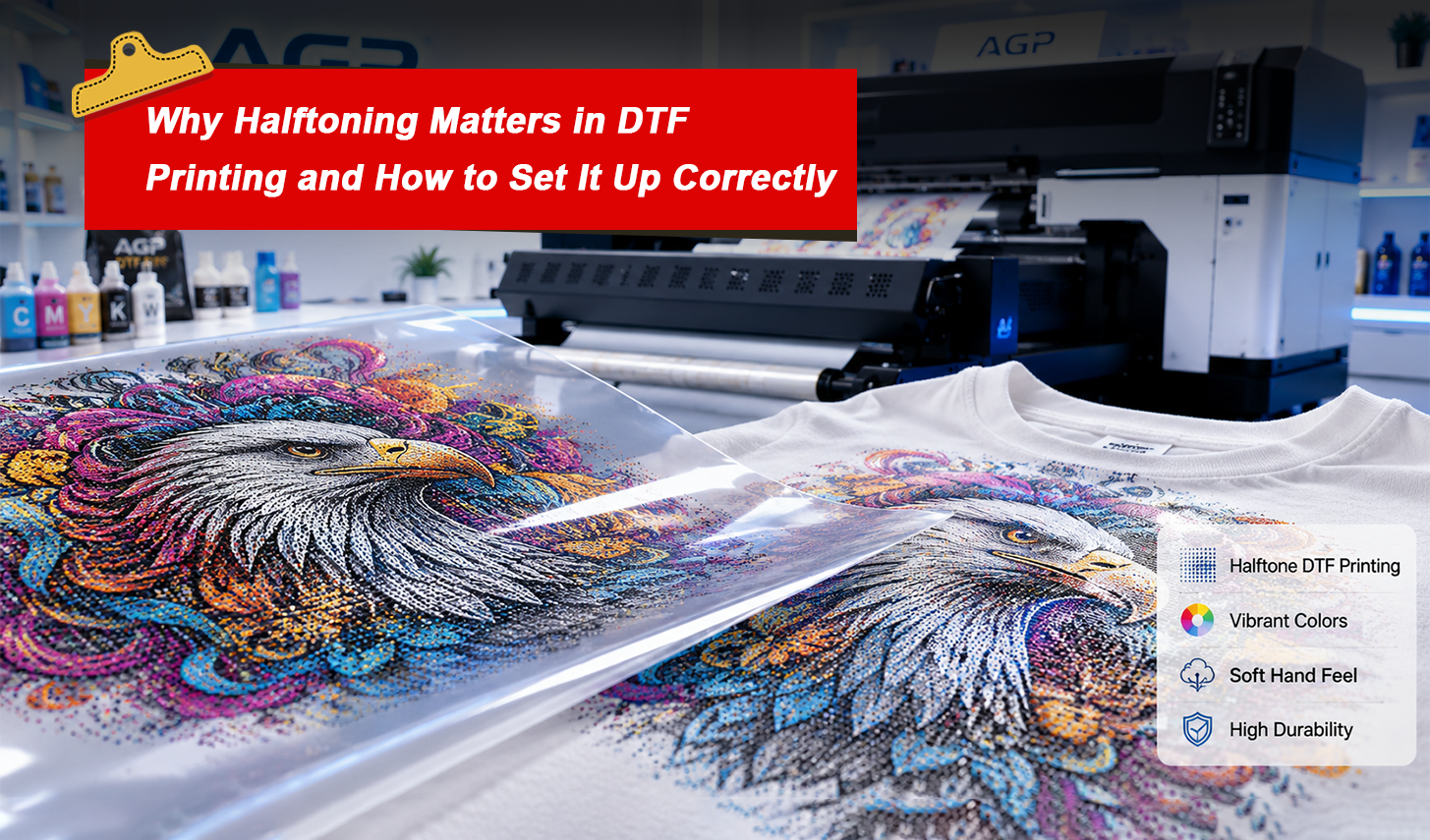
Halftoning is the process of converting artwork into thousands of tiny dots that vary in size and spacing.
Instead of printing one heavy block of solid ink, the RIP software creates a dot pattern that tricks the eye into seeing smooth gradients and solid colors.
Sounds complicated at first.
But honestly? You’ve already seen it a thousand times.
Comic books use it. Newspapers use it. Screen printing has used it for decades. Modern DTF transfer printing simply brings the same concept into digital textile printing.
When viewed up close, you’ll notice tiny dots everywhere. Step back, and your eyes blend those dots into a complete image.
That’s the magic of halftoning.
And in the world of DTF printing, it solves one huge problem:
Heavy ink buildup.
Without proper halftoning, large transfers can feel thick, rubbery, and overly plastic-like on garments. That’s especially true with oversized graphics, full-front prints, and dark garment transfers.
Halftoning helps reduce that issue dramatically.
Why Halftone DTF Prints Look and Feel Better
This is where things get interesting.
Most people only think about how a print looks.
But customers also care about how it feels.
Nobody wants a shirt that feels like a sheet of plastic glued onto fabric.
That’s exactly why halftone DTF printing matters.
By reducing total ink coverage, halftoning creates a much softer hand feel while still maintaining excellent color vibrancy and image detail.
Here’s what properly configured halftones can improve:
Softer Prints
Less ink means less stiffness.
The garment stays breathable and flexible instead of feeling overly coated.
Better Stretchability
Heavy solid ink layers tend to crack faster during stretching and washing.
Halftone dot patterns move more naturally with fabric fibers.
Cleaner Gradients
Smooth color transitions become easier to reproduce using controlled dot patterns.
Reduced Ink Usage
Lower ink consumption means lower production costs over time.
That matters a lot for high-volume apparel printing businesses.
Faster Production
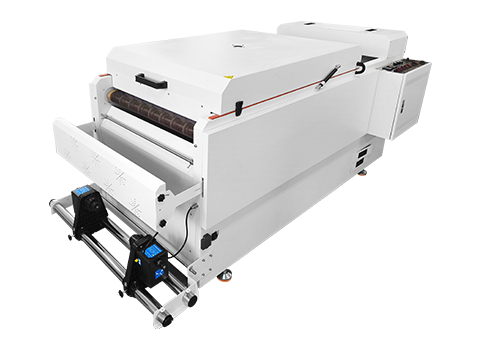
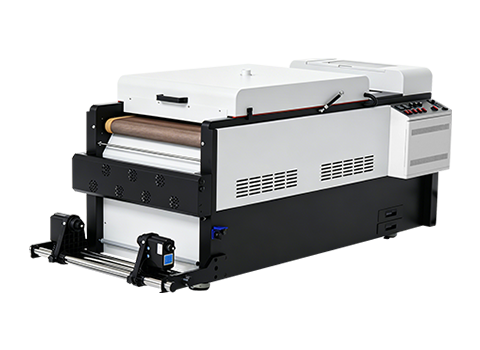
Lighter ink loads cure faster inside the powder shaker and curing oven.
That helps improve workflow efficiency.
Improved Wash Durability
Evenly distributed ink layers typically hold up better through repeated washing cycles.
For commercial DTF printing shops handling large transfer orders daily, these advantages add up quickly.
How Halftoning Improves DTF Print Quality
Now let’s talk specifically about print quality.
Because this is where halftoning really separates beginner-level prints from professional production.
A good halftone setup helps preserve:
Fine text
Small details
Smooth shadows
Skin tones
Texture effects
Gradient transitions
Without halftoning, large solid areas often become oversaturated with DTF ink. That can cause:
Bleeding
Muddy colors
Poor curing
Excess powder buildup
Uneven textures
Cracking over time
Proper RIP software settings help control all of this.
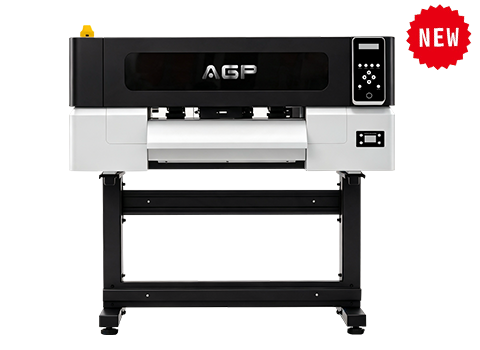
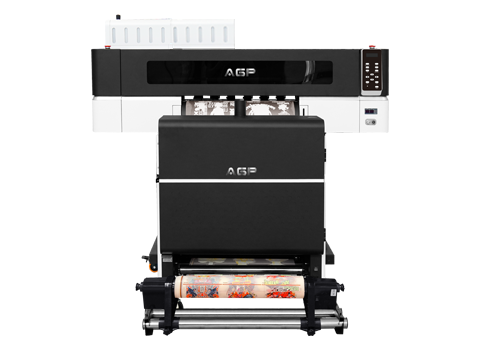
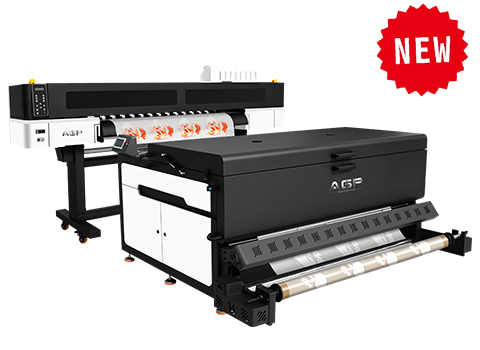
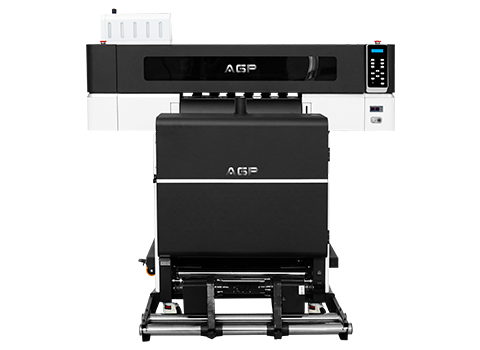
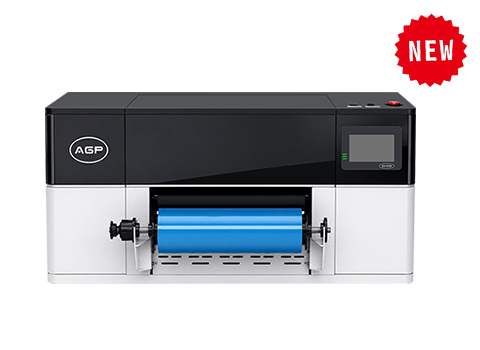
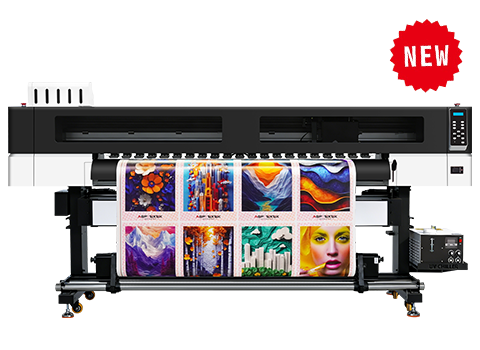
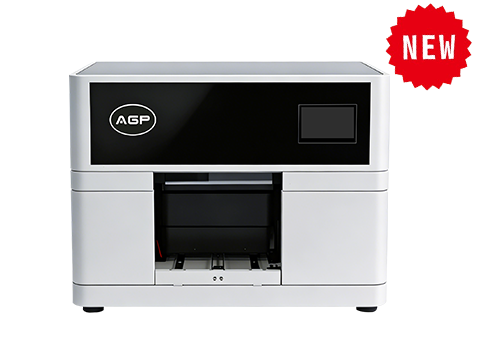
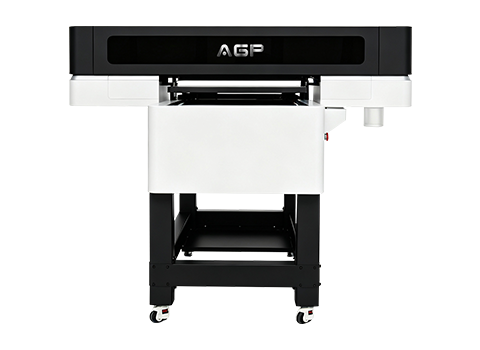
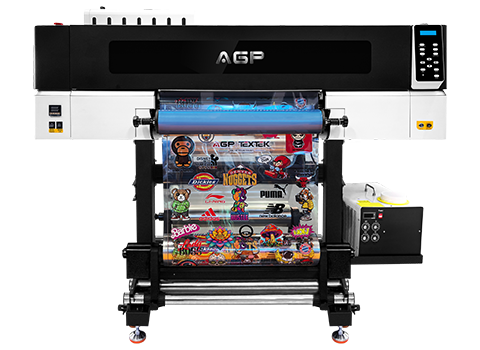
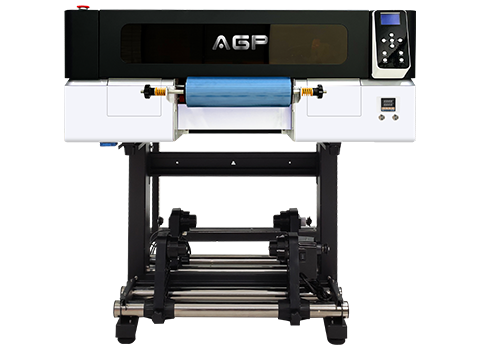
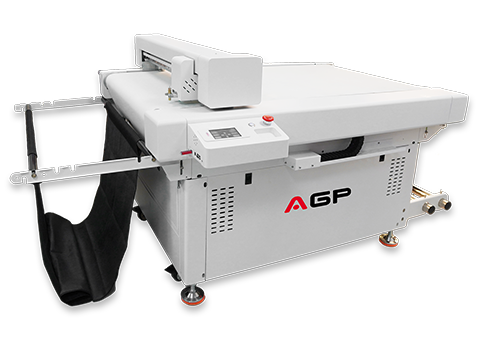
Modern AGP DTF printers paired with professional RIP software allow operators to fine-tune:
LPI settings
Dot shape
White ink density
Ink limits
Screening methods
Gradient smoothness
That level of control is one reason professional print shops are moving toward more advanced DTF printing workflows instead of relying on default presets.
Best Halftone Settings for AGP DTF Printers
The good news?
You do not need to become a software engineer to make halftoning work.
Most professional RIP software already includes built-in halftone controls.
If you’re using an AGP DTF printer with Epson printheads, setup is actually fairly straightforward.
Here’s a strong starting point for most apparel printing applications:
| Setting | Recommended Range |
|---|---|
| Screening Mode | Hybrid or FM |
| Color LPI | 40–45 |
| White Ink LPI | 30–40 |
| Dot Shape | Round |
| Color Ink Limit | 90–95% |
| White Ink Limit | 85–90% |
| Resolution | 300 DPI Artwork Minimum |
For vintage-style prints, many operators intentionally lower LPI to create a more textured appearance.
For photo-quality garment printing, higher LPI settings usually produce smoother gradients.
The key is testing.
Every combination of:
DTF ink
PET film
Powder shaker
Heat press
Fabric type
RIP profile
can slightly affect the final output.
That’s why experienced DTF printing businesses constantly run sample tests before large production runs.
Common Halftoning Mistakes in DTF Printing
Here’s the part nobody likes talking about.
Even experienced operators mess this up all the time.
Sometimes the smallest setting can completely ruin a transfer.
Here are the most common mistakes print shops make:
Applying Halftones Twice
One of the biggest problems happens when operators apply halftones in Photoshop and then again inside RIP software.
This creates distorted dot patterns and muddy gradients.
Choose one system only.
Ignoring Dot Gain
Ink naturally spreads slightly on PET transfer film.
If you ignore dot gain compensation, your prints may become darker and heavier than expected.
Using the Same Settings for Every Garment
Dark shirts and light shirts behave differently.
Cotton and polyester behave differently.
One preset cannot perfectly handle every situation.
Poor Artwork Preparation
Low-resolution images create terrible halftones.
Always use clean, high-resolution artwork before sending files into RIP software.
Excessive White Ink
Too much white ink destroys softness.
Balanced white ink settings are critical for achieving professional DTF transfers.
Halftone Tips for Different Garment Types
Different garments need different approaches.
That’s something many beginners overlook.
For Light Garments
Use lighter white ink coverage and tighter dot spacing.
This creates softer prints with excellent breathability.
For Dark Apparel
Increase white underbase carefully, but avoid oversaturation.
Always test dot gain.
For Sportswear and Polyester
Use flexible halftone patterns with lower ink buildup.
This helps reduce cracking during stretching.
For Vintage Fashion Designs
Lower LPI settings can intentionally create a retro texture effect that many customers love right now.
For Photo Prints
Higher LPI with smoother gradients typically works best.
Understanding these adjustments helps commercial apparel printing businesses produce far more consistent results.
How AGP DTF Printers Handle Halftone Printing
Professional hardware also matters.
A strong RIP setup alone cannot fix weak printing equipment.
Modern AGP DTF printers are designed specifically for stable, high-volume DTF transfer production.
Features like:
Precision Epson printheads
Stable white ink circulation
Consistent ink delivery
Accurate dot placement
High-resolution output
Reliable curing workflow
all help improve halftone reproduction dramatically.
When paired with quality DTF ink, hot melt powder, PET film, and proper RIP settings, AGP systems help print shops achieve:
Softer transfers
Cleaner gradients
Sharper detail
Lower ink waste
Faster production speeds
That’s especially important for growing custom apparel businesses trying to scale production efficiently in 2026.
Final Thoughts on DTF Halftone Printing
At first, halftoning sounds overly technical.
But once you actually understand what it’s doing, it becomes one of the most useful tools in the entire DTF printing workflow.
And honestly, it solves a surprising number of common print problems.
Better softness.
Cleaner gradients.
Reduced ink usage.
Improved wash durability.
More professional results.
That’s why more experienced DTF printer operators are paying attention to halftone settings instead of simply relying on default software presets.
Because the difference becomes obvious once you compare the results side by side.
If you’re serious about improving your DTF transfer quality, halftoning is absolutely worth learning.
And once you dial in the right setup for your AGP DTF printer, you’ll probably wonder why you didn’t start using it sooner.