
Why Your DTF Printer Colors Are Wrong and How to Correct Them
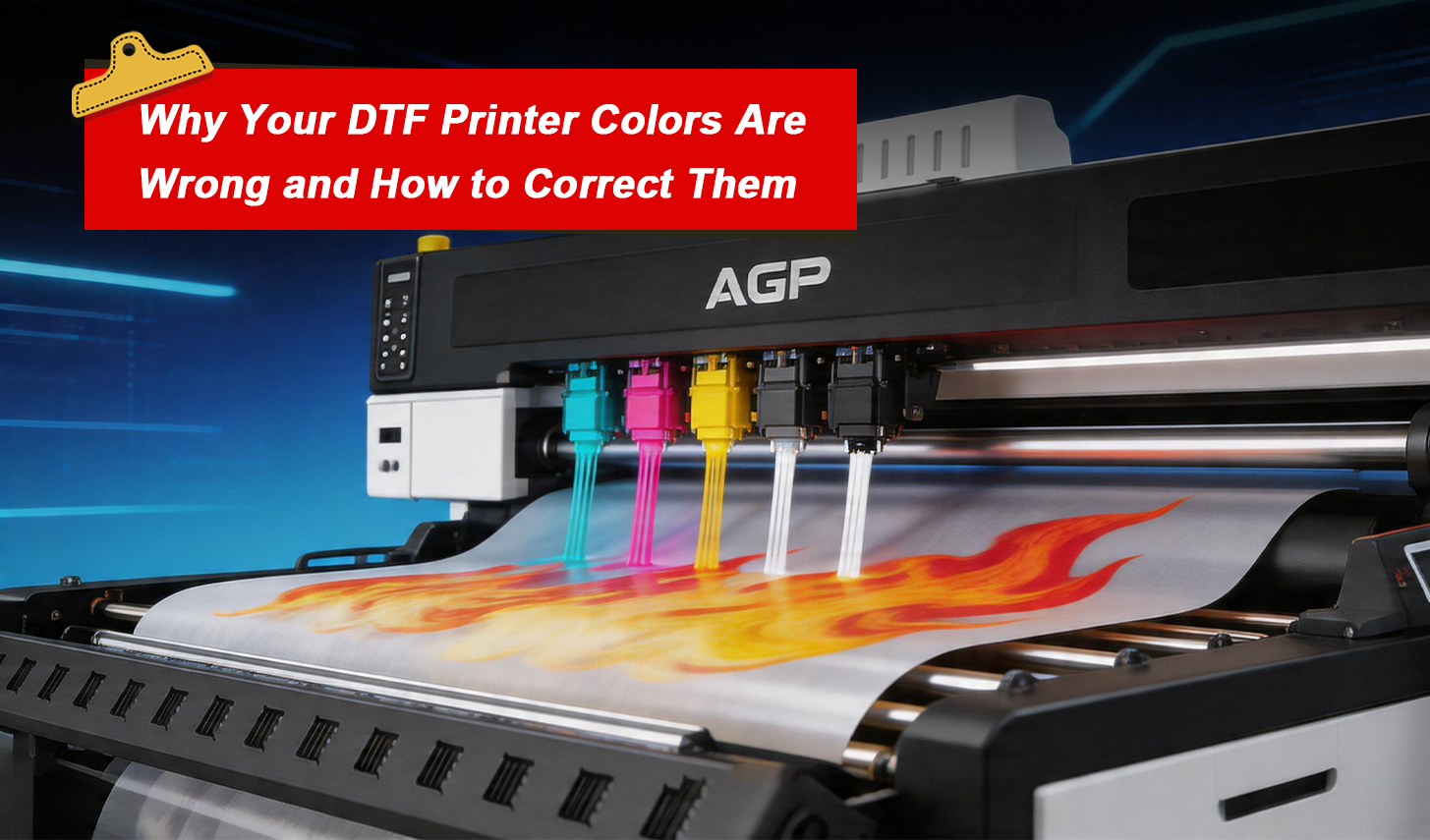
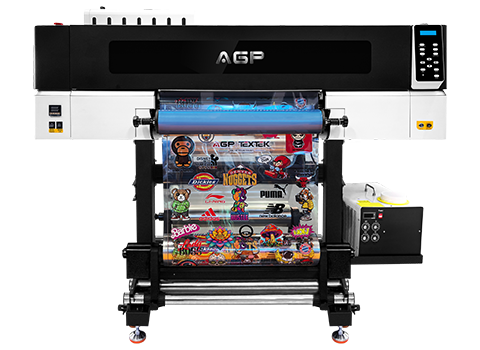
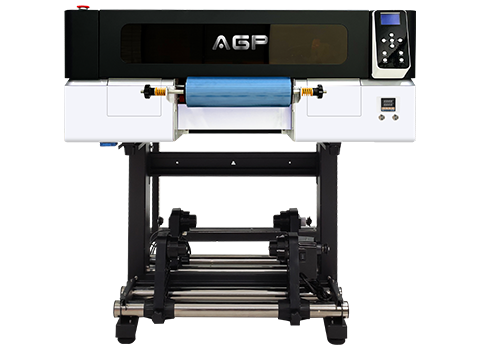
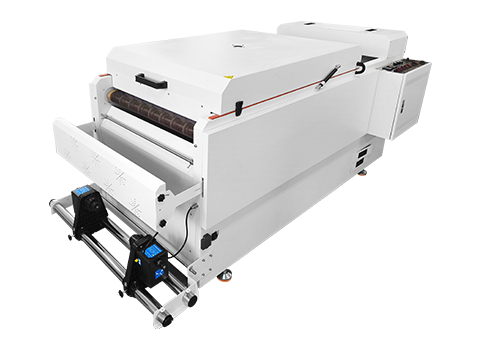
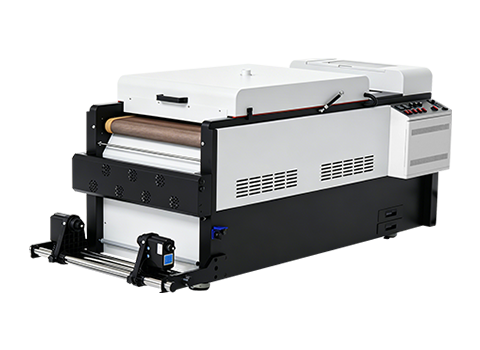
In recent years, DTF printing (Direct to Film printing) has rapidly become one of the most popular technologies in the custom apparel printing industry. A DTF printer can produce vibrant designs on a wide variety of fabrics, including cotton, polyester, blends, and even dark garments. Because of its flexibility and efficiency, many businesses rely on DTF printing machines for garment decoration, promotional products, and on-demand customization.
However, like any digital printing system, DTF printers may occasionally encounter technical challenges. One of the most common problems operators report is color cast—when the printed colors appear different from the original design.
For example, red may appear slightly orange, black may look grayish, or the overall image may have a blue or green tint. These issues can significantly affect DTF transfer printing quality and may lead to customer dissatisfaction.
Fortunately, most DTF printer color problems have clear causes and can be resolved with proper troubleshooting. Based on industry experience with manufacturers such as AGP, color deviation generally stems from four key areas: color mode settings, ink quality, computer color management, and printheads.
Understanding these factors will help you maintain stable DTF printer performance and achieve consistent printing results.
What Causes Color Cast in DTF Printing
Before solving the issue, it is important to understand how DTF printing technology reproduces color.
Unlike standard office printing, DTF printers use a CMYK ink system combined with white ink layers to create accurate, vibrant images on transfer film. The final printed result depends on the coordination of several elements, including:
- Image color mode
- DTF ink quality
- Printer calibration
- Printhead performance
- Computer color management
If any of these elements are misconfigured, the DTF printer output colors may differ from the original artwork.
Incorrect Image Color Mode
One of the most common reasons for DTF printer color cast is an incorrect image color mode.
Many designs are created in RGB mode, especially when using graphic design software such as Adobe Photoshop or Illustrator. While RGB is suitable for digital displays, DTF printing machines operate using the CMYK color model.
If an RGB image is sent directly to the DTF printer RIP software, the color conversion process may cause significant color differences. Shades that appear bright on the screen may become dull or shifted after printing.
To avoid this problem, always check the image color mode before sending files to the DTF printer. Converting the artwork to CMYK mode ensures that the color information matches the printer’s ink system.
This simple step can greatly improve DTF printing color accuracy.
Ink Quality and Ink Compatibility Issues
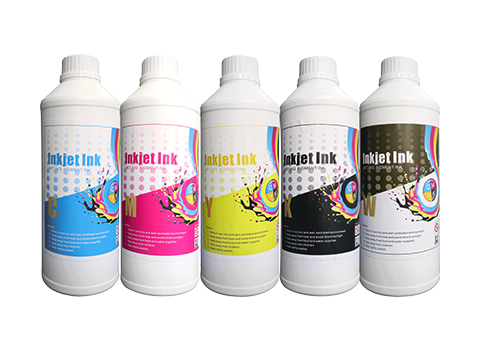
Another major factor affecting DTF printing color accuracy is ink quality.
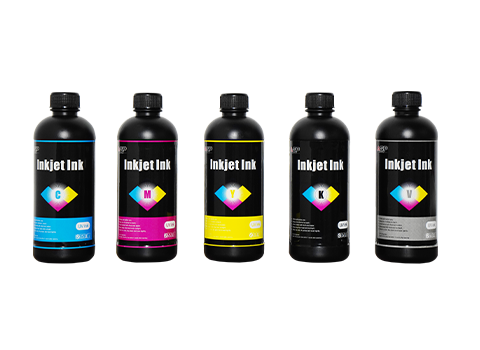
DTF ink is specially formulated to work with DTF transfer film, powder adhesive, and heat pressing processes. If the ink formulation is unstable or contains impurities, the final printed color may become inconsistent.
Low-quality inks may cause several problems:
- Weak color saturation
- Uneven ink distribution
- Unexpected color shifts
- Reduced durability after transfer
For this reason, professional manufacturers like AGP recommend using original or certified DTF inks that are specifically designed for the printer model.
Using compatible inks not only improves DTF print quality, but also protects the DTF printer printhead and ensures stable long-term operation.
Computer and Color Management Settings
Color output is also influenced by computer hardware and color management settings.
The monitor used to design artwork may display colors differently from how the DTF printing machine reproduces them. Factors such as screen resolution, monitor calibration, printer resolution, and RIP software settings all affect the final result.
Before starting large-scale DTF transfer printing production, it is highly recommended to perform a test print.
By printing sample images and adjusting the color profile gradually, operators can achieve the desired color balance before proceeding with mass production.
This approach saves DTF printing materials, reduces waste, and ensures consistent product quality for customers.
Printhead and Nozzle Problems
Sometimes the issue is not related to software or ink, but to the DTF printer printhead itself.
A DTF printhead contains hundreds of microscopic nozzles that precisely control ink droplets. If some of these nozzles become clogged or fail to release ink properly, certain colors may disappear from the printed design.
For example, if the cyan channel is partially blocked, the printed image may appear reddish or yellowish.
To fix this problem, first run the DTF printer automatic printhead cleaning function. Most modern DTF printing machines include a built-in cleaning system that can clear minor clogs.
If the issue remains after several cleaning cycles, the printhead surface may need to be cleaned manually using a specialized cleaning solution.
Regular DTF printer maintenance is essential to keep the printhead nozzles functioning properly.
How to Prevent Color Cast in DTF Printing
Preventing DTF printer color cast is easier than fixing it later. Experienced operators often follow a few simple practices to ensure consistent results.
First, always prepare artwork correctly before printing. Confirm that the file uses CMYK color mode, and verify that the DTF RIP software settings match the printer configuration.
Second, use high-quality DTF inks and printing materials recommended by the manufacturer. Consistent consumables help maintain predictable color performance.
Third, calibrate your monitor and printer color profiles periodically. This ensures that what you see on the screen closely matches the final printed output.
Finally, perform regular DTF printer maintenance, including printhead cleaning and nozzle checks. A well-maintained DTF printing machine delivers more stable and reliable results.
By following these practices, businesses can greatly reduce the chances of DTF printing color issues.
Conclusion
Color cast is a relatively common challenge in DTF printing, but it is rarely a serious technical failure. In most cases, the issue can be traced back to incorrect color settings, incompatible inks, computer configuration problems, or minor printhead clogging.
The key is to approach troubleshooting step by step. By checking the image color mode, verifying the DTF ink quality, adjusting computer color management, and maintaining the DTF printer printhead, operators can quickly restore accurate printing results.
At AGP, we always recommend focusing on prevention. Proper setup, high-quality consumables, and regular maintenance will significantly reduce the likelihood of DTF printer color problems and help ensure long-term printing stability.
FAQs
Why does my DTF printer produce incorrect colors?
The most common causes include incorrect RGB color mode, low-quality DTF ink, poor monitor calibration, or printhead nozzle clogging.
How can I prevent color cast in DTF printing?
Use CMYK color mode, high-quality DTF inks, correct RIP settings, and perform regular DTF printer maintenance.
Can clogged nozzles affect DTF print colors?
Yes. If some DTF printer nozzles fail to release ink, certain color channels may be missing, resulting in color shifts in the printed design.