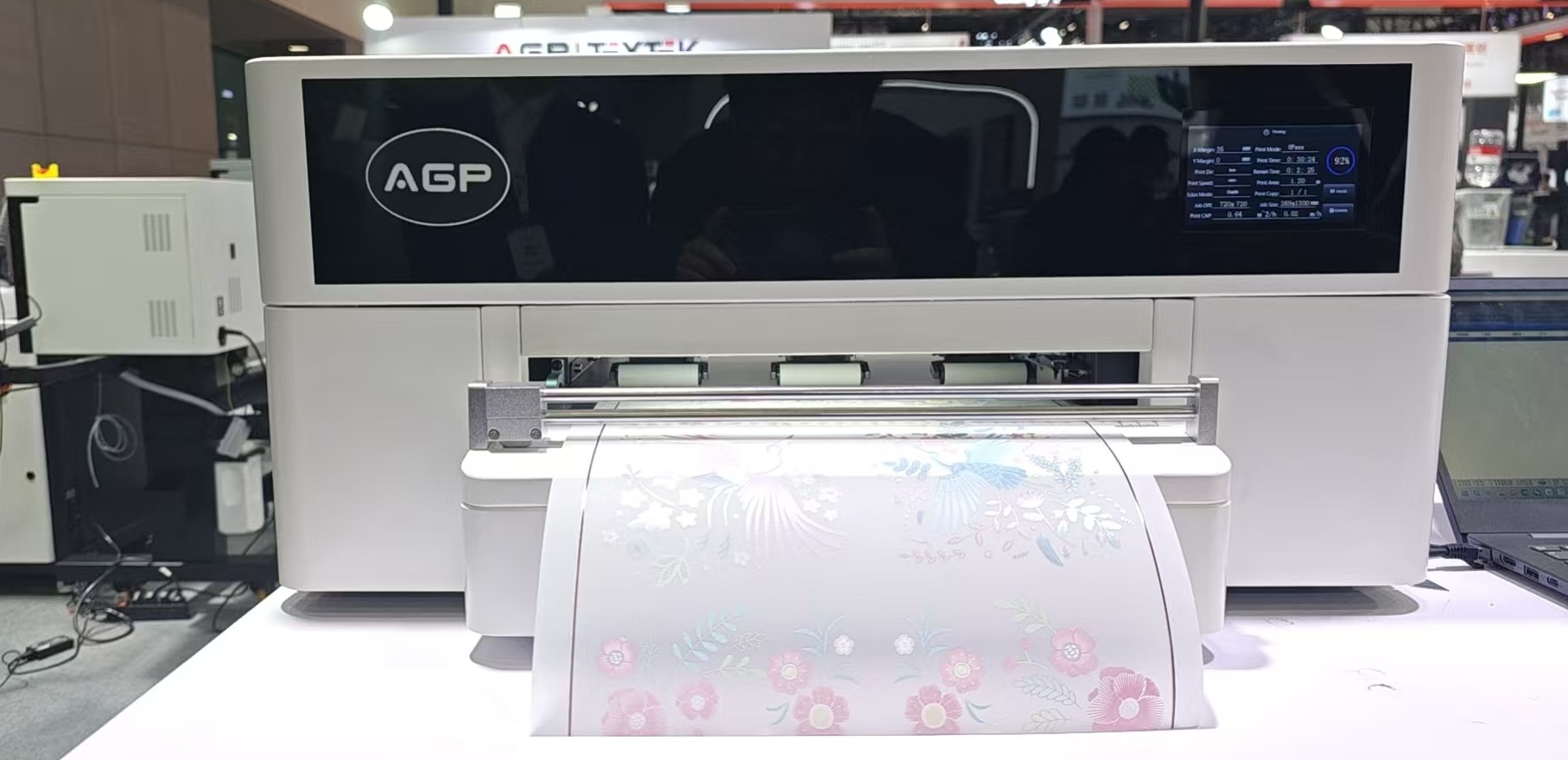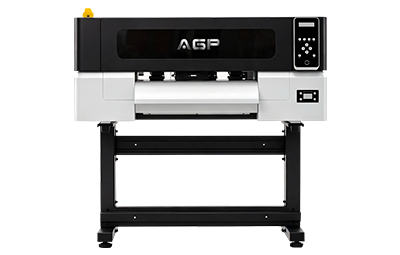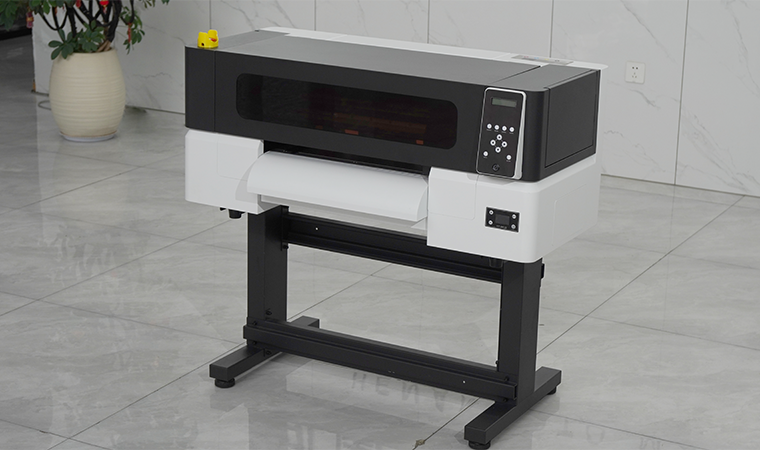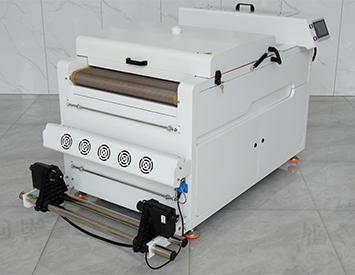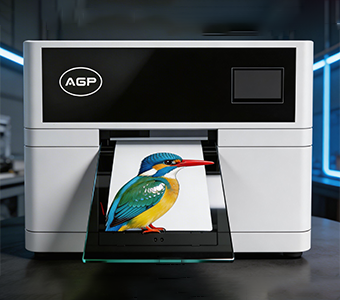
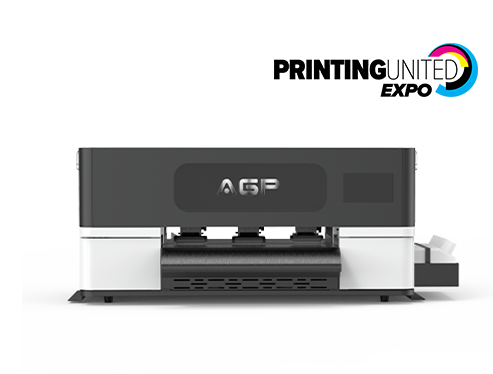
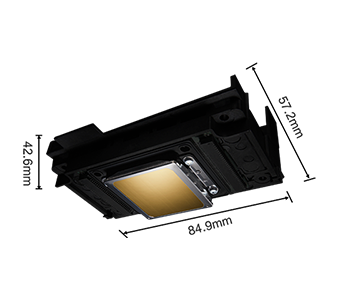
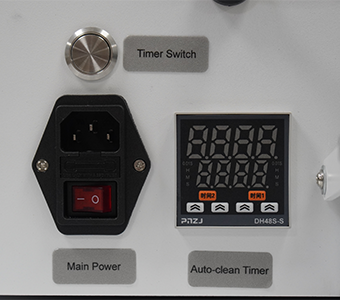
Compact DTF Printer Epson F1080 330mm A3 Direct to Film Transfer Machine for Apparel Printing
The DTF-E30T supports:
RIIN / Flexiprint / NeoStampa
and accepts commonly used image formats including:
JPG, TIF, PDF, and more.
RIP software plays an important role in DTF production because it controls print data, color management, white ink generation, image layout, and print settings.
Supporting multiple RIP software options gives users greater flexibility when integrating the printer into different production workflows.
DTF-E30T Technical Specifications
DTF-E30T Specifications
| Specification | DTF-E30T |
|---|---|
| Printer Type | A3 DTF Printer |
| Model | DTF-E30T |
| Printhead | 1 × Epson F1080 |
| Maximum Print Width | 330mm |
| Ink Configuration | CMYK + W |
| Technology | Direct-to-Film |
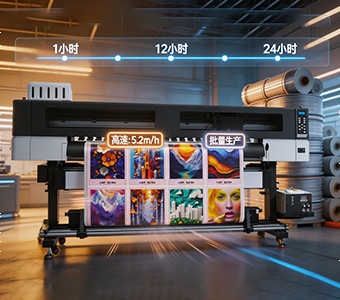
| High-Speed Mode | Up to 5.2 m²/h |
| High-Precision Mode | Up to 3.7 m²/h |
| Image Formats | JPG, TIF, PDF, etc. |
| RIP Software | RIIN / Flexiprint / NeoStampa |
| Power Supply | 110V/220V, 50–60Hz |
| Machine Dimensions | 702 × 561 × 332mm |
| Machine Weight | 42kg |
| Packaging Size | 810 × 560 × 480mm |
| Packaging Weight | 55kg |
Important: For the official product page, I would keep this table exactly aligned with your final technical specification sheet. Your current table has some formatting ambiguity around the speed values, so it is worth standardizing the official version before publication. The AGP product page currently lists the same core configuration and speed modes.
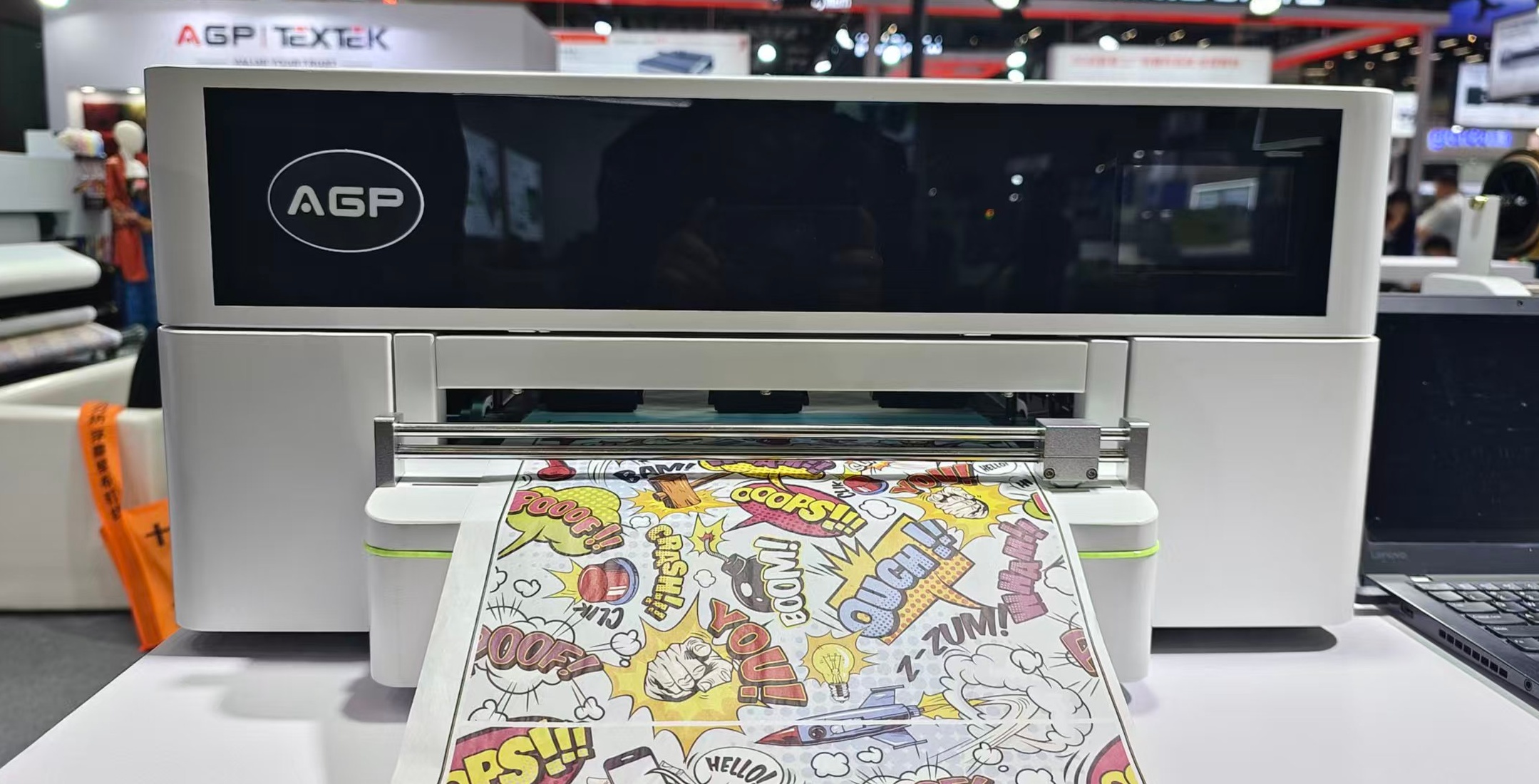
How Does a DTF Printer Work?
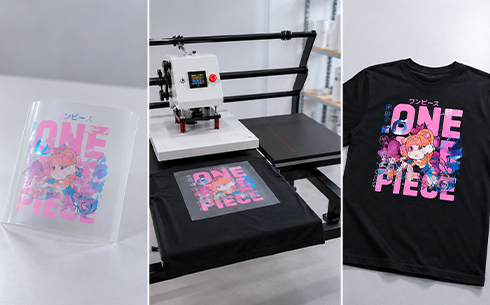
The DTF printing process generally consists of several steps:
Step 1 — Prepare the artwork
Create or import the design using compatible graphic software.
Step 2 — Print onto PET film
The DTF printer prints CMYK color and white ink onto specially coated PET transfer film.
Step 3 — Apply hot-melt powder
The wet printed film receives DTF hot-melt adhesive powder.
Step 4 — Cure the powder
The adhesive powder is heated until it melts and forms a suitable adhesive layer.
Step 5 — Heat press
The finished transfer is positioned onto the garment and transferred using a heat press.
Step 6 — Peel
After the appropriate pressing and cooling process, the PET film is peeled away.
Step 7 — Finished garment
The customized design remains bonded to the textile.
This complete workflow means that buying a DTF printer is only one part of building a complete DTF production system. Film, ink, powder, curing equipment, and heat pressing all influence final print quality.